

Description
Impossible Room Transformation – AI Video Prompt System
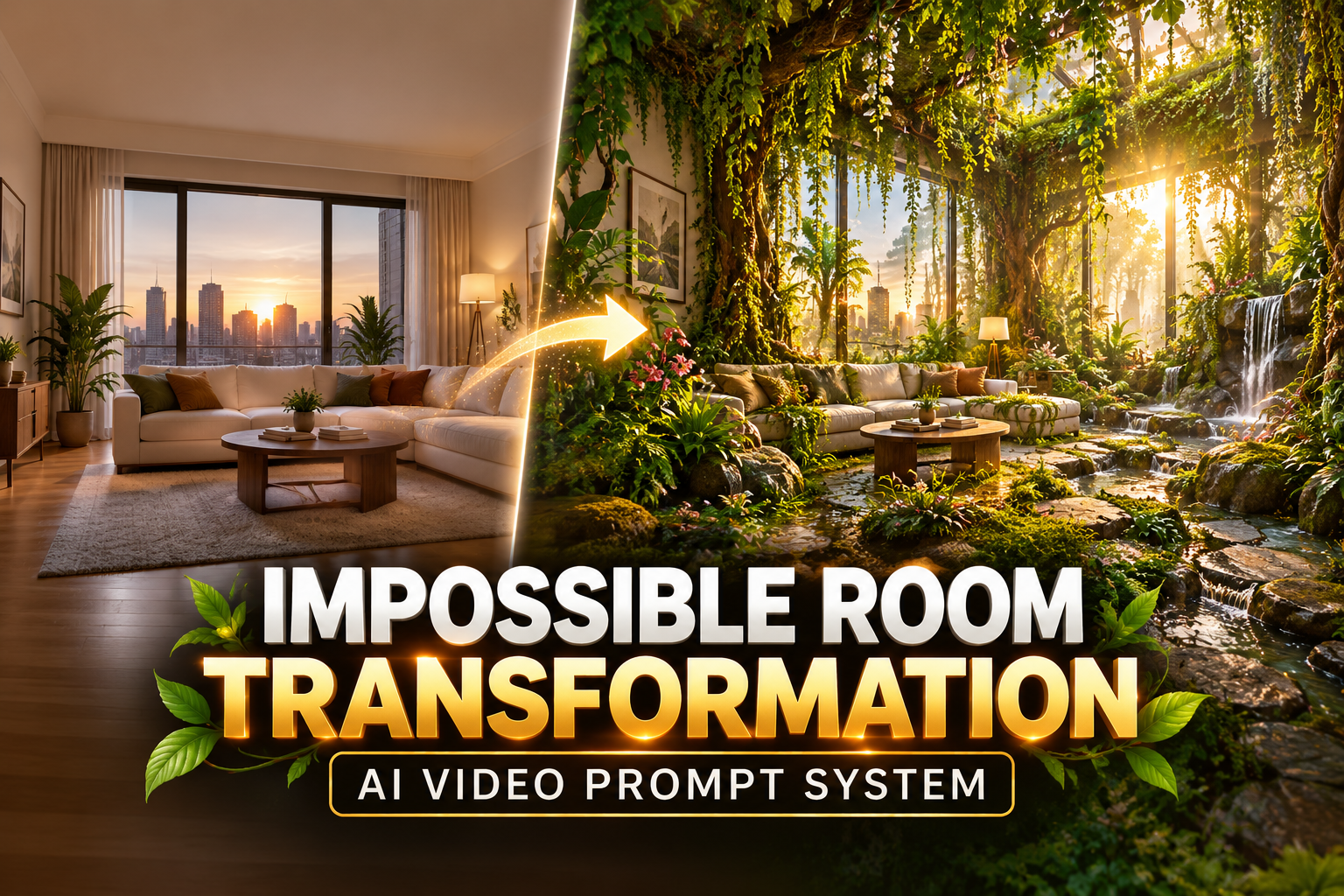
Transform an ordinary room into an extraordinary cinematic environment with the Impossible Room Transformation AI Video Prompt System from The Odd Child.
Imagine a modern living room gradually transforming into a lush indoor forest, with vibrant greenery, natural sunlight, and atmospheric details emerging throughout the scene. Using ready-to-use AI image and video prompts, you can explore dramatic visual transformations while guiding the AI to maintain consistent furniture, windows, architectural features, and room geometry.
This downloadable prompt system is designed for creators who want to produce cinematic image-to-video effects without writing complex prompts from scratch.
Whether you’re creating TikTok videos, Instagram Reels, YouTube Shorts, digital artwork, or experimental visual storytelling, you can begin with the original concept or customize the entire environment to suit your creative vision.
Customize Your Impossible Room Transformation
The included Make It Yours file allows you to personalize the original concept without rebuilding the entire prompt system.
Experiment with:
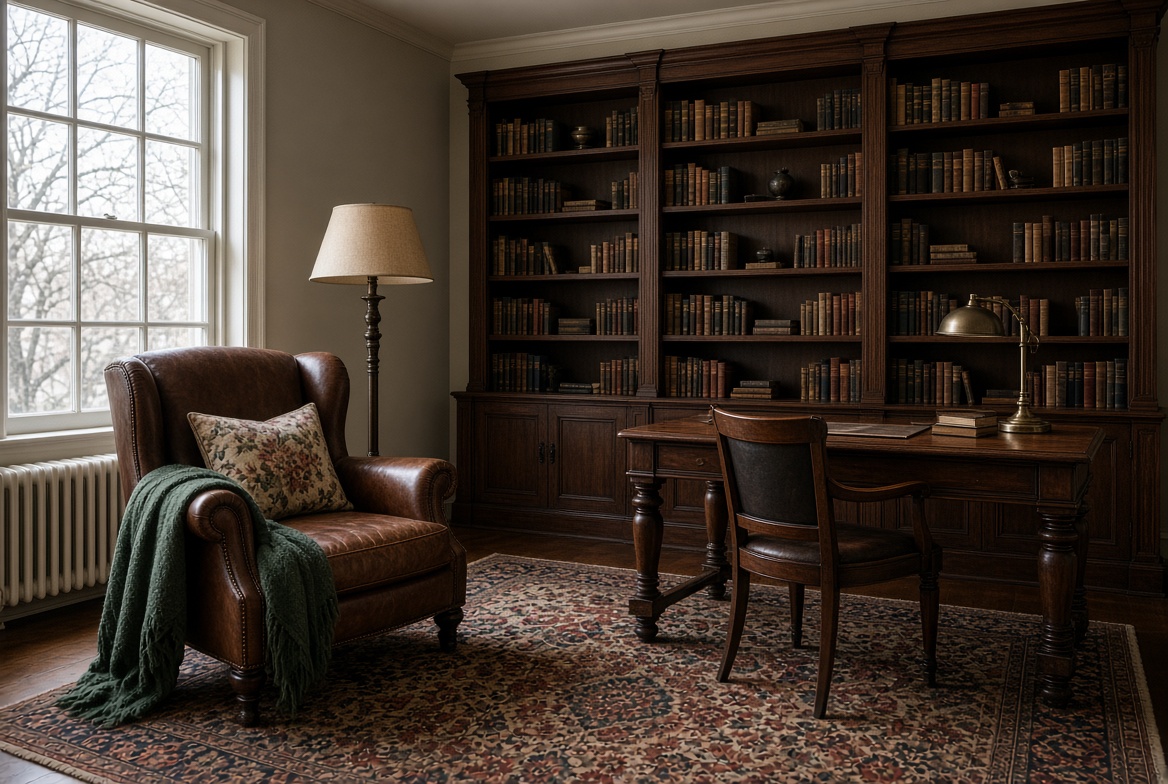
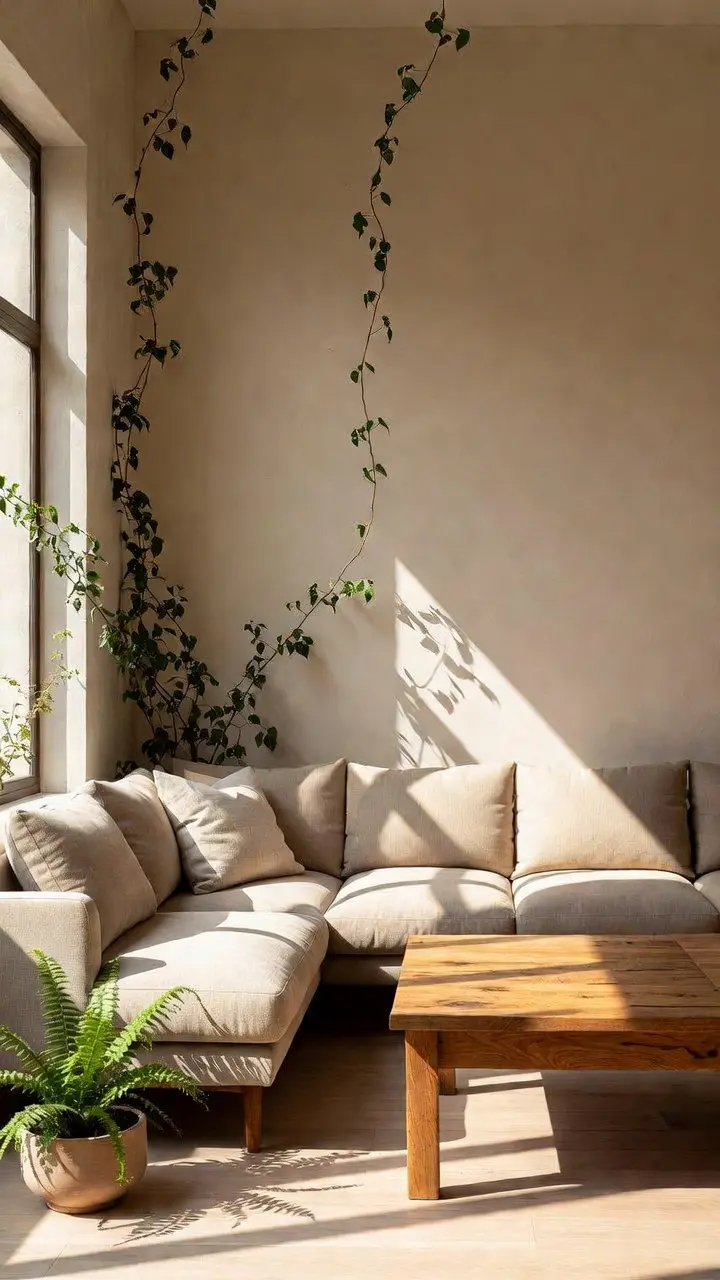
- Room Design: Living rooms, bedrooms, studios, offices, and other interiors.
- Transformation Theme: Forests, underwater gardens, caves, futuristic spaces, or fantasy environments.
- Lighting: Golden-hour sunlight, moonlight, neon lighting, or soft ambient illumination.
- Camera Movement: Slow cinematic movement, smooth forward motion, or other supported camera effects.
- Visual Style: Photorealistic, cinematic, surreal, fantasy-inspired, or stylized.
- Video Format: Vertical, widescreen, or square compositions where supported by your chosen platform.
- Duration: Adjust animation length according to the capabilities of your image-to-video tool.
These customization options make the prompt system reusable for different creative projects and visual styles.
For additional guidance on creating strong starting images and describing cinematic motion, explore these official tutorials:
- OpenAI – Images in ChatGPT: Learn how to generate and refine reference images.
- Runway – Image-to-Video Prompting Guide: Learn how to describe motion, camera movement, and transitions in image-to-video prompts.
These external guides are optional learning resources. This prompt pack does not include access to either platform.
How to Build a Convincing Impossible Room Transformation Video
For a believable impossible room transformation, begin with a clear reference image of your chosen interior. Pay attention to fixed features such as the window placement, doorway, furniture arrangement, and camera angle. These details provide visual anchors that can help an AI video tool maintain continuity as the environment changes.
Next, describe one transformation at a time. For example, plants might emerge along the walls before vines spread across the ceiling and soft daylight filters through the room. A gradual sequence is often easier to follow than introducing every visual effect at once. Keep camera movement restrained so viewers can focus on the transformation itself.
When reviewing your first result, check for drifting furniture, changing room dimensions, flickering textures, and abrupt lighting shifts. If something looks inconsistent, revise the motion instructions or simplify the scene, then generate another version. Different AI tools interpret prompts differently, so results and supported controls will vary.
This approach also works for an underwater room, glowing crystal cave, or futuristic interior. The goal is to make each impossible room transformation feel visually connected from its opening frame to the final reveal.
Create Your Own Cinematic Room Transformation
Take an everyday interior and turn it into an imaginative cinematic experience.
Start with the original room-to-forest concept, explore alternative environments, and customize the visual details to produce a transformation that reflects your creative style.
Get the Impossible Room Transformation AI Video Prompt System from The Odd Child and start creating your own cinematic image-to-video effects.


Leave a Reply