


Description
Motel Hallway Horror – Cinematic AI Video Prompt System
Create eerie, suspense-filled videos with the Motel Hallway Horror AI Video Prompt System from The Odd Child. This downloadable creative toolkit helps you transform an ordinary motel corridor into an atmospheric horror scene using ready-to-use AI image prompts, image-to-video animation instructions, and customizable cinematic effects.
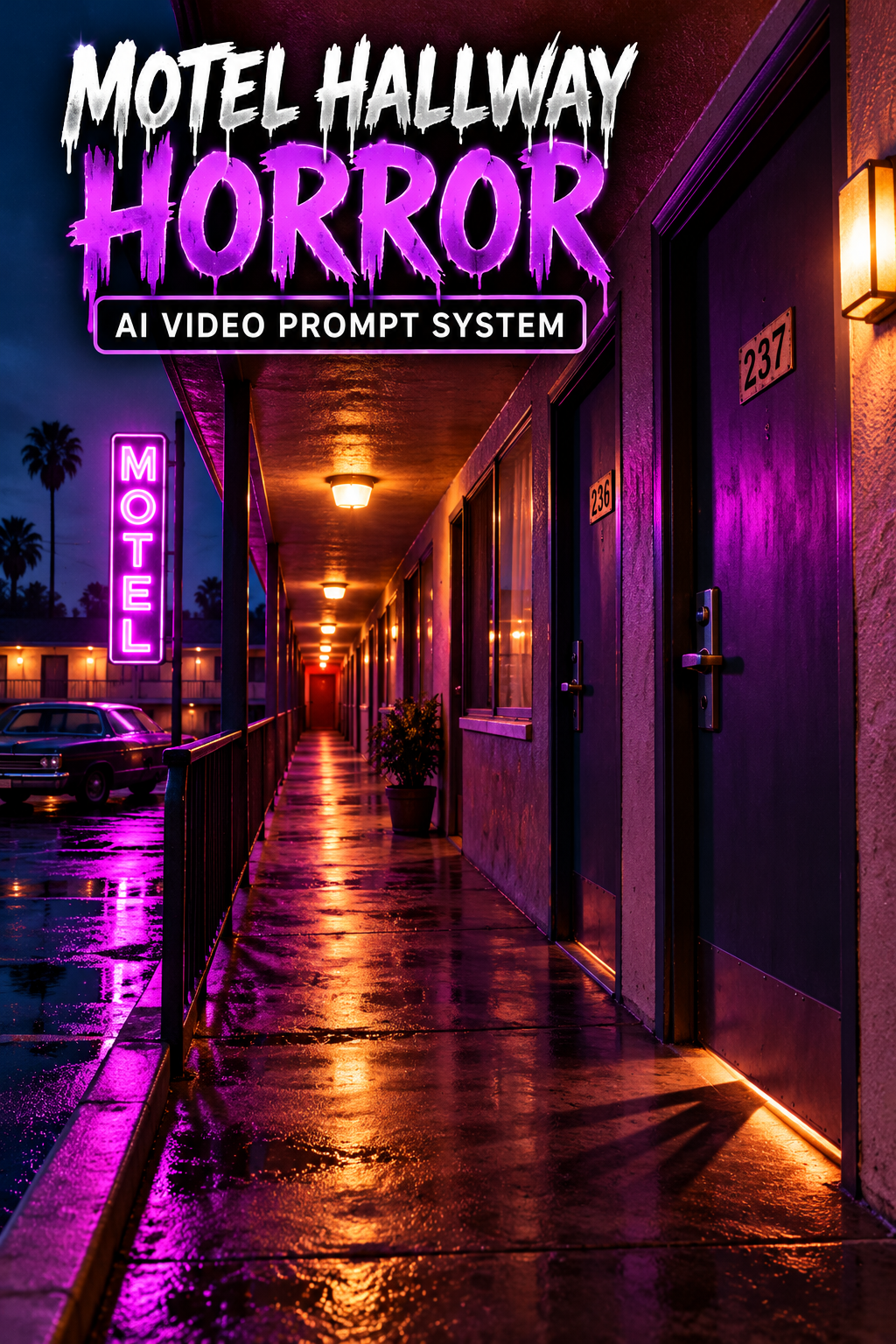
Inspired by vintage 1980s roadside motels, the original concept features an empty corridor illuminated by purple neon and warm amber lighting. Deep shadows, subtle film grain, and slow camera movement establish an unsettling atmosphere without graphic violence or predictable jump scares.
As the camera gradually moves forward, a mysterious shadow briefly appears beneath a closed door before disappearing. The scene ends without revealing its source, allowing suspense and uncertainty to drive the story.
Designed for AI video creators, filmmakers, digital artists, and social media content creators, this prompt system provides a practical starting point for creating short cinematic horror sequences for TikTok, Instagram Reels, YouTube Shorts, and other visual projects.
How to Create a Cinematic Motel Horror Video
Step 1 – Create the reference scene. Start with the provided image prompt and establish a clear corridor layout. Pay attention to door positions, perspective, neon placement, and the relationship between warm and cool lighting.
Step 2 – Add controlled movement. Use the matching animation instructions to guide a slow forward camera movement. Preserve the hallway geometry and keep the atmosphere consistent as the mystery event unfolds.
Step 3 – Customize the suspense. Adjust the location, colors, subtle event, and available duration settings using the included guide. For a motel hallway horror sequence, a single well-timed environmental detail can be more effective than an abrupt scare.
Step 4 – Review and refine. Examine the generated clip for flickering textures, shifting doors, unstable camera movement, or changes in lighting. Simplify the motion instructions and regenerate when necessary. AI video results depend on the generator, settings, and reference image.
Creative Uses and Practical Tips
Motel hallway horror prompts can help creators plan suspenseful scenes with stable lighting, consistent framing, and subtle environmental motion.
Use these prompts to experiment with short suspense scenes, cinematic mood studies, retro horror concepts, and atmospheric social media content. Keep a consistent camera height and avoid introducing new objects without a clear purpose. A coherent setting helps the viewer notice subtle changes and creates a stronger final reveal.
This is a prompt-based digital product, not a finished horror film. You will need compatible image-generation and image-to-video tools, and third-party fees may apply. The included instructions provide a starting point for creative experimentation; results are not guaranteed to match a demonstration video exactly.
Improving Your Horror Video Results
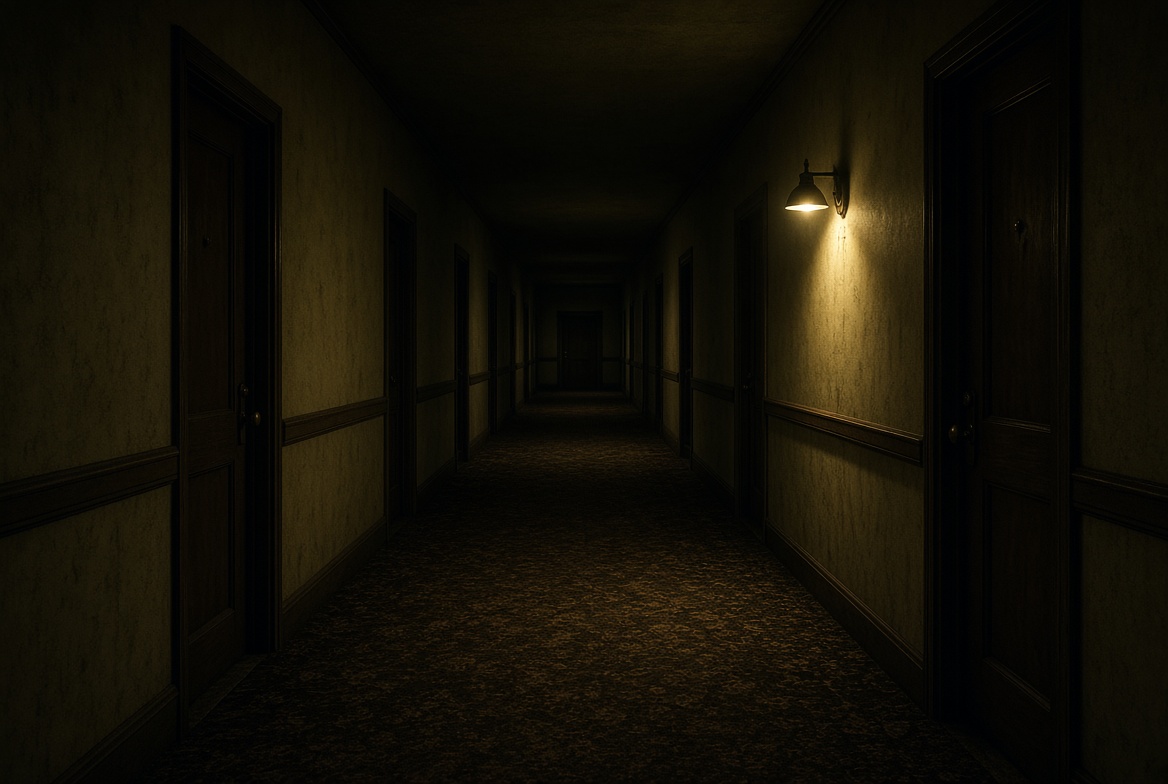
Begin with a clear reference frame that establishes the hallway layout, door placement, and light sources. When creating your animation, describe a slow and steady forward movement and keep the suspense event limited to one small change. Review the generated clip for shifting geometry, inconsistent shadows, and unexpected objects. If the result feels distracting, simplify the motion instructions before generating again.
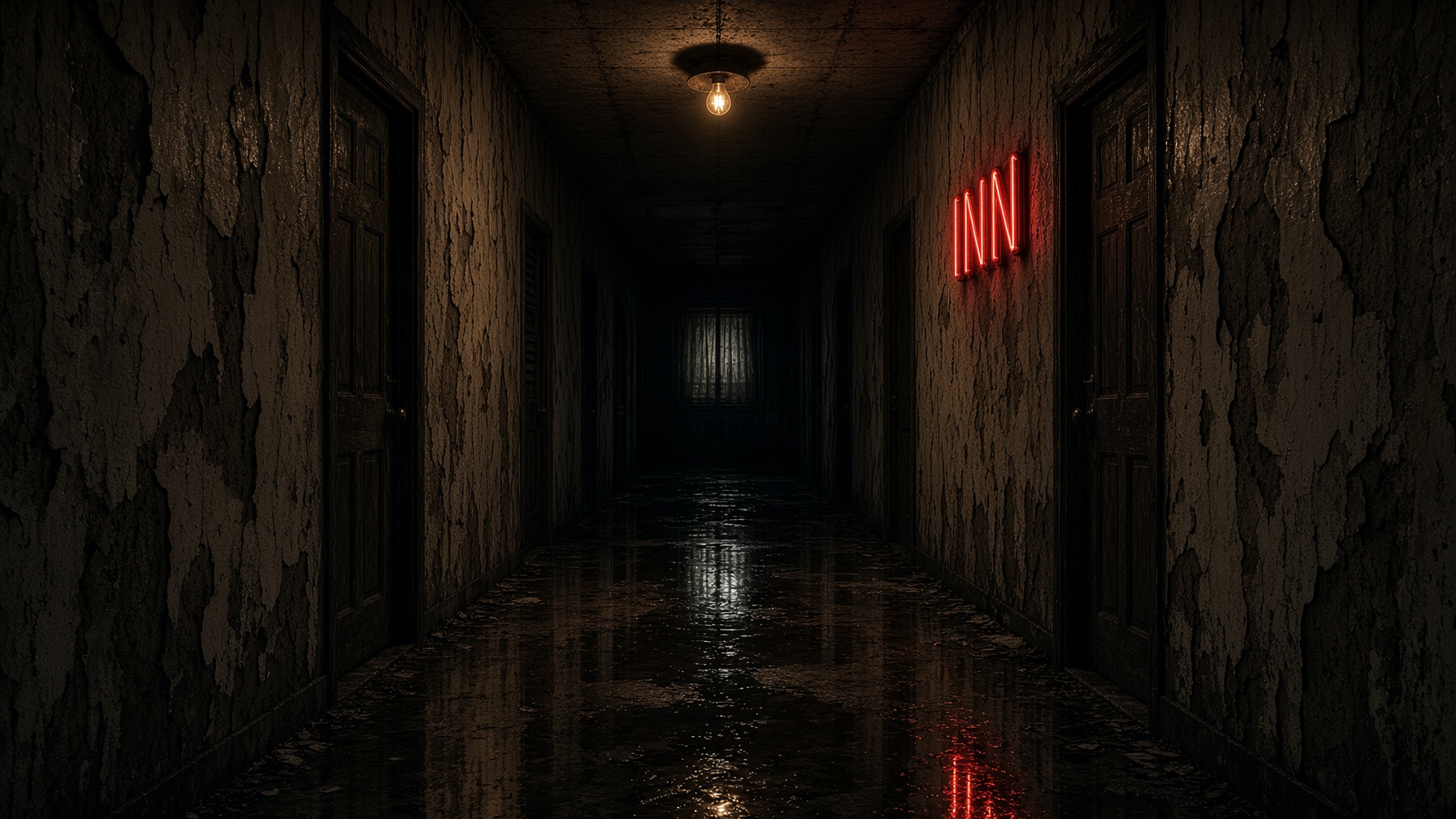
For a different motel hallway horror concept, try changing the neon color or using a rain-soaked roadside setting while preserving a recognizable camera perspective. Small, deliberate adjustments are easier to evaluate than changing every creative detail at once. Output quality and available controls depend on the generator you choose.
Helpful AI Image-to-Video Resources
These optional resources provide further guidance on creating reference images and directing cinematic motion.
Learn techniques for generating, editing, and refining AI reference images.
Runway – Image-to-Video Prompting Guide
Explore approaches to describing scene motion, camera direction, and visual continuity.
These learning resources are provided for reference only. Third-party subscriptions, generation credits, and platform access are not included.
Create Your Own Cinematic Horror Scene
Turn an ordinary roadside motel hallway into a mysterious visual experience using atmospheric lighting, deliberate camera movement, and subtle suspense effects.
Begin with the original 1980s neon-lit corridor, explore different environments, and personalize the scene using the included customization instructions.
Get the Motel Hallway Horror AI Video Prompt System from The Odd Child and start creating your own atmospheric AI horror videos.




Leave a Reply