

Description
Satisfying Crystal Slice – AI Video Prompt System
Create captivating, visually satisfying animations with the Satisfying Crystal Slice AI Video Prompt System from The Odd Child.
Transform a photorealistic still image into a cinematic slicing sequence featuring translucent materials, realistic light refraction, beautiful internal textures, and smooth visual movement.
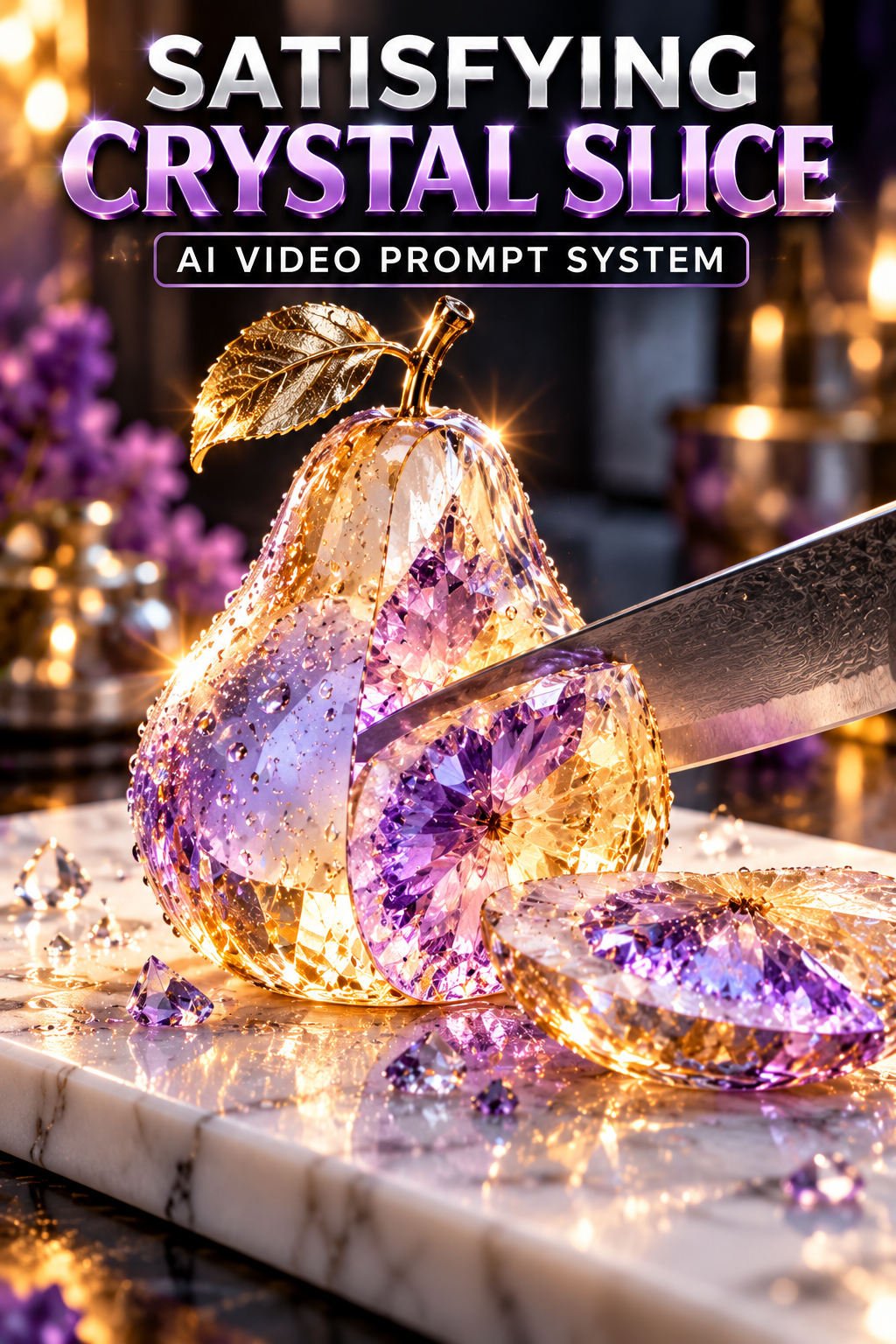
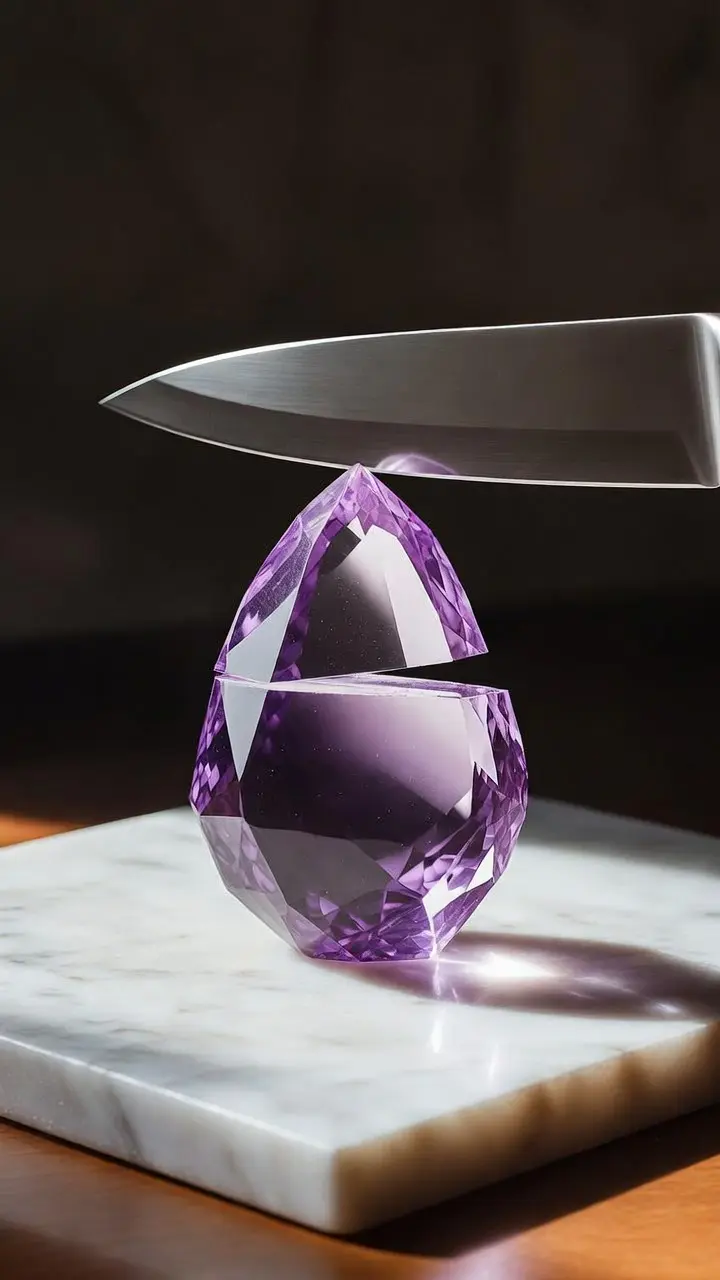
The original concept features a crystal pear resting on a white marble board, illuminated by warm backlighting with subtle violet accents. A clean slice reveals a detailed, faceted interior, creating a distinctive visual effect.
This downloadable AI video prompt system provides ready-to-use image-generation instructions, a matching video motion prompt, and customizable templates for exploring different objects, materials, and lighting styles.
Whether you’re creating TikTok videos, Instagram Reels, YouTube Shorts, artistic experiments, or a digital portfolio, the Satisfying Crystal Slice system provides a beginner-friendly workflow for generating your own visually engaging content.
Customize Your Satisfying Crystal Slice
Use the Make It Yours file to personalize your animation while maintaining a consistent visual concept.
Choose Your Object
Select a pear, apple, lemon, strawberry, or sphere sculpture.
Choose Your Material
Experiment with translucent crystal, frosted glass, clear resin, ice-like glass, or polished gemstone.
Choose Your Surface
Place your object on a white marble board, cream stone slab, black slate board, clear acrylic panel, or soft linen surface.
Choose Your Lighting
Use warm backlighting, cool studio highlights, golden-hour illumination, or bright luxury product lighting.
Choose Your Accent Colors
Personalize the image using violet, amber, emerald, soft rose, or icy blue accents.
Choose Your Video Format
Select the composition that suits your intended platform:
- 9:16 Vertical – Suitable for TikTok, Instagram Reels, and YouTube Shorts.
- 16:9 Widescreen – Suitable for landscape video projects and cinematic presentations.
- 1:1 Square – Suitable for square social media posts and experimental visual content.
Choose Your Duration
The original animation uses seven seconds. The editable prompts also offer six- and eight-second options where supported by your generator.
For more consistent results, use matching object, material, surface, lighting, color, and format settings in both prompts.
Helpful AI Image-to-Video Resources
Explore these official educational resources for additional guidance on creating images and generating cinematic animations.
Learn more about creating and refining reference images using AI image-generation tools.
Runway – Image-to-Video Prompting Guide
Explore techniques for writing effective motion prompts and controlling visual movement.
These external resources are optional and do not provide paid access to either platform.
Important Information
Digital Download: Includes one WebP reference image and two TXT prompt files.
No Finished MP4 Included: This product contains AI image and video prompts, not a completed slicing animation.
AI Tools Required: You will need compatible AI image-generation and image-to-video platforms.
Additional Costs: Some platforms require paid subscriptions or generation credits.
Generated Results May Vary: Object geometry, cutting motion, transparency, refraction, lighting, and visual quality depend on your chosen platform and generation settings.
Creative Simulation: The slicing effect is a generated visual concept, not footage of a physical object being cut.
Branding: Add accurate logos, brand names, or marketing headlines during editing rather than relying on AI image or video generation to reproduce them.
Create Your Own Satisfying Crystal Slice Animation
Turn translucent objects and premium materials into imaginative, cinematic visual experiences.
Start with the original crystal pear, explore different objects and lighting styles, and create your own satisfying slicing animations using customizable image-to-video prompts.
Get the Satisfying Crystal Slice AI Video Prompt System from The Odd Child and start creating your own visually satisfying AI videos.


Leave a Reply