







Description
Giant Climb – AI Colossus Video Prompt Pack
Create scale-reveal videos where a tiny climber discovers that the wall is a giant with 8 original prompt systems, 24 variations and a full creator toolkit.
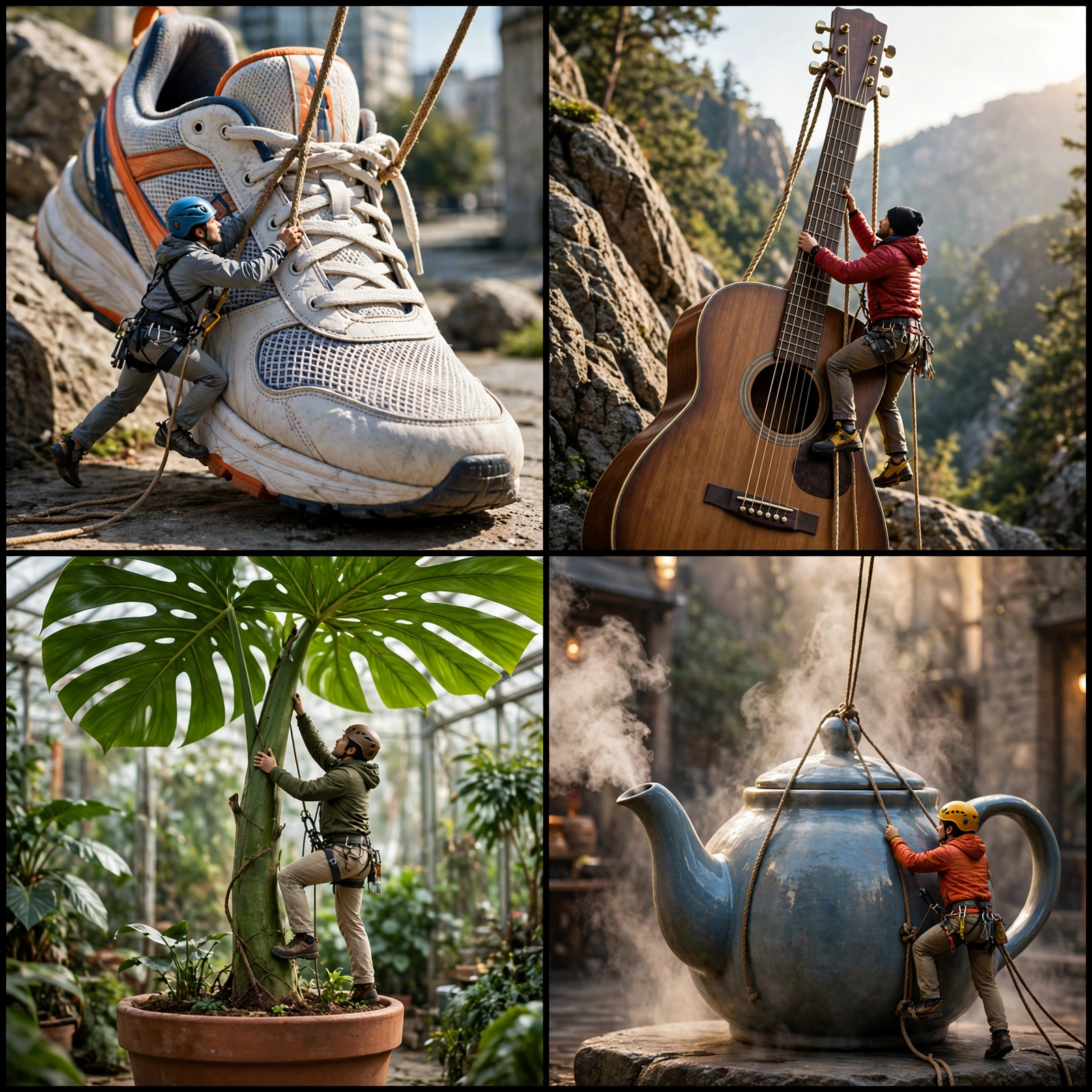
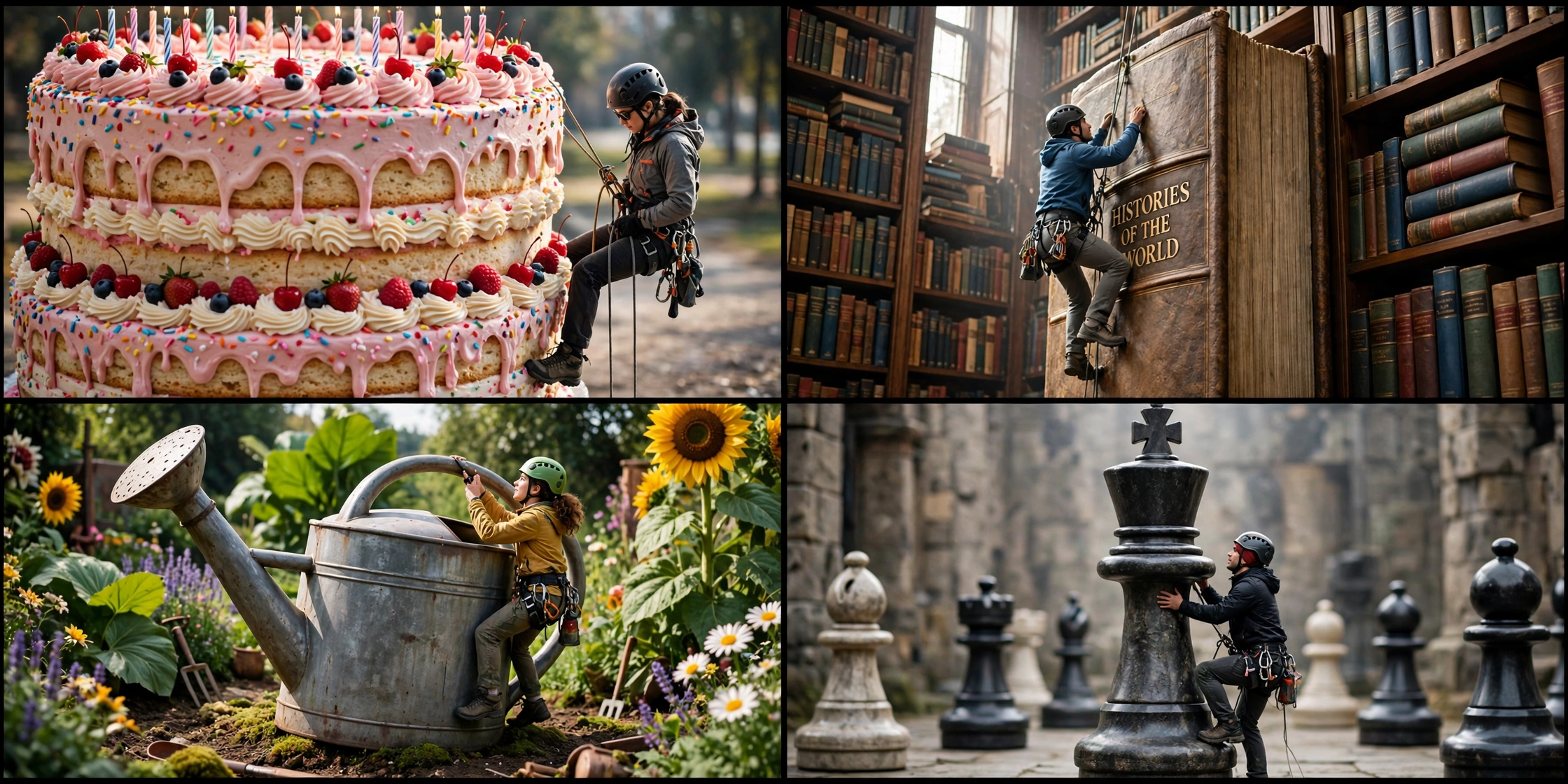
Turn one still image into a breathtaking scale film: a tiny climber scales something so large the viewer cannot read it until the last seconds. Each of the eight systems gives you an original giant, an original climber, three escalating climbing hazards, and a last-third pull-back that reveals what the climber has been climbing, with one small, named movement that proves the giant is alive.
What You Can Create With Giant Climb
- Stone Warden — Climber, orange rope; red canyon wall; reveal: seated giant opens an eye.
- Ice Colossus — Climber, red jacket; blue glacier face; reveal: giant’s glowing heart.
- Moss Titan — Climber, yellow raincoat; misty mossy slope; reveal: sleeping giant, flower.
- Iron Sentinel — Climber, teal suit; dune iron plates; reveal: robot, teal chest lamp.
- Shell Island — Climber, red bandana; green ring-ridged isle; reveal: tortoise head, one blink.
- Magma Warden — Climber, sage jacket; basalt caldera ridge; reveal: giant’s glowing back.
- Clockwork Colossus — Climber, orange suit; city brass wall; reveal: clockmaker, turning gears.
- Coral Giant — Diver, turquoise top; pearl lagoon coral; reveal: giant, pink eyes at sunrise.
Every system is vertical 9:16 and ready for Reels, TikTok and Shorts.
Who It’s For
Made for creators of fantasy, adventure and mystery shorts who want a jaw-dropping final reveal. No prompt-writing experience needed: each system tells you what to paste, in what order.
What’s Included
- 8 original prompt systems — each with a character lock sheet, start-frame image prompt, two motion prompts (Part A and Part B) and a negative prompt.
- 24 variations — three per system (new light, weather or camera).
- 32 ready-to-paste prompts in DOCX, Markdown and a plain TXT copy-paste file.
- Thumbnail prompts and design instructions with example images.
- SEO & social kit — titles, descriptions, hashtags, keywords and posting tips.
- Branded PDF start guide and bonus guides on character consistency, video quality and multiplying one concept.
- Plain-English commercial-use licence.
| Folder | Contents |
|---|---|
| 01 START HERE | Welcome guide, how to use, platforms, beginner setup, testing summary |
| 02 VIDEO PROMPTS | DOCX, MD and TXT |
| 03 THUMBNAILS | Prompts, design instructions, example images |
| 04 SEO & SOCIAL | Titles, descriptions, hashtags, keywords, slugs, posting tips |
| 05 BONUS | Character consistency, video quality, multiply-one-concept guides and licence |
Supported Platforms
Use the prompts with any image-to-video tool. Only Grok Imagine was used for testing.
- Grok Imagine — The only platform used to test these prompts (480p, image-to-video). Part A 8 s, then Part B 7 s from Part A’s last frame.
- Seedance 2.0 (via Runway, GVOID or similar) — Good fit for a single 15 s pass; add extra reference images of your hero for consistency. Not tested.
- Kling — Use Part A and Part B as two clips chained by the last frame. Not tested.
- Veo 3.1 (Google Flow) — Use Part A and Part B; native audio can follow the Sound lines. Not tested.
- Runway (Gen-4.5 / hosted models) — Part A and Part B chained by last frame. Not tested.
- Hailuo — Part A and Part B chained by last frame. Not tested.
Sora is not covered: OpenAI shut down Sora 2 consumer access and the API in 2026. Check each platform’s current limits before you start.
How It Works
- Make the start frame. Paste the start-frame prompt into the image generator at 9:16.
- Animate Part A. Upload your start frame to the video platform in image-to-video mode.
- Animate Part B. Upload that last frame as the start image, paste the Part B prompt (about 7 seconds).
- Join the clips and finish. Stitch Part A and Part B in any editor (CapCut, DaVinci Resolve, Premiere, or ffmpeg).
The included PDF guide walks you through every step, including how to grab the last frame and join the clips.
Sample Prompt Preview
A trimmed look at Stone Warden, the tested system in this pack. The full prompts are in your download.
START-FRAME IMAGE PROMPT (trimmed)
Photorealistic cinematic still, vertical 9:16, epic fantasy-film realism. Rear low view, looking up past her shoulder, of Tamsin Rook, a wiry woman in her late 20s with tan skin, short black hair and a thin scar through her left eyebrow, wearing a mustard-yellow climbing jacket, grey trousers, brown leather gloves, a white helmet with a red band, and a coil of bright orange rope across her chest. She hangs on …

PART A MOTION PROMPT (trimmed)
Animate this exact start frame into one continuous vertical 9:16 shot, no cuts. Keep Tamsin Rook identical throughout: short black hair, scar through her left eyebrow, mustard-yellow jacket, white helmet with a red band, orange rope coil. Her jacket stays mustard yellow and the rope bright orange in all lighting; the red rock never tints them. Falling pebbles come from the rock above and to the left of her, beside and above, never from below. Dust from falling rock stays …
Honest Testing Status
Tested on Grok Imagine: System 1 (Stone Warden). These were generated as 480p image-to-video preview renders (Part A 8 s, then Part B 7 s from Part A’s last frame) and checked frame by frame. The other 7 systems have not been generated yet and are marked UNTESTED inside the pack; they use the same structure and lessons. This system was also re-run with the realism wording and looked more photographic; some details (hero size in frame, the giant’s glowing eyes) varied. Nothing was tested on other platforms, and results vary by platform, settings and seed. Preview images are 480p test frames, not final-quality renders.
Download & File Formats
Instant digital download of one ZIP file. Formats: ZIP containing PDF, DOCX, Markdown (MD), TXT, CSV and WebP images. Nothing to install; open the files on any phone or computer.
Licence Summary
You may use the videos and images you generate with these prompts commercially (social media, ads, client work, your own products). You may not resell, share, post or redistribute the prompts or any file in the pack, or use them to make a competing prompt product. The full plain-English licence is included in the download.
Purchase Information
How do I get my files?
Which tools do I need?
Can I use the videos commercially?
Is Sora supported?
What currency and taxes apply?
More AI Video Resources
Save with the Cinematic Series – All 10 Packs bundle, browse the Video category, or explore the 10 Branded AI Video Prompt Systems bundle.
Start Creating With Giant Climb
Get 8 systems, 24 variations, guides and a commercial-use licence for C$4.99.
Download Giant Climb and make your first cinematic AI video today.
Make Your First Reveal With the Giant Climb AI Colossus Video Prompt Pack
The Giant Climb AI colossus video prompt pack was built and tested on Grok Imagine, so you can paste a start-frame prompt, generate your still, and animate it in the same workflow. Learn more about the tool at Grok Imagine.
Start with System 1, Stone Warden, then try a second system with different scenery or scale. The Giant Climb AI colossus video prompt pack gives you a repeatable process, so each new reveal is faster than the last.
If you like this style, browse all AI video prompt packs on The Odd Child, or save with the Cinematic Series – All 10 Packs bundle. The Giant Climb AI colossus video prompt pack is a good first pack if you want awe-inspiring, vertical, cinematic scale reveals.
Your Giant Climb AI colossus video prompt pack download includes the full ZIP, so you can keep every system, variation and guide in one place.
Why the Giant Climb AI Colossus Video Prompt Pack Works
Every system in the Giant Climb AI colossus video prompt pack follows the same proven structure: a locked climber, a detailed start frame, a Part A motion prompt, a Part B motion prompt and a last-frame reveal. That structure is why the Giant Climb AI colossus video prompt pack keeps viewers watching to the final second, instead of losing them in the first three.
Giant Climb AI colossus video prompt pack: questions creators ask

Is the Giant Climb AI colossus video prompt pack beginner-friendly? Yes. The Giant Climb AI colossus video prompt pack is built for beginners: every system starts with a ready-to-paste prompt, so you can make your first scale-reveal clip in minutes without writing prompts from scratch.
What do I get in the Giant Climb AI colossus video prompt pack? You get 8 prompt systems, 24 variations, thumbnail prompts, an SEO and social kit, bonus guides and a plain-English commercial-use licence, all as an instant digital download in vertical 9:16 format.
Which tools work with the Giant Climb AI colossus video prompt pack? The Giant Climb AI colossus video prompt pack works with the image and video tools listed in the Start Here guide, including the tools used for the tested 15-second example clip, and the prompts are written so you can adapt them to other AI video tools.
Can I use the Giant Climb AI colossus video prompt pack for client work? Yes. The Giant Climb AI colossus video prompt pack includes a commercial-use licence, so you can use the videos you create with it for your own channels and for client projects, following the licence terms in the pack.
Watch the Giant Climb AI colossus video prompt pack in action: a 15-second test clip made with the Giant Climb prompts.




Reviews
No customer reviews yet. Purchased this product? Share your experience to help another creator.