


Description
Cinematic Werewolf Transformations – 10 AI Werewolf Video Prompts
Create dramatic supernatural transformations with cinematic AI werewolf video prompts.
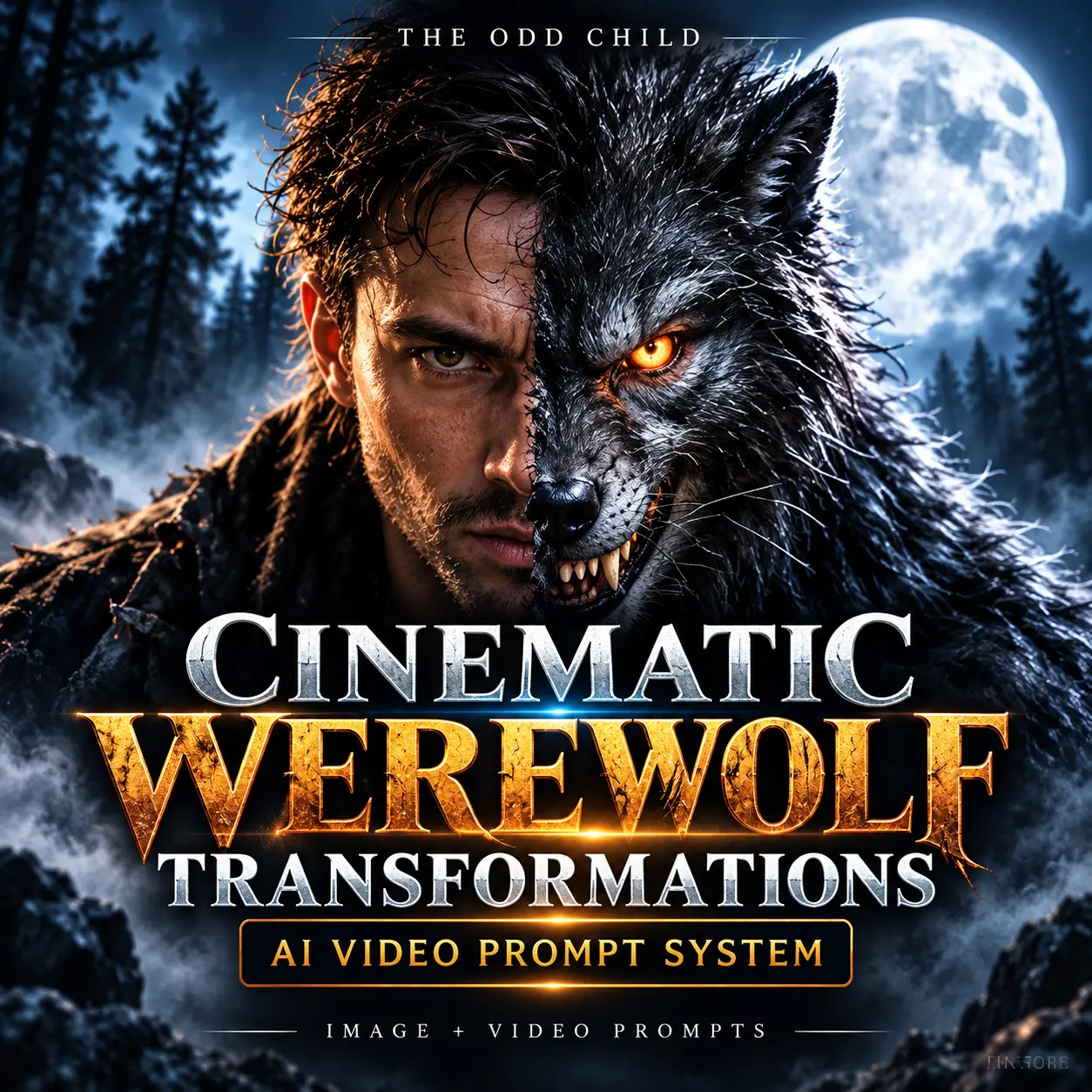
Bring supernatural horror to life with Cinematic Werewolf Transformations, a downloadable AI video prompt system featuring atmospheric environments, mysterious characters, and dramatic creature effects.
With Cinematic Werewolf Transformations, creators can develop original AI-generated videos featuring glowing eyes, emerging fur, moonlit forests, and supernatural character transformations.
Designed for filmmakers, digital artists, and content creators, this toolkit provides ready-to-copy image prompts, animation instructions, and 10 customizable werewolf concepts.
Whether you’re creating short horror videos, experimenting with AI filmmaking, or developing supernatural storytelling concepts, Cinematic Werewolf Transformations provides a practical starting point for cinematic animation.
10 Transformation Concepts | AI Image Prompts | Video Instructions | Instant Digital Download
How to Create Cinematic Werewolf Transformations
Follow a straightforward two-step process to transform an original character image into a supernatural animation.
Step 1 — Generate Your Cinematic Image
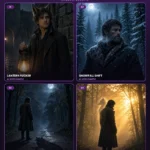
Use the included image prompt to create a fictional adult traveler wearing a weathered jacket in a moonlit forest clearing beside an old stone cabin.
The original scene features cold moonlight, warm cabin-window lighting, atmospheric shadows, detailed clothing, and vertical 9:16 framing.
Generate your reference image using a compatible AI image-generation platform.
For better consistency, establish your character’s appearance, clothing, lighting, and environment before creating the animation.
Step 2 — Animate Your Transformation
Upload your image to a compatible AI image-to-video generator.
Apply the included animation prompt to create an approximately eight-second transformation sequence.
The traveler grips a tree trunk, gradually develops wolf-like features, and turns toward the moon.
The animation instructions emphasize controlled movement, gradual transformation effects, stable camera positioning, and consistent character appearance.
Review the animation for realistic-looking motion, environmental stability, and smooth visual transitions.
If necessary, adjust individual prompt instructions and generate another version.
10 Cinematic Werewolf Transformation Concepts
Explore these customizable supernatural video ideas.
1. Moonlit Ranger
A forest ranger develops subtle fur while their shadow becomes wolf-shaped beneath the moonlight.
2. Cabin Reflection
A traveler notices a mysterious werewolf silhouette appearing in a rainy cabin window.
3. Forest Footprints
An explorer discovers their footprints transforming into clawed paw prints along a forest trail.
4. Silver Moon Reveal
Glowing eyes and a changing silhouette reveal a supernatural transformation beneath the moon.
5. Fog Emergence
Dense forest mist gradually reveals a mysterious figure with wolf-like features.
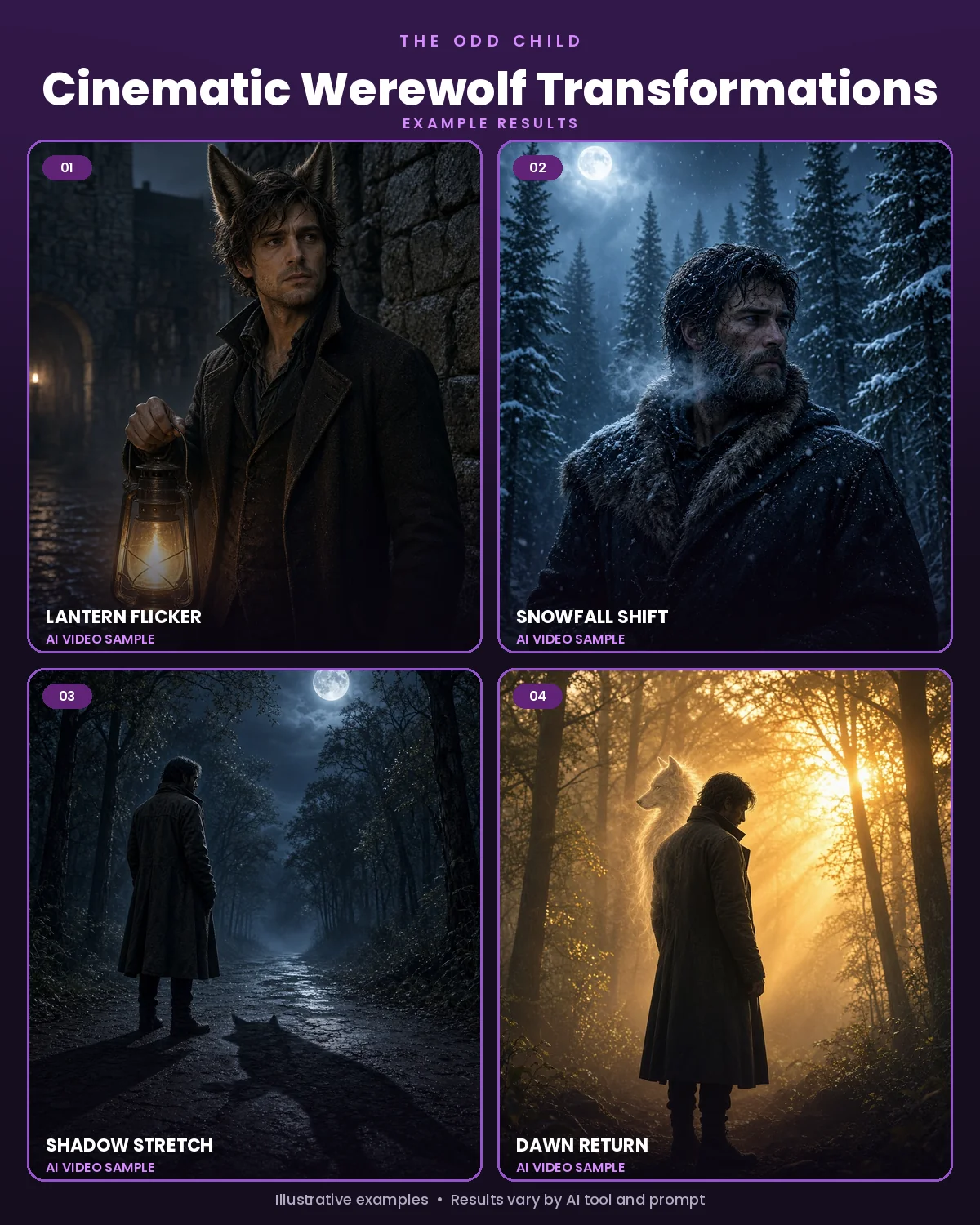
6. Lantern Flicker
A sudden lantern flare reveals elongated ears and a changing facial silhouette.
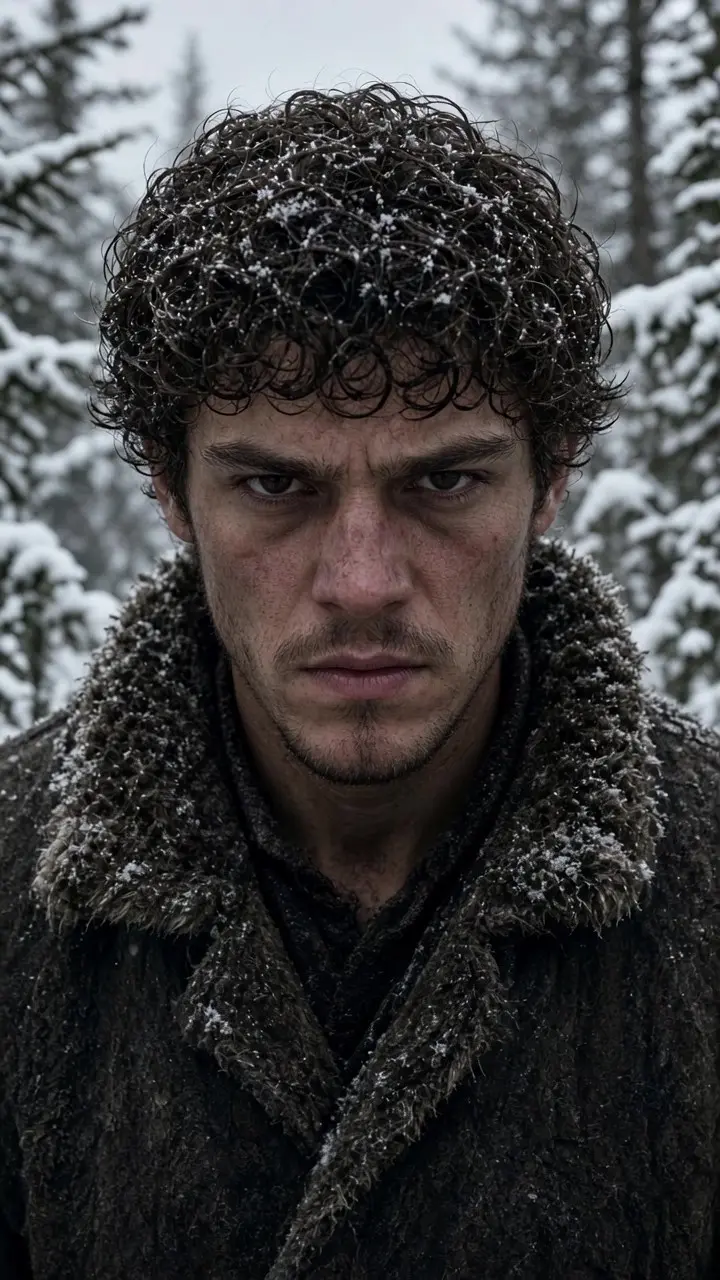
7. Snowfall Shift
A forest ranger develops fantasy fur beneath falling snow in a quiet woodland setting.
8. Shadow Stretch
A traveler’s shadow transforms into a wolf-like creature before the character changes.
9. Midnight Howl
A mysterious silhouette changes shape before lifting its head toward the moon.
10. Dawn Return
A supernatural wolf-like figure gradually returns to human form at sunrise.
Each concept provides a creative starting point for developing original AI-generated horror videos with different characters, environments, and transformation effects.
Customize Your Cinematic Werewolf Transformations
Personalize your cinematic transformations using editable creative settings.
Characters: Forest rangers, mysterious travelers, explorers, and original adult fantasy characters.
Locations: Moonlit forests, abandoned cabins, snowy landscapes, atmospheric clearings, and mysterious woodland trails.
Transformation Effects: Emerging fur, glowing eyes, changing silhouettes, clawed hands, and supernatural creature features.
Lighting: Cool moonlight, warm lantern illumination, dramatic shadows, and cinematic contrast.
Camera Movement: Locked camera, subtle push-in, or gentle side tracking.
Video Duration: Six-, eight-, or ten-second sequences when supported by your generator.
Aspect Ratios: Vertical 9:16, widescreen 16:9, or square 1:1.
These customization options help you develop different supernatural scenes while maintaining a consistent visual direction.
You can also experiment with slower transformations, mysterious reflections, dramatic final poses, and atmospheric environmental effects.
Why Choose Cinematic Werewolf Transformations?
Save Creative Time: Start with structured AI image and video prompts instead of writing every instruction from scratch.
Explore Original Horror Concepts: Experiment with 10 supernatural transformation ideas featuring different characters and cinematic environments.
Create Short-Form Videos: Develop horror concepts for TikTok, Instagram Reels, YouTube Shorts, and other creative platforms.
Customize Your Characters: Adjust appearance, environments, lighting, and creature effects to create original variations.
Improve Your Workflow: Follow repeatable steps for generating images, animating scenes, and refining results.
Beginner-Friendly Instructions: Use a straightforward image-to-video creation process without needing to develop complex prompts independently.
The Cinematic Werewolf Transformations system is also useful for experienced creators who want to experiment with different supernatural effects and cinematic storytelling techniques.
More AI Video Resources
Explore the 10 Branded AI Video Prompt Systems – Complete Bundle for additional cinematic video concepts, creative effects, and storytelling workflows.
For official information about AI creation tools, visit the OpenAI Help Center.
Start Creating Cinematic Werewolf Transformations
Transform mysterious forests, supernatural characters, and dramatic creature effects into original AI-generated animations.
With Cinematic Werewolf Transformations, you can explore 10 creative concepts, customize your characters, and develop cinematic horror scenes using ready-to-copy prompts.
This is a digital prompt product, not a collection of finished videos. Compatible third-party AI generation tools are required.
Create the Suspense. Transform the Character. Bring Your Horror Vision to Life.

Reviews
No customer reviews yet. Purchased this product? Share your experience to help another creator.