



Description
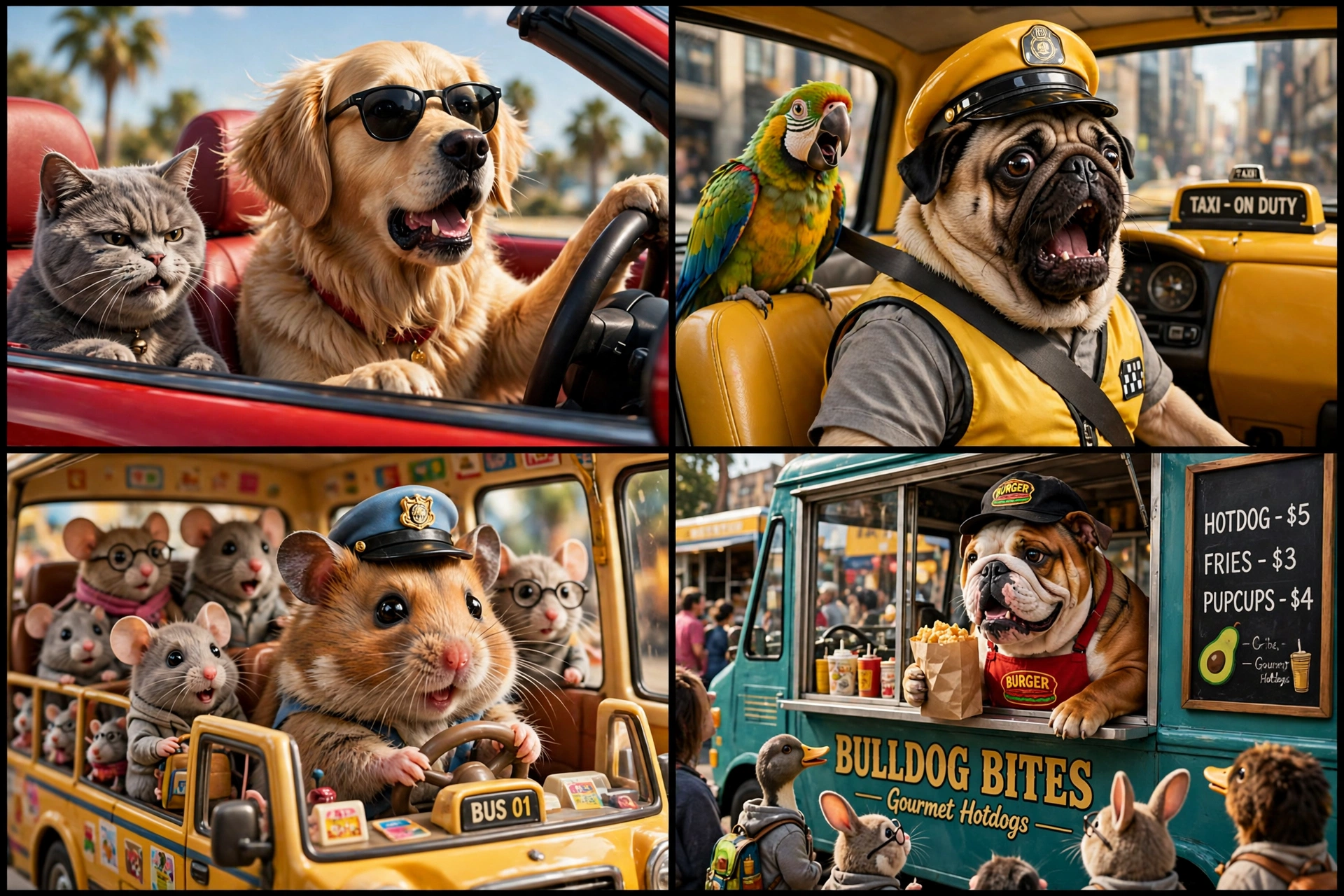
A talking pet driver turns an ordinary car ride into a comedy scene people stop scrolling for. When the driver is a dog in sunglasses, a cat with road rage, or a parrot giving directions, the joke lands before a single line of dialogue is spoken. This prompt system gives you ten ready-to-use scenes built around that one idea, so you can create funny short videos without writing prompts from scratch.
Each prompt in this system is written as a complete scene. You get the animal, the vehicle, the setting, the mood, the camera angle, and the dialogue, all in one copy-and-paste block. Change the pet, the car, or the destination, and the same prompt gives you a brand-new video. That is the whole point of a talking pet driver system: one strong idea, endless variations, and no blank page.

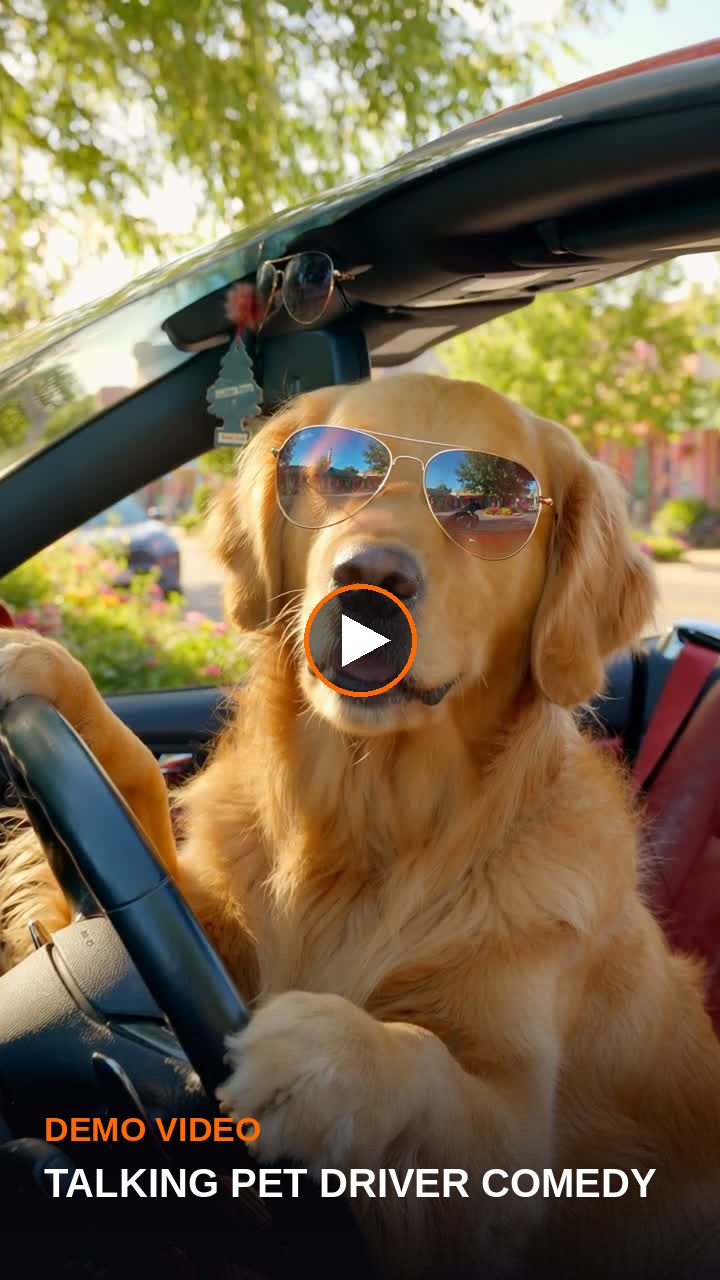
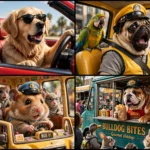
The cover shows the idea in one frame: a confident dog behind the wheel, city lights behind him, and a joke you can see before you hear it.
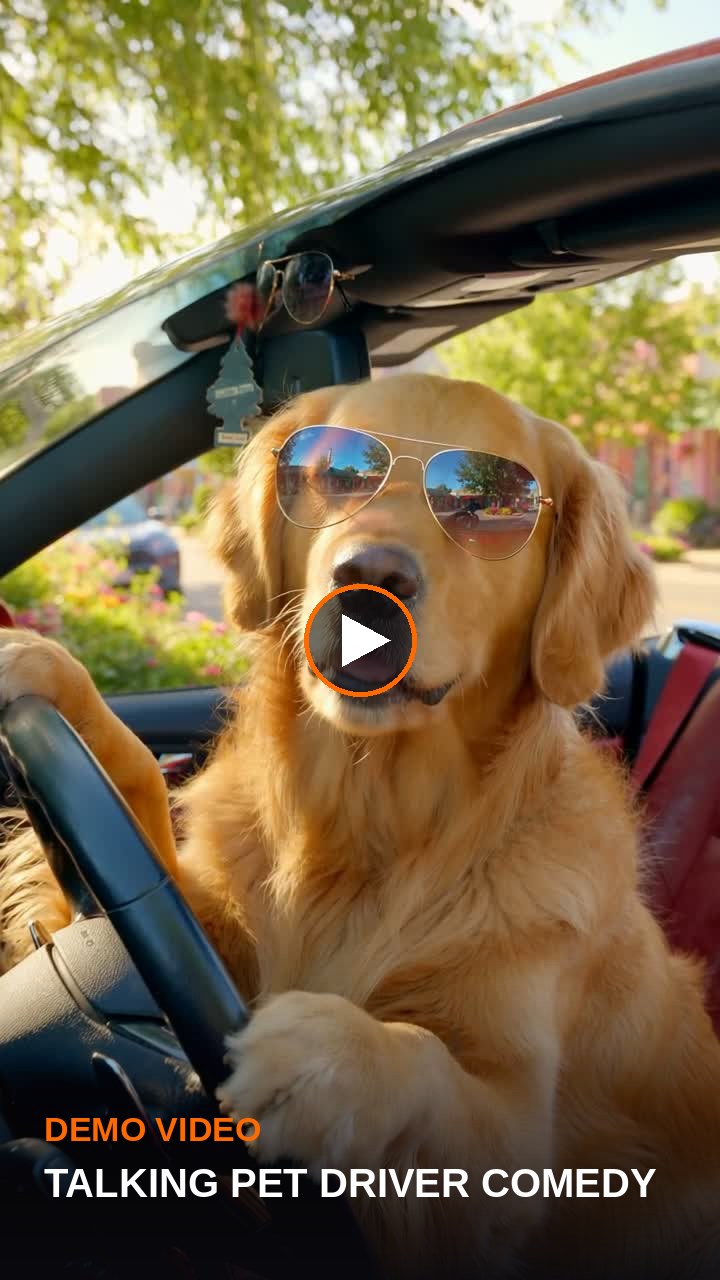
Watch the demo above to see a talking pet driver in action. The clip shows the pacing, the reactions, and the kind of dialogue the prompts are written to produce, so you know exactly what you are making before you buy.
Why a Talking Pet Driver Works So Well
Talking animals are already one of the most reliable comedy formats on short-form video, and putting one behind the wheel adds a second joke for free. The animal is funny, and the situation is absurd, so the viewer gets two reasons to watch in the first second. A talking pet driver also gives you a natural reason for dialogue: the pet can complain about traffic, argue with the sat-nav, or brag about its driving skills, and every line feels like it belongs in the scene.
The format is flexible, too. A talking pet driver works as a five-second gag or a thirty-second sketch, as a single clip or as a recurring character across a whole series. Keep the same pet and the same car, change only the destination or the passenger, and viewers start to recognise your character. That recognition is what turns one viral clip into a channel people follow.
- A dog driving a taxi and rating its passengers.
- A cat stuck in traffic, losing its patience one meow at a time.
- A parrot in the passenger seat giving directions nobody asked for.
- A hamster learning to drive in a toy car, taking it very seriously.
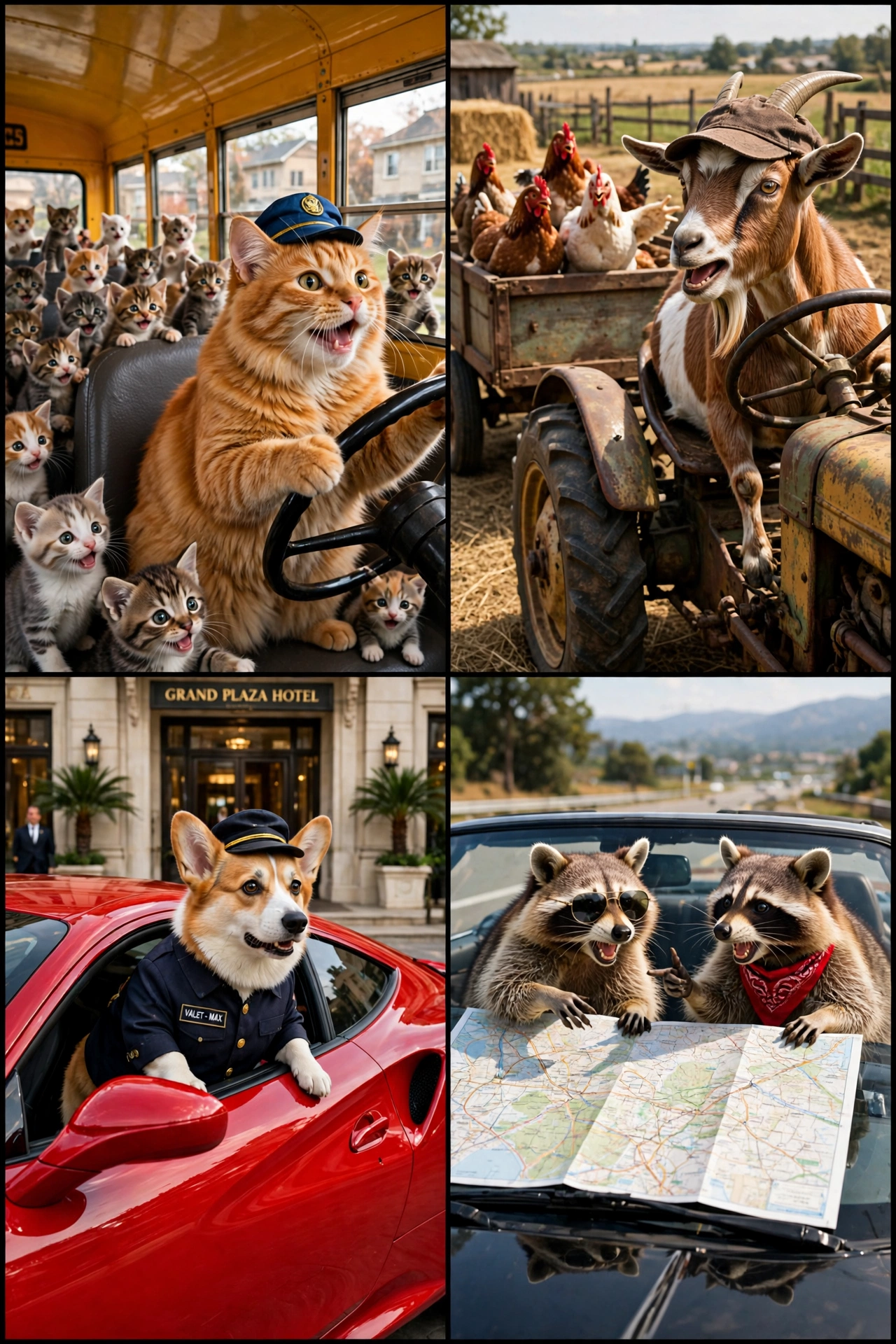
- A goat driving a delivery van, delivering packages to the wrong houses.
What’s Included
- START HERE instructions
- COPY AND CREATE prompts
- MAKE IT YOURS
- 10 CREATIVE VARIATIONS
- VOICE AND SOUND
- TROUBLESHOOTING
- LICENSE AND RIGHTS
The START HERE instructions explain the whole system in a few minutes. They show you how each prompt is built, which parts to change first, and which parts to leave alone. If you have never used an AI video tool before, start here and you will be generating your first talking pet driver clip within minutes, not hours.
The instructions also explain how to pick a scene that fits your channel, how long each clip should run, and how to keep the pet, the car, and the joke consistent when you make a series. Nothing in this section assumes you know the tool already, and nothing is hidden behind jargon.
The COPY AND CREATE prompts are the heart of the pack. Ten complete prompts cover ten different driving scenes, from a calm countryside drive to a chaotic city chase, and each one includes the setting, the animal, the vehicle, the camera work, and the dialogue. The MAKE IT YOURS section then shows you how to swap the pet, the vehicle, the location, and the punchline, so the same ten prompts can produce fifty different videos.
The 10 CREATIVE VARIATIONS section gives you ready-made twists for each scene, so you never run out of ideas for your next talking pet driver video.
VOICE AND SOUND covers dialogue, tone, and sound effects: how to write lines that sound spoken rather than written, when to add engine noise or a horn, and how to keep the pet’s voice consistent from clip to clip.
TROUBLESHOOTING answers the problems that actually happen, such as a pet that changes appearance between clips, dialogue that does not match the mouth, or a scene that looks right but feels flat. LICENSE AND RIGHTS explains in plain language what you can do with the videos you create, so you can post, monetise, and build a series with confidence.
Who It’s For
Short-form creators, social media managers, and small teams who want consistent, repeatable comedy without starting from a blank page.
If you post on TikTok, Reels, or Shorts and you need funny videos on a regular schedule, this system is built for you. A talking pet driver series gives you a format you can repeat every week: same character, new situation, new joke.
Social media managers can use the prompts to produce client content quickly, because the scenes are already structured and the variations are already written. Small teams get the same benefit: one person can generate the clips, another can write the captions, and nobody has to invent a new idea from zero every morning. Even if you have never made a talking pet driver video before, the prompts hold your hand through the first one and then get out of your way.
How It Works
Choose your scene, copy the prompt, customise the details, generate, and post. Each prompt is a structured scene you can reuse.
- Choose one of the ten driving scenes.
- Copy the prompt into your AI video tool.
- Customise the pet, the vehicle, and the joke.
- Generate the clip and check the dialogue and reactions.
- Post it, then reuse the same prompt with a new twist.
Most people finish their first talking pet driver clip in under half an hour, including the time it takes to read the instructions. The prompts are written to work with the leading image-to-video and text-to-video tools, so you paste the prompt, add a starting image if your tool uses one, and generate.
If the first result is not quite right, the troubleshooting section tells you exactly which part of the prompt to change, instead of making you start again. That is the advantage of a talking pet driver system over a single loose prompt: the structure stays the same, so your results stay consistent.
10 Ways to Make Your Talking Pet Driver Funnier
The ten variations in the pack are only the start. Once you understand the structure, you can invent your own twists in minutes. The trick is to change one thing at a time: a new passenger, a new destination, or a new problem on the road. Each small change gives your talking pet driver a new joke to tell, and because the character stays the same, your audience gets the pleasure of recognition on top of the surprise.
Here are ten directions a talking pet driver can go next:
- Driving a taxi and arguing with the fare.
- Learning to parallel park, badly.
- Delivering pizza to the wrong address, on purpose.
- Stuck in a traffic jam, narrating every car around it.
- Teaching a kitten to drive, with mixed results.
- Running out of fuel in the middle of nowhere.
- Singing along to the radio, off key.
- Chasing an ice cream van through the suburbs.
- Explaining to a police officer that the dog ate its licence.
- Driving home after a long day, complaining about the traffic.
Keep the series going by giving your driver a routine. The same pet, the same car, and the same catchphrase, week after week, turn a single joke into a character your audience looks for.
Change the destination, the passenger, or the weather, and the format stays fresh while the character stays familiar. That balance between familiar and new is the reason some of the simplest comedy formats run for years, and it is the reason this system is built around one strong idea instead of ten unrelated ones.
If you want more ideas in the same style, the Talking Animals With Human Jobs prompt system gives you ten more animal characters in human workplaces, and the 10 AI Video Prompt Systems bundle collects ten full systems in one pack. The prompts in this talking pet driver system are written for modern AI video tools such as Kling AI, so check the tool’s own guides if you want to explore its latest image-to-video features.
Talking Pet Driver FAQ
What is a talking pet driver video?
A talking pet driver video is a short AI-generated comedy clip in which an animal drives a vehicle and speaks, reacts, or argues, usually about the road, the traffic, or its passengers. This system gives you ten ready-made prompts for that exact format, so you can generate the clip instead of writing the prompt from scratch.
Do I need experience with AI video tools?
No. The START HERE instructions walk you through the process step by step, and each prompt is a complete scene you can copy and paste. If you can copy text and press generate, you can use this system.
What do I get when I buy this prompt system?
You get a PDF with ten complete prompts, ten creative variations, voice and sound guidance, troubleshooting, and licence information. The file is a digital download, so it is available to download as soon as your order is complete.
Can I use the videos I make for my channel or clients?
Yes. The videos you generate are yours to post and monetise, and the licence section in the PDF explains the details in plain language. Always check the terms of the AI video tool you use as well, because those terms apply to the generation itself.
Will the same pet look the same in every video?
Most AI video tools keep a character more consistent when you reuse the same starting image and the same descriptive details. The prompts include consistent character details for exactly this reason, and the troubleshooting section explains what to adjust if a pet changes between clips.
Start with one scene, post it, and see how your audience reacts. Then make the next one. Ten prompts, ten variations, and one very confident talking pet driver behind the wheel are enough to keep a comedy series running for weeks.



Reviews
No customer reviews yet. Purchased this product? Share your experience to help another creator.