
A social media content calendar is a simple plan that shows what you’ll post, where, and when. It takes the daily “what do I post today?” panic out of the picture, so you can show up consistently without burning out.
Table of Contents
The trick isn’t building the fanciest calendar. It’s building one you’ll actually open next week. This guide walks you through a practical, low-stress way to set one up, with example AI prompts to fill it faster and the mistakes that make most calendars get abandoned.
Step 1: Decide What Your Content Is For
Before you fill in dates, get clear on what you want your posts to do. Most small businesses and creators need a mix of these goals:
- Get discovered by new people
- Build trust with people who already follow you
- Make sales or get sign-ups
Write one sentence for each platform you use: “On Instagram, I want to show behind-the-scenes and sell my products.” That sentence guides every post you plan.
Step 2: Pick 3–5 Content Pillars
Content pillars are the recurring themes you post about. They keep you from starting from a blank page every time.
Example pillars for a small shop
- Teach: quick tips related to your niche
- Show: behind-the-scenes, process, packing orders
- Prove: customer photos or real feedback (only real ones)
- Sell: product features, offers, launches
- Connect: your story, your values, questions for your audience
Assign each day or post slot a pillar. Now “Tuesday” becomes “Tuesday is a teaching tip,” which is much easier to fill.
Step 3: Set a Rhythm You Can Keep
The best posting schedule is the one you can maintain for three months, not the one you can maintain for three days. If you’re starting out, three posts a week on one or two platforms is plenty.
- Choose your main platform (where your customers already spend time).
- Pick specific days, like Monday, Wednesday, Friday.
- Add one smaller touchpoint, like a Story or a quick repost, if you have energy.
You can always add more later. Consistency beats volume.
Step 4: Choose a Simple Tool
You don’t need expensive software. A spreadsheet, a Notion board, Trello, or a printed calendar all work. Set up these columns:
- Date
- Platform
- Pillar
- Topic or hook
- Format (Reel, carousel, photo, Pin, text)
- Caption status (idea, drafted, ready, posted)
- Link or CTA
That status column is what makes the calendar useful. At a glance you can see what’s ready and what still needs work.
Step 5: Plan Around Dates That Matter
Mark the key dates first, then fill around them. That includes holidays your audience cares about, seasonal moments in your niche, product launches, sales, and any local events. Plan promotional posts a week or two before each date, not the day of.
Step 6: Batch Your Content
Batching means doing similar tasks in one sitting. Instead of writing a caption every morning, set aside one or two blocks a week:
- Idea session: fill topics for the next two to four weeks.
- Creation session: take photos or film several clips at once.
- Writing session: draft all captions.
- Scheduling session: load posts into a scheduler or set reminders.
Batching is usually the moment a calendar goes from “nice idea” to “thing I actually use.”
Example AI Prompts to Fill Your Calendar Faster
Use these in ChatGPT or a similar tool. Swap the bracketed parts for your details.
Prompt 1: Content Pillars
“I run [type of business] for [audience]. Suggest 5 content pillars for social media, with a one-line description and 3 post ideas for each.”
Prompt 2: Monthly Calendar
“Create a 4-week social media content calendar for [platform], posting [number] times per week. Use these pillars: [list]. Include date, pillar, post topic, format, and a one-line hook for each post.”
Prompt 3: Seasonal Ideas
“List upcoming holidays and seasonal moments in [month] that fit a [niche] business, and give 2 post ideas for each that don’t feel salesy.”
Prompt 4: Caption Batch
“Write captions for these 6 post topics: [list]. Keep a warm, friendly tone, under 120 words each, with one clear call to action.”
Prompt 5: Repurpose One Idea
“Take this post idea: [idea]. Turn it into a Reel script, a carousel outline, a Pinterest Pin description, and a short email blurb.”
Mistakes That Make Calendars Get Abandoned
- Planning too much too soon. Start with one month, not a full year of daily posts.
- No flexibility. Leave a slot or two each week open for trends or timely posts.
- Only selling. If every post is a promo, people tune out. Mix in teaching and connection.
- Never reviewing. Once a month, check which posts got saves, shares, and clicks, and plan more like those.
- Keeping it in your head. If it isn’t written down, it isn’t a calendar.
Tip: Put a recurring 30-minute “calendar check” on your own schedule each week. That small habit keeps the whole system alive.
Want a Year of Ideas Already Mapped Out?
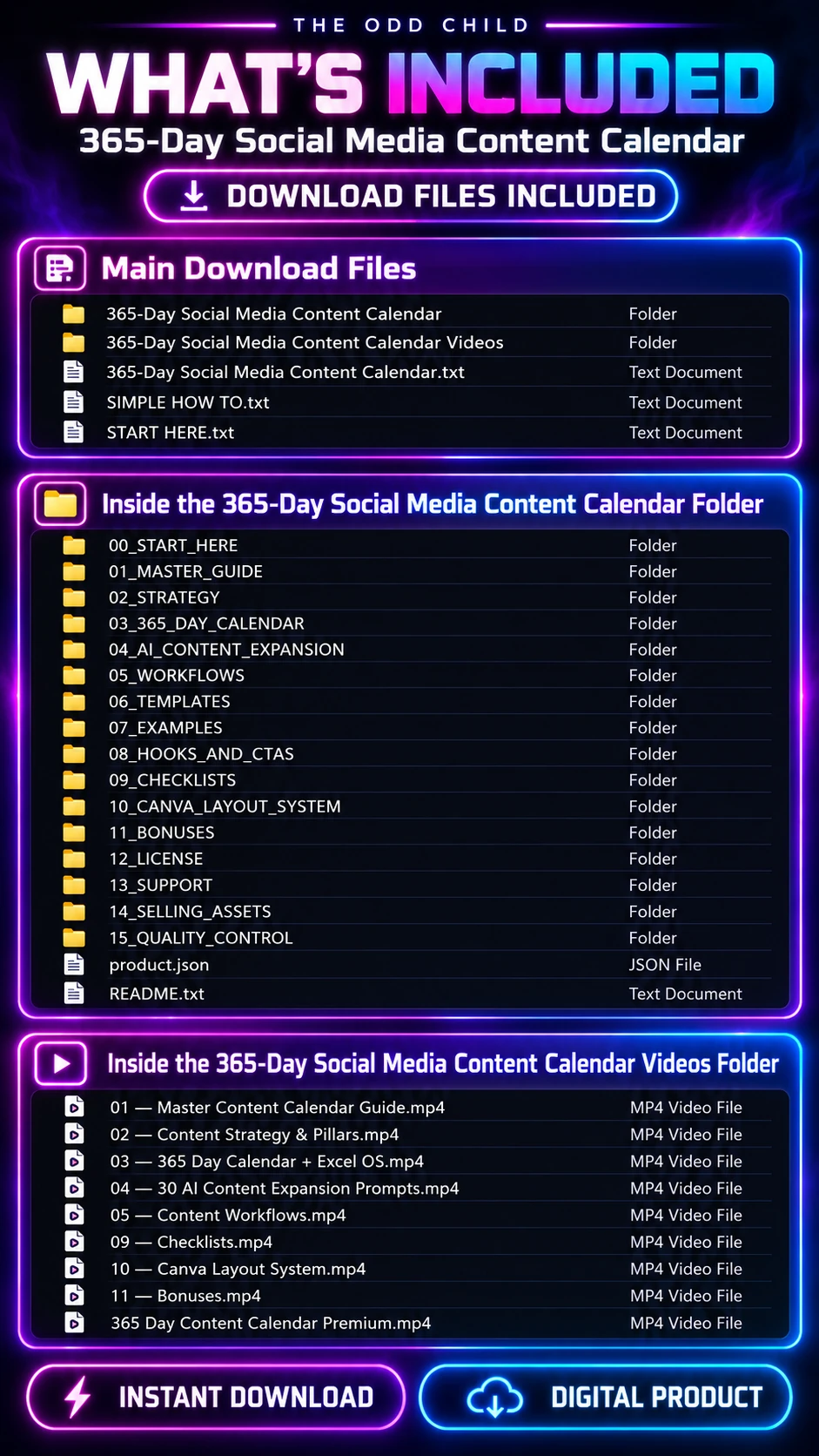
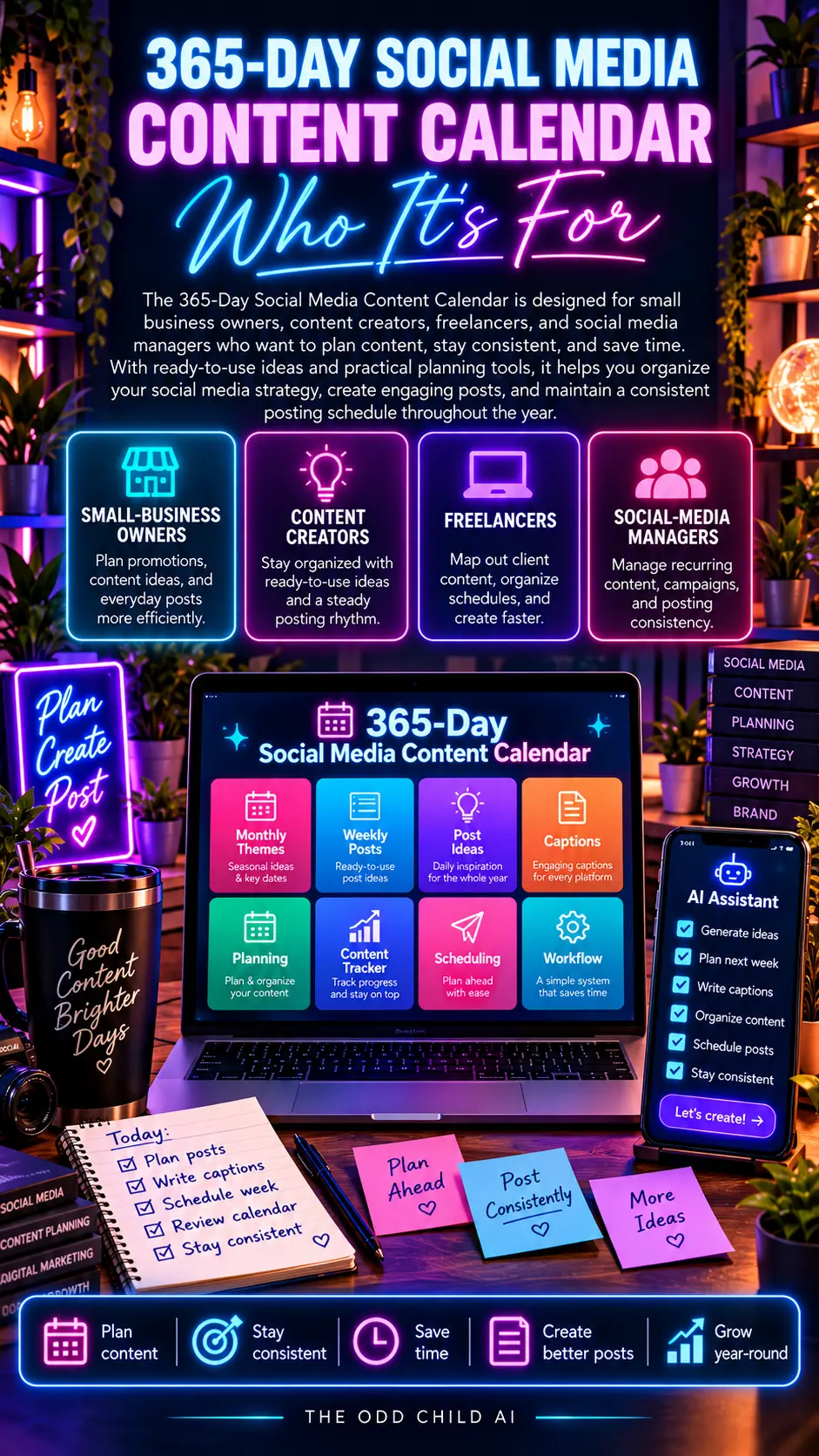
If filling dates is the part you dread, the 365 Social Media Content Calendar gives you a post idea for every day of the year, so you can pick, tweak, and schedule instead of starting from scratch. For more on planning, see our AI prompts for content planning guide.
Social Media Content Calendar in Practice: A Real Month, Planned in One Sitting
Let us make this concrete. A gift-shop owner needs twelve posts for next month: three a week across Instagram and Facebook. She has a spring sale in week two, a local market day in week three, and a new product line arriving in week four. Watch how a content calendar turns that scattered list into a finished plan in about forty-five minutes.

She starts with her pillars. Her shop uses four: product highlights, behind the scenes, customer stories, and helpful gift-giving tips. Twelve posts divided by four pillars means three posts per pillar, and suddenly the blank calendar has a shape. This is why pillars matter: a content calendar built on pillars never asks “what should I post?” — it asks “what is this week’s customer story?” and that is a much easier question.
Filling the calendar with AI prompts
Next she prompts her AI tool: “Here are my four content pillars, my spring sale dates, my market day, and my new product launch. Fill a three-posts-per-week calendar for four weeks. Alternate pillars, put two sale posts in week two, a market countdown in week three, and a launch series in week four. Give me a hook for each post.”
The draft calendar comes back in under a minute. It is not perfect — two ideas repeat, and one post lands on a day the shop is closed — but fixing a draft takes ten minutes, while staring at a blank calendar used to take her whole evening. That trade is the entire value of planning a content calendar with AI help.
From plan to scheduled posts
Then she batches. Photos for all twelve posts in one hour with her phone. Captions drafted with two more prompts, edited in her voice, and scheduled in her posting tool. When the spring sale week gets busy, the posts go out anyway, because the decisions were made back when she was calm and caffeinated.
The one-month planning checklist
- List the month’s fixed dates first: sales, events, launches, holidays.
- Assign your three to five content pillars to the open slots.
- Prompt for a draft calendar with a hook for every post.
- Fix the draft — swap repeats, move posts off closed days.
- Batch the photos and videos in one session.
- Draft captions in one sitting and schedule everything.
- Leave two empty slots for spontaneous posts so the calendar stays alive.
Forty-five minutes of planning, one photo session, one caption session — and a month of “what do I post today?” stress simply never happens.
7 Pro Tips for a Calendar You Will Actually Keep
1. Plan in pencil, review in pen. Treat the calendar as a draft that serves you, not a contract that scolds you. Swap posts freely when something better happens. Calendars fail when people treat one missed day as total failure and quit.
2. Build in repurposing. Mark one post per week as a repurpose: last month’s best post becomes a carousel, a Reel, or a story series. A content calendar that recycles winners cuts your creation work by a quarter.
3. Keep a running ideas list. Customer questions, comments, and shop moments go into one note on your phone the moment they happen. Planning day becomes choosing from a list instead of inventing from nothing.
4. Anchor to real business dates. Your calendar should follow your business, not generic content holidays. Sales, seasons, local events, and launches first; the fun hashtag days only if a slot is genuinely empty. Meta’s Meta Business Help Center explains the scheduling tools available in Meta Business Suite if you post to Facebook and Instagram together.
5. Review what worked, monthly. Fifteen minutes with your analytics tells you which pillar and format earned the most saves, shares, and clicks. Feed those results into next month’s prompt, and your content calendar gets smarter every cycle. Platform guidance from Instagram’s Creators site can help you interpret what the numbers mean.
6. Protect two flex slots. A calendar with no room for the unexpected becomes a calendar you abandon the first time life happens. Two open slots a month absorb trends, news, and real life without breaking the system.
7. Make the calendar visible. Wall calendar, whiteboard, or the first tab in your planning doc — if you cannot see this week at a glance, the system will fade. Visibility is a feature, not a decoration.
5 More Copy-Ready Prompts for Planning Day
These five prompts handle the parts of planning that the main routine does not: captions at scale, seasonal campaigns, and the monthly review. Keep your pillars and business dates pasted at the top, exactly as you would when filling a content calendar from scratch.
Prompt 6: The Caption Batcher
“Here is my finished calendar for the next two weeks: [paste]. Write a first-draft caption for each post in my voice: two short paragraphs maximum, one hook first line, and a closing question or call to action matched to the post’s goal.”
Prompt 7: The Campaign Planner
“I am running a campaign for [offer] from [start] to [end]. Build a content arc around it inside my normal posting rhythm: a teaser, an announcement, two value posts that relate to the offer, a social-proof post, and a last-call post. Give dates and hooks.”
Prompt 8: The Repurposing Engine
“Here is my best-performing post from last month: [paste]. Turn it into five new posts in different formats: a short video script, a carousel outline, a question post, a story sequence, and a post for a different platform. Keep the core idea, change everything else.”
Prompt 9: The Engagement Week
“Plan one week of posts designed purely for conversation, not selling: a this-or-that poll, a mistake confession, a customer question answered publicly, a behind-the-scenes dilemma, and a fill-in-the-blank post. Hooks included, matched to my pillars.”
Prompt 10: The Monthly Review
“Here are last month’s posts and their results: [paste]. Which pillar and format earned the most saves, shares, and clicks? What should next month’s calendar include more of, less of, and one experiment to try?”
Run prompt ten before you plan each new month and your calendar stops being a guess. It becomes a system that learns from your own audience, one month at a time.
Frequently Asked Questions About a Social Media Content Calendar
What is a social media content calendar, in simple terms?
It is a plan that shows what you will post, on which platform, and on which day. That is all. It can live in a spreadsheet, a notebook, a planning app, or a printed page. The tool matters far less than the habit of deciding your posts in advance instead of improvising them daily.
How far ahead should I plan my social media content calendar?
One month is the sweet spot for most small businesses and creators. A month is long enough to batch efficiently and connect posts to real business dates, but short enough to stay flexible. Plan the themes and hooks monthly, draft captions weekly if a full month of captions feels heavy, and review before each week starts.
How many posts per week should be on the calendar?
Start with a number you can sustain on your worst week, not your best. For most solo owners that is two to four posts per platform per week. Consistency at three posts a week beats seven posts for two weeks followed by silence. You can always add a slot later; recovering from burnout is harder.
What should I do when I fall off the calendar?
Skip the missed days and resume at today. Do not try to “catch up” by posting everything at once, and do not abandon the month. A content calendar is a map, not a judge — if you miss a turn, you rejoin the route. Most long-term creators have imperfect months; the system survives because they resume.
Can AI really fill a content calendar for me?
AI can draft it impressively fast when you give it your pillars, your dates, and your constraints. You still choose, fix, and approve — the draft it produces might be 80 percent right, and your job is the 20 percent that makes it yours. That division of labor is exactly where AI shines for planning.
Quick Recap
A content calendar you actually use is simple: know what your posts are for, choose a few pillars, set a rhythm you can keep, track everything in one easy tool, plan around key dates, and batch your work. Review once a month and adjust. Small and steady wins.
Your Next Step: Plan Next Month This Week
Set one forty-five-minute session. List your dates, name your pillars, prompt for a draft calendar, and fix it instead of perfection-seeking it. Then batch one week at a time and let the system carry you.
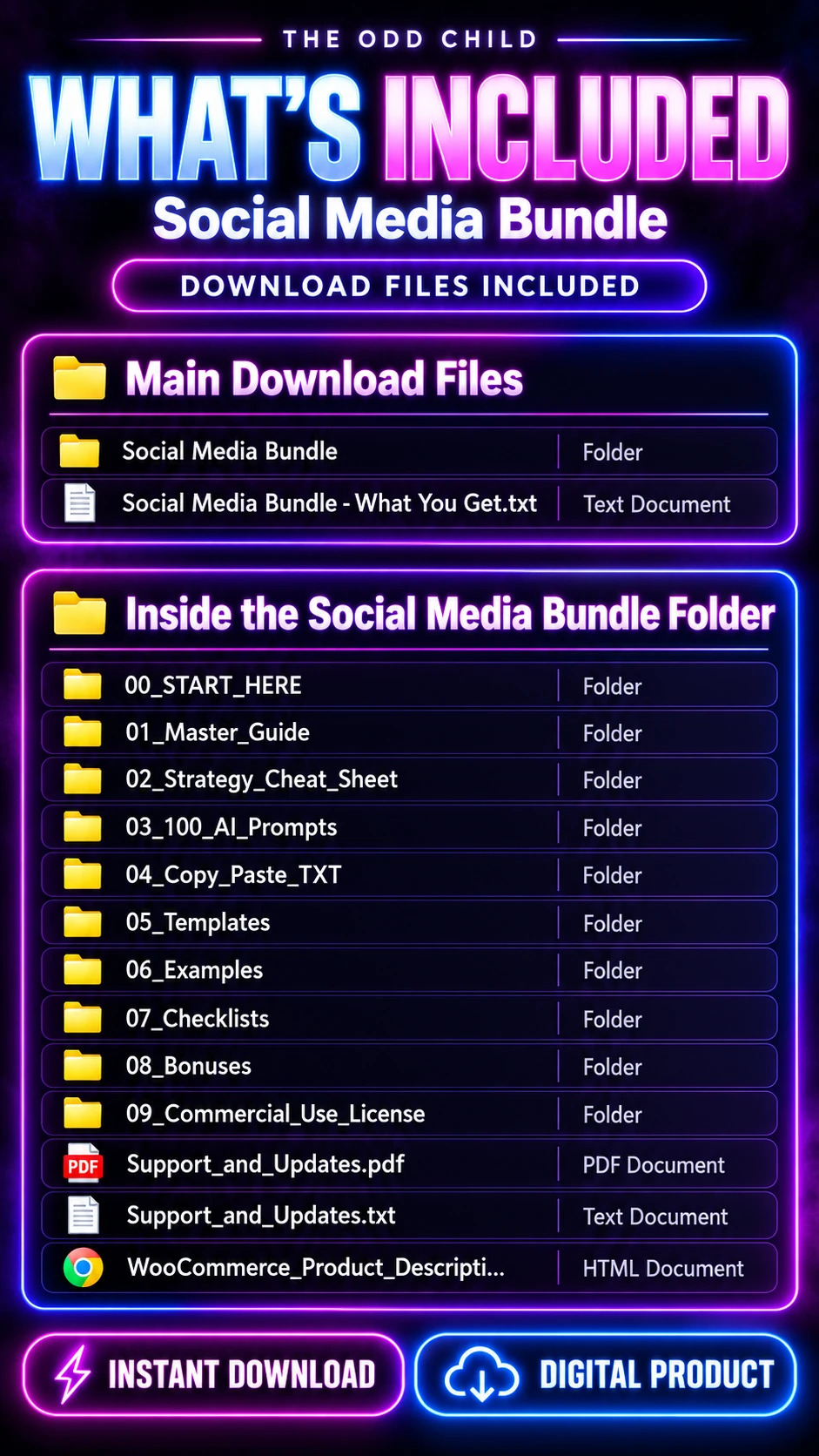
If you would rather skip the blank-page stage entirely, the 365-Day Social Media Content Calendar gives you a full year of post ideas already mapped out. Pair it with our 30 free AI prompts to turn those ideas into finished captions fast.
Keep reading: Pinterest AI Prompts: Write Pins That Actually Get Clicks and AI Prompts for Small Business Marketing That Save Hours Each Week.