
When you run a small business, marketing often gets squeezed in between everything else. You know you should post, send emails, and promote your offers, but finding the time and words every week is hard.
Table of Contents
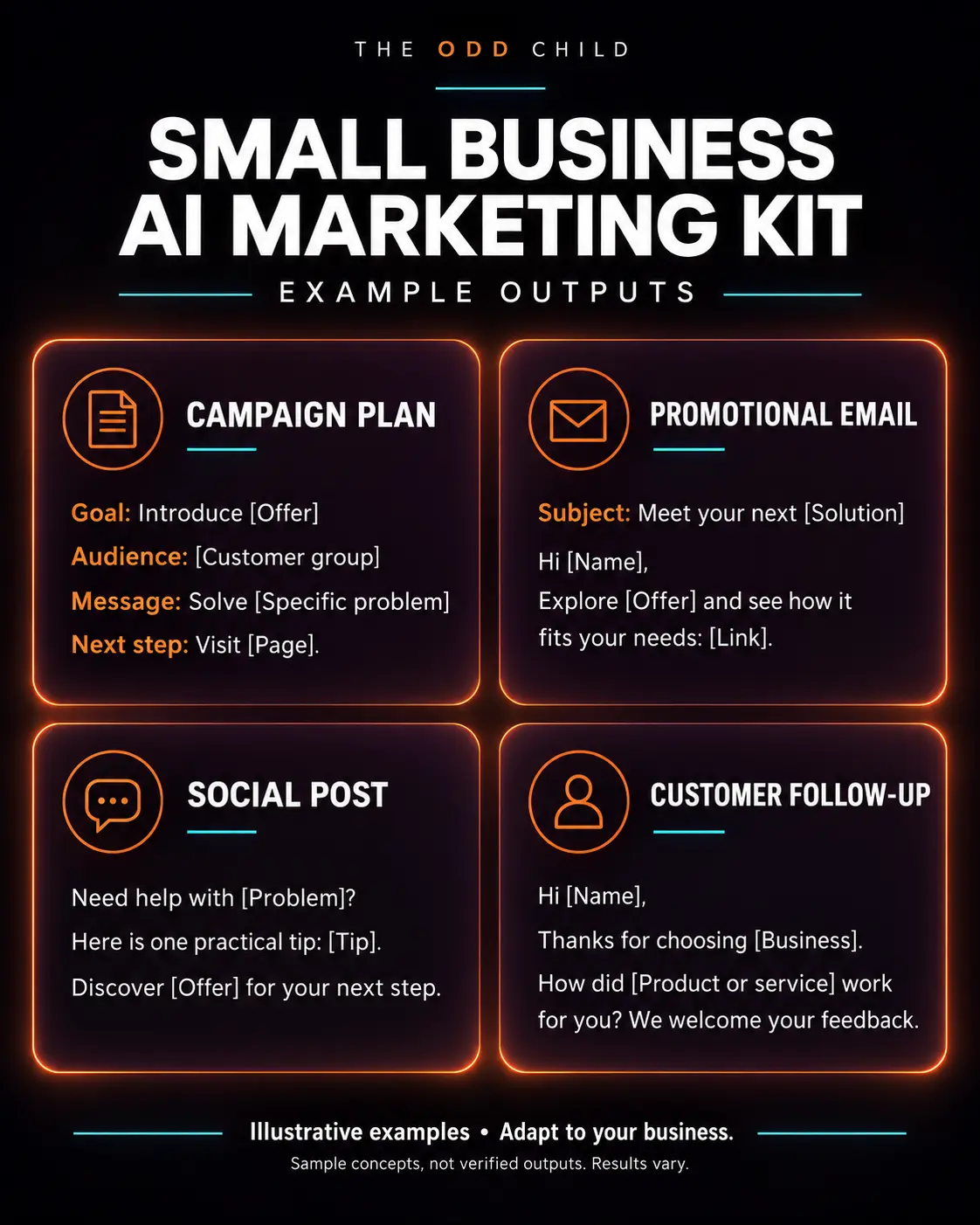
AI prompts for small business marketing can take a lot of that first-draft work off your hands. This guide shows you how to set AI up with the right context, which weekly marketing tasks it helps with most, and gives you copy-ready prompts plus the mistakes that waste time instead of saving it.
Step 1: Create a Simple Business Brief
The biggest reason AI marketing copy sounds generic is that the AI doesn’t know your business. Fix that once with a short brief you paste at the start of your prompts:
- What you sell and the price range
- Who your best customers are
- The main problem you solve for them
- What makes you different (be honest and specific)
- Your tone of voice (friendly, expert, playful, calm)
- Words or claims to avoid
Save it in a note. Reusing it means every draft starts closer to sounding like you.
Step 2: Plan Your Marketing Week in Minutes
Instead of deciding what to do each morning, use AI to plan the week in one go. Ask for a short plan that covers your main channels, like social posts, one email, and one promotion or offer, based on what’s happening in your business that week.
Keep the plan small
For most small businesses, a realistic week looks like three social posts, one email, and one small improvement to your website or listings. That’s enough to stay visible without burning out.
Step 3: Draft Social Posts and Emails Faster
This is where AI saves the most time. Give it your brief and a topic, and ask for a few versions. Then pick the best one and edit it.
- Ask for 3 caption options with different hooks.
- Choose one and ask AI to shorten or adjust the tone.
- Add a real detail only you know (a customer moment, a new batch, a behind-the-scenes fact).
For emails, ask for a subject line, a short body, and one clear call to action. Short and helpful emails usually get read more than long ones.
Step 4: Sharpen Your Offers and Website Copy
AI is useful as a second pair of eyes. Paste in your product page, homepage, or offer and ask what’s unclear, what questions a customer might still have, and how to make the main benefit easier to understand. You don’t have to take every suggestion, but it often spots gaps you’ve stopped noticing.
Step 5: Repurpose What You Already Have
You don’t need new ideas for every channel. One good piece of content can become several:
- A blog post becomes social posts and an email
- A customer question becomes an FAQ and a short video script
- A product launch becomes a teaser, a launch post, and a reminder
Ask AI to do the reformatting, then review each piece before it goes out.
Example AI Prompts for Small Business Marketing
Paste your business brief first, then use these. Replace the bracketed parts.
Prompt 1: Weekly Marketing Plan
“Using my business brief, create a simple marketing plan for this week. This week I’m focusing on [product, offer, or event]. Include 3 social post ideas, 1 email idea, and 1 quick website or listing improvement.”
Prompt 2: Social Captions
“Write 3 caption options for a [platform] post about [topic]. Each should start with a different hook, stay under 100 words, sound [tone], and end with one clear call to action.”
Prompt 3: Short Email
“Write a short email to my customer list about [topic or offer]. Include 3 subject line options, a friendly body under 150 words, and one call to action linking to [page].”
Prompt 4: Offer Review
“Here’s my product or offer page: [paste text]. Tell me what’s unclear, what questions a customer might still have, and suggest a clearer one-sentence main benefit.”
Prompt 5: Repurpose Content
“Turn this blog post into 4 social posts, 1 short email, and 3 FAQ entries for my website: [paste post].”
Mistakes That Waste Time
- Skipping the brief. Without context, you’ll spend longer fixing generic copy.
- Publishing without editing. Always read drafts out loud and remove anything that doesn’t sound like you.
- Letting AI invent facts. Never post made-up stats, reviews, or claims. Use only real details.
- Trying every channel at once. Focus on the one or two places your customers actually are.
- Starting over each time. Save your best prompts so your weekly routine gets faster.
Tip: Block a single hour each week for “marketing with AI.” Plan, draft, and schedule in that hour, and you’ll often get more done than in scattered bits all week.
Want a Ready-Made Marketing Prompt Kit?
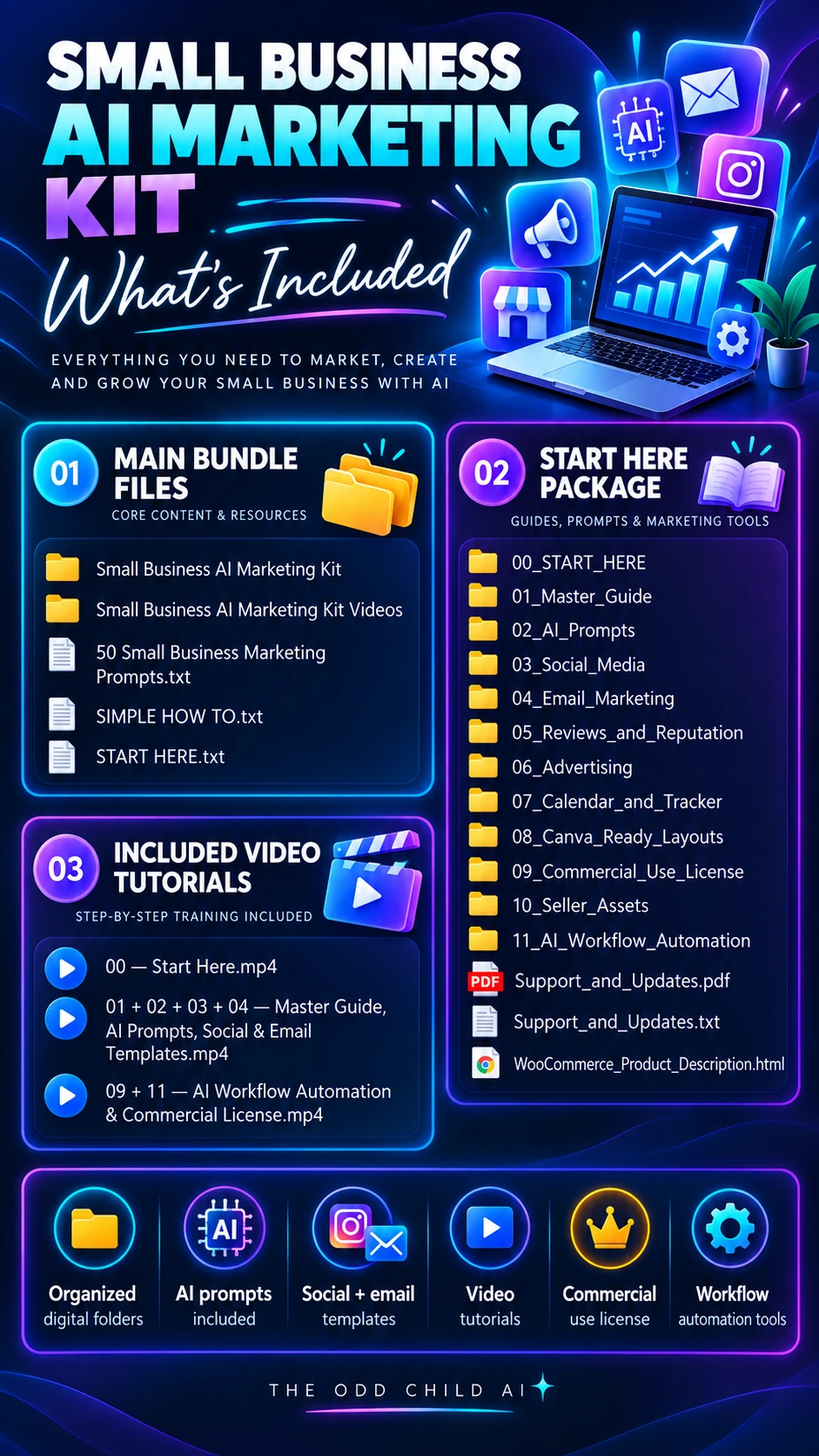
If you’d like prompts already organized for planning, social posts, emails, offers, and repurposing, the Small Business AI Marketing Kit gives you a practical set to adapt to your business. For more general business tasks, see our ChatGPT prompts for business guide.
AI Prompts for Small Business Marketing in Practice: One Full Week, Start to Finish
Theory is helpful, but a worked example shows how this actually fits into a busy week. Imagine you run a small home bakery. You sell sourdough on Saturdays, take custom cake orders, and want more weekday orders. Here is how one owner used these marketing prompts to plan and draft a complete week of marketing in about ninety minutes on a Monday morning.
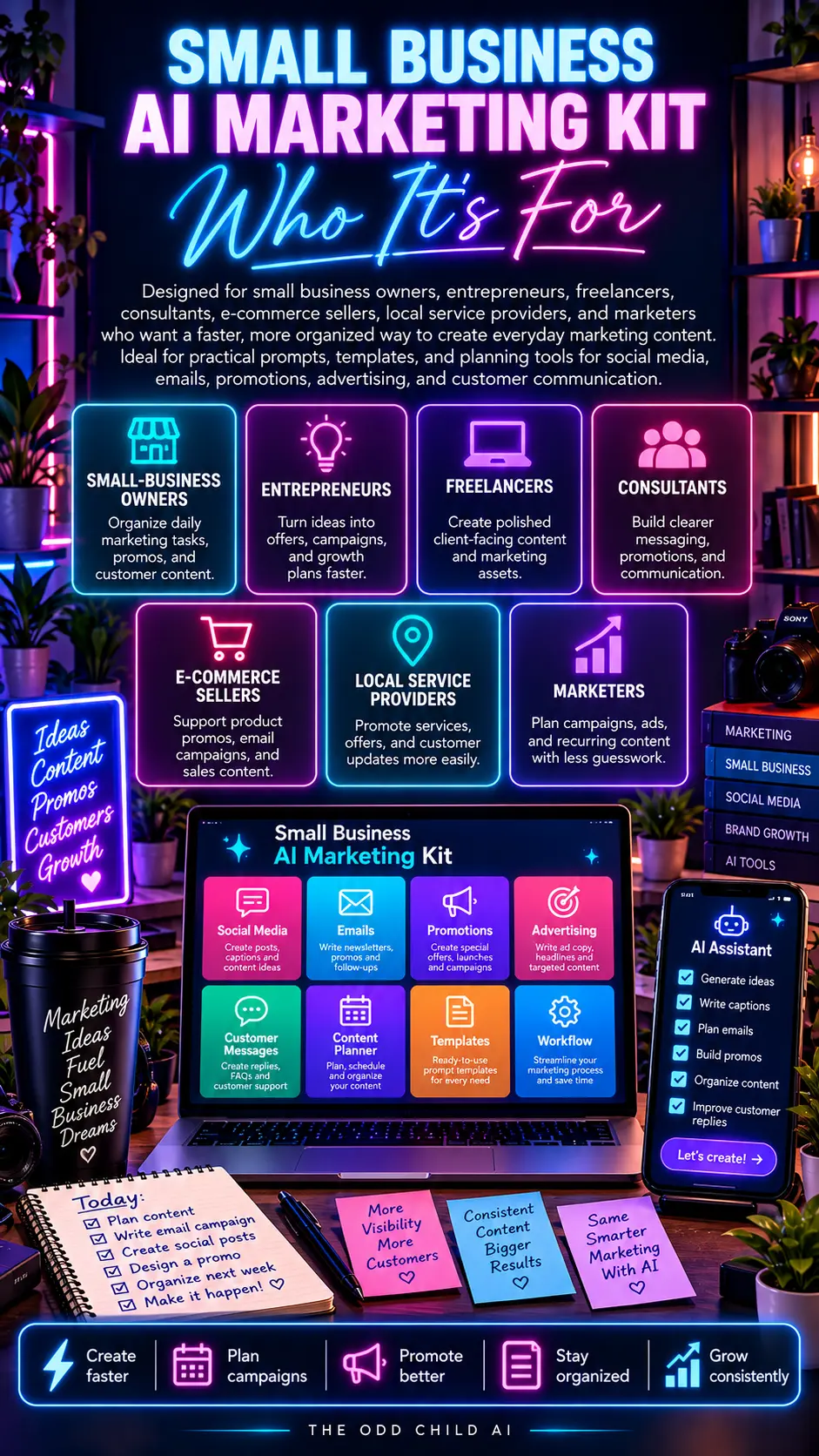
She started with her saved business brief: what she sells, her prices, her ideal customers, her friendly tone, and the words she avoids. Then she pasted the brief into her AI chat tool and worked through four prompts in order. Nothing went out without her editing it first, and every post included one real detail from her bakery that week.
The Monday planning prompt
“Using my business brief, plan my marketing for this week. The focus is filling ten weekday sourdough slots and reminding people that cake orders need two weeks’ notice. Give me three social post ideas, one short email, and one small website improvement. Keep every idea realistic for one person to finish.”
The plan came back small and doable: a behind-the-scenes post about the Saturday bake, a post explaining how to order weekday sourdough, a customer photo repost, one email about cake deadlines, and a fix to the homepage headline. That small scope is the point: the best marketing plan is a plan you can actually finish.
The drafting prompts
Next she drafted each piece with a separate prompt, because one giant prompt produces one giant mess. For social posts she asked for three caption options with different hooks. For the email she asked for three subject lines and a body under 150 words. For the website she pasted her current headline and asked what a first-time visitor would find confusing.
Each draft took two or three follow-up messages to sound like her. She replaced a generic phrase with the name of her street market, added the real price of a loaf, and deleted one claim she could not back up. That editing step is where this weekly system turn into marketing that sounds like a person.
The Friday review prompt
On Friday she pasted her results into one last prompt: “Here are this week’s posts and what each one did: [results]. Which two ideas should I repeat next week, and what should I change?” The answer became the starting point for the next Monday plan, so each week built on the last instead of starting from zero.
A simple weekly checklist
- Monday: run the planning prompt and pick the week’s three posts, one email, and one small fix.
- Tuesday: draft and schedule the social posts in one sitting.
- Wednesday: send the email and make the website improvement.
- Thursday: reply to comments and save any customer question as future content.
- Friday: review the numbers and note the two ideas worth repeating.
Notice what is missing from that week: no new tools, no complicated automation, and no posting every day. The system works because it is small, repeatable, and built around prompts she saved and reused.
7 Pro Tips for Getting More From Every Prompt
1. Keep a prompt library. Save every prompt that produces a good result in one note or document, grouped by task. Your library becomes more valuable every week, and it is the asset that makes these prompts faster over time instead of starting fresh each session.
2. Give feedback like an editor. “Shorter, warmer, less salesy, and cut the second paragraph” gets better results than regenerating and hoping. AI responds well to specific direction, the same way a junior copywriter would.
3. Ask for options, then choose. Three hooks, three subject lines, three headline versions. Choosing between good options is faster and more reliable than asking for one perfect answer.
4. Feed it your real words. Paste a paragraph from your website, a happy customer email, or your best-performing post and say “match this voice.” Your own writing is the best style guide you own.
5. Separate drafting from deciding. Draft everything in one session, then edit in a second session with fresh eyes. Most weak AI copy is just unedited AI copy.
6. Keep a human fact-check pass. Prices, dates, names, and claims always get checked by you. The U.S. Small Business Administration’s marketing guidance is a useful free reference when you are sanity-checking your positioning and customer research.
7. Learn from free platform research. When you need to know what customers are asking, the questions people type into search are a goldmine. Pair that with the free resources in Google Business Profile Help if local customers matter to your business, and turn the real questions you find into next week’s posts.
5 More Copy-Ready Prompts for Busy Weeks
When the week gets away from you, these five extra prompts cover the tasks that usually get skipped. Each one works with your saved business brief pasted first. Together they round out a full set of these marketing prompts that handles planning, selling, and staying in touch.
Prompt 6: The Review Request
“Write a short, warm message asking a happy customer for a review. Thank them for one specific thing about their purchase, tell them exactly where to leave the review, and keep it under 70 words. Friendly, never pushy, no incentives offered.”
Prompt 7: The Quiet Week Post
“I have no news this week. Give me five post ideas a small business can publish any time: a behind-the-scenes moment, a customer question answered, a myth about my industry corrected, a tool I rely on, and a genuine thank-you post. One hook line each.”
Prompt 8: The Offer Announcement
“Turn this offer into a three-post mini campaign: an announcement post, a reminder post for the middle of the offer period, and a last-chance post. Each under 80 words, each with a different hook, all with the same clear call to action: [offer details].”
Prompt 9: The Customer Reply Helper
“A customer asked this question: [question]. Draft three replies I could send: one short and factual, one warmer with an extra helpful tip, and one that answers and gently points to the product that solves it. Keep each under 60 words.”
Prompt 10: The Month in Review
“Here are my posts and results from this month: [paste]. Tell me which three ideas earned their keep, which two I should drop, and what one new idea I should test next month based on the pattern you see.”
Rotate these five into your Mondays whenever the core routine starts to feel stale. A prompt library that grows by one proven prompt a month stays useful for years.
Frequently Asked Questions About AI Prompts for Small Business Marketing
How many AI prompts for small business marketing do I actually need?
Fewer than you think. Most small businesses do well with five to eight core prompts: a weekly planner, a social caption writer, an email drafter, an offer reviewer, a repurposing prompt, a review request, a customer reply helper, and a monthly review prompt. Master those before collecting more.
Which AI tool should I use with these prompts?
Any major AI chat tool works, including ChatGPT, Claude, Gemini, and Grok. The prompt matters far more than the tool. Pick the one you find easiest to use, paste your business brief at the start of each session, and stay consistent so your saved prompts keep working the same way.
How much time can this realistically save?
Most owners save two to four hours a week once the routine is set up, mainly on first drafts of posts and emails and on planning. The first two weeks are slower while you build your brief and prompt library. After that, the planning session alone usually replaces several scattered hours.
Will AI marketing copy hurt my brand or my Google rankings?
Unedited, generic copy can make your brand sound like everyone else, and search engines reward helpful, original content. The fix is simple: use AI for first drafts, then edit for your voice, add real details only you know, and remove anything you cannot stand behind. Edited AI-assisted content that genuinely helps readers is fine.
What should I never ask AI to write for my business?
Never publish AI-written testimonials, reviews, statistics, or claims about your products that you cannot verify. Do not let it invent prices, qualifications, or guarantees. Those are trust-breaking and can create legal problems. Use AI for structure, drafts, and ideas — keep facts and promises human-approved.
Quick Recap
these prompts save the most time when you give AI a clear business brief, keep your weekly plan small, use it for first drafts of posts and emails, ask it to review your offers, and repurpose content you already have. Edit everything, keep it honest, and save the prompts that work.
Your Next Step: Steal This Week’s System
You do not need a bigger prompt collection. You need a small one you actually use every week. Start with the five prompts in this guide, run the Monday-to-Friday checklist once, and save whatever works into your own library.
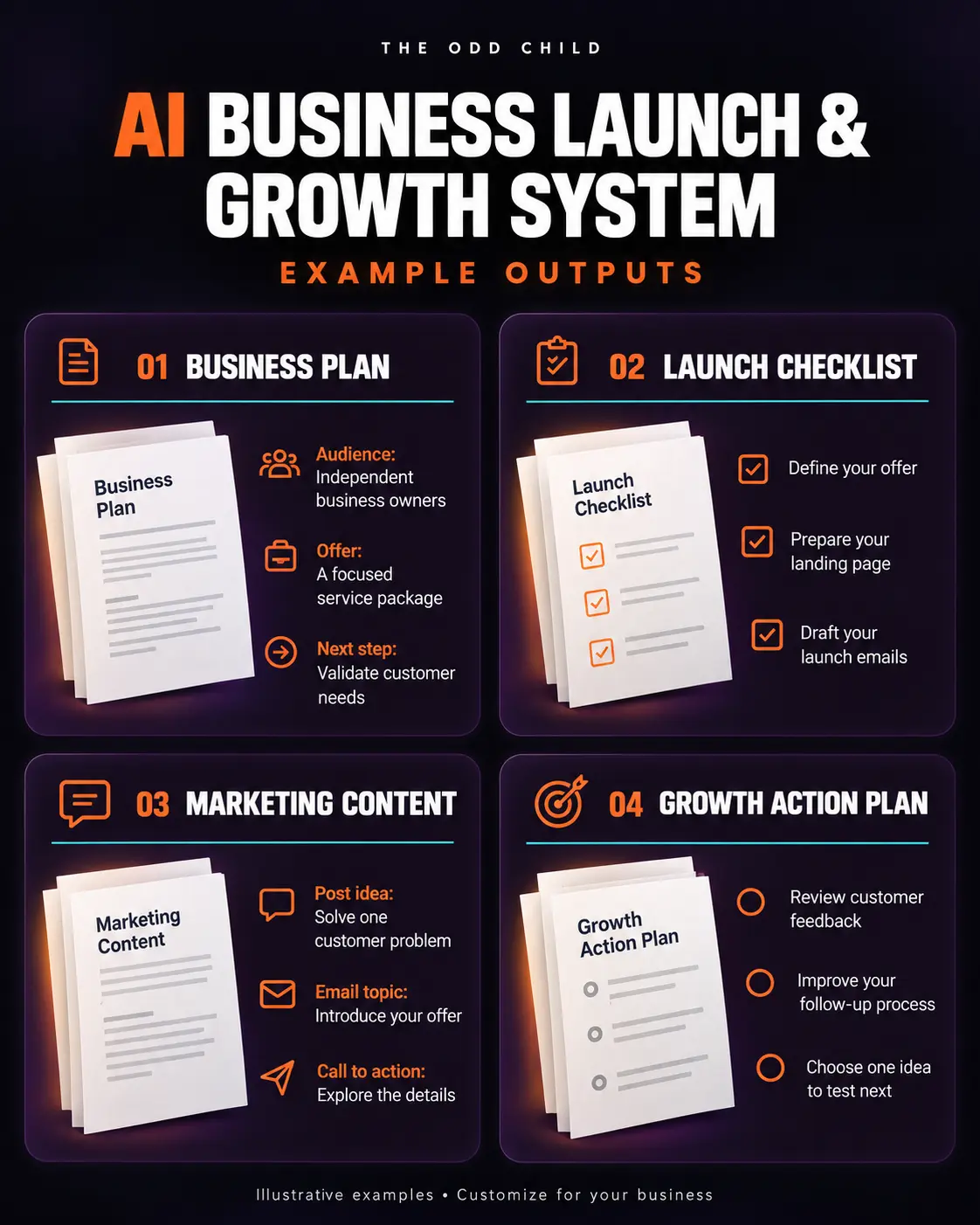
If you want a head start, grab our 30 free AI prompts to build your brief and your first week of content. When you are ready for the complete, organized set — planning, social posts, emails, offers, and repurposing — the Small Business AI Marketing Kit has it ready to adapt to your business.
Keep reading: How to Build a Social Media Content Calendar That You Actually Use and Free AI Prompts for Creators: A Practical Starter Guide.