YouTube Shorts move fast. Viewers decide in the first second or two whether to keep watching or swipe away. That means your idea, your hook, and your pacing all need to be tight, and coming up with that every day can wear you out.
Table of Contents
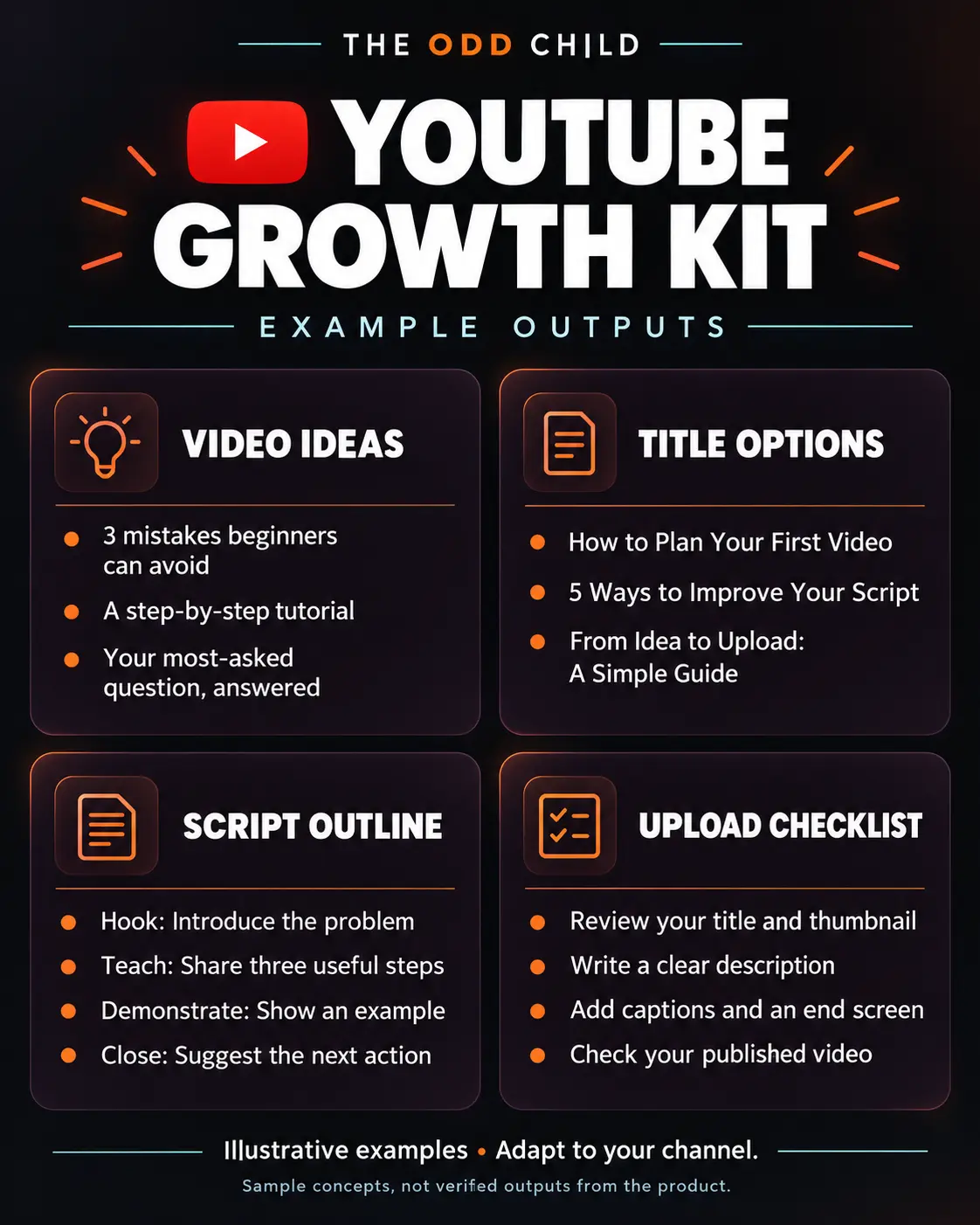
The right YouTube Shorts prompts help you use AI tools like ChatGPT to brainstorm ideas, write scroll-stopping hooks, and draft scripts that fit under a minute. This guide walks you through a simple process, gives you copy-ready prompts, and covers the mistakes that make Shorts lose viewers early.
Step 1: Find Short-Sized Ideas
Not every idea works as a Short. The best ones deliver one clear payoff fast: a single tip, a quick before-and-after, one surprising fact, or a fast answer to a common question.
- Good fit: “One setting that makes your phone videos look sharper”
- Too big: “Everything you need to know about filming”
Ask AI for ideas based on questions your audience already asks in comments, or on your longer videos. Each long video can usually be broken into several Shorts.
Step 2: Write a Hook for the First Two Seconds
Your hook is the first line viewers hear and the first thing they see on screen. It should make a promise or create curiosity right away.
Hook styles that work well
- The direct promise: “Here’s how to fix [problem] in 10 seconds.”
- The mistake: “Stop doing this if you want [result].”
- The surprise: “I didn’t expect this to work, but…”
- The question: “Why does [common thing] always happen?”
Generate several hooks for each idea and pick the clearest one. Clear usually beats clever.
Step 3: Script Tight, Then Cut
A good Short has a simple shape: hook, quick setup, the payoff, and a short wrap. Aim for a script you can read in 30 to 45 seconds, then trim anything that doesn’t move the viewer toward the payoff.
- Hook (1–2 seconds)
- Context (one sentence, only if needed)
- Payoff (the tip, reveal, or answer)
- Wrap (a quick line or loop back to the start)
Ask AI to write the script with on-screen text notes, so you know what to show while you talk.
Step 4: Plan Visuals and Pacing
Shorts are watched on phones, often with the sound off at first. Plan for that:
- Big, readable on-screen captions
- A visual change every few seconds (new angle, zoom, or b-roll)
- Your subject in the center of a vertical frame
- No long intros or logos at the start
Step 5: Batch Ideas and Connect Shorts to Your Channel
Sit down once a week and generate a batch of ideas, hooks, and scripts. Film several in one session. Then connect your Shorts to the rest of your channel by linking a related long video where possible, and keeping your topics consistent so new viewers know what you’re about.
Example YouTube Shorts Prompts You Can Copy
Replace the bracketed parts with your niche and topic.
Prompt 1: Idea Generator
“I make YouTube content about [niche] for [audience]. Give me 15 YouTube Shorts ideas that each deliver one quick, clear payoff in under 45 seconds.”
Prompt 2: Hook Options
“Write 8 hooks for a YouTube Short about [topic]. Each hook must be under 12 words and make a clear promise or create curiosity. Mix direct, mistake, and question styles.”
Prompt 3: Full Short Script
“Write a 35-second YouTube Shorts script about [topic]. Structure: hook, one line of context, the main tip, and a quick wrap that loops back to the hook. Include on-screen text suggestions in brackets.”
Prompt 4: Long Video to Shorts
“Here’s a summary of my long YouTube video: [summary]. Suggest 5 standalone Shorts I could cut from it, with a hook and a one-sentence payoff for each.”
Prompt 5: Titles and Descriptions
“Write 5 short, clear titles for a YouTube Short about [topic], under 50 characters each, plus a one-line description that includes the phrase [keyword].”
Common Mistakes (and Quick Fixes)
- Slow starts. Cut greetings and intros. Open with the hook.
- Too many points. One Short, one idea. Save extras for the next video.
- No captions. Add on-screen text so muted viewers still follow along.
- Using AI scripts word for word. Read them out loud and rewrite anything that doesn’t sound like you.
- Random topics. Stay close to your niche so the right viewers subscribe.
Tip: Watch your retention graph in YouTube Studio. If viewers drop at the same spot, that’s the part to tighten next time.
Want More Prompts for Growing Your Channel?
If you want a bigger set of prompts for ideas, titles, scripts, and channel planning, our YouTube Growth Prompts pack gives you ready-made starting points for both Shorts and long-form videos. For more on long-form content, read our guide to AI prompts for YouTube.
YouTube Shorts Prompts in Practice: Batching a Week of Shorts in One Hour
Here is the routine that turns these ideas into a habit. A creator with a cooking channel sits down on Sunday with one goal: seven Shorts planned, scripted, and ready to film in one session. She opens her AI chat tool and works through five YouTube Shorts prompts in order, the same order every week, so the session gets faster each time.
She starts with ideas, not scripts. Her first prompt asks for twenty Short-sized ideas based on her last ten long videos and the questions in her comments. Twenty is deliberate — she only needs seven, and choosing seven good ones from twenty is far easier than trying to invent seven perfect ones. Good YouTube Shorts prompts always ask for more raw material than you need.
The hook-writing prompt
For each chosen idea she runs one hook prompt: “Give me five opening lines for a Short about [idea]. Each hook must work in under two seconds, promise one clear payoff, and avoid clickbait the video cannot deliver.” Five options per video means thirty-five hooks to choose from, and she films the seven that make her curious herself.
Hooks decide everything on Shorts. A viewer swiping past gives you a blink, not a chance. That is why experienced creators spend more time on hooks than on any other part of the script, and why YouTube Shorts prompts that generate hook options in bulk are the highest-value prompts in this whole guide.
The tight-script prompt
Next, each idea gets scripted with a word limit: “Script a 35-second Short for this idea and this hook. Maximum 90 words. One idea only. End with a line that loops back to the opening.” The loop ending is a quiet trick — when the last line flows into the first, viewers often watch twice, and replays tell the algorithm the Short is worth pushing.
The filming and posting checklist
- Film all seven Shorts in one session, changing shirts between batches if you post daily.
- Burn in captions — most Shorts are watched with the sound off first.
- Write the title as a curiosity promise, not a description of the whole video.
- Pin a comment that asks a real question to start the conversation.
- Link each Short to the related long video where YouTube allows it.
- Note the two best hooks of the week and reuse their structure next week.
One hour of prompting, one hour of filming, and the week is done. The system is boring in the best way: the same five YouTube Shorts prompts, run in the same order, producing a week of content without a single blank-page moment.
7 Pro Tips for Better Shorts
1. Steal structures, not videos. When a Short in your niche performs well, describe its structure to the AI — the hook style, the pacing, the payoff — and ask for your version on your topic. Structures are reusable; copying is obvious.
2. Keep a swipe file of hooks. Every time you stop scrolling, save the video and note the opening line. Feed your ten best examples to the AI and ask it to write in those patterns. Your hook prompts get sharper every month.
3. Script for the ear, then cut for the eye. Read every script out loud. If you stumble, viewers swipe. Then remove every word the video does not need, because Shorts reward density, not length.
4. Batch by format, not by day. Film all your “myth-busting” Shorts together, then all your “watch me make this” Shorts. Grouping similar formats cuts setup time and makes your channel feel intentional.
5. Study your own analytics monthly. YouTube’s official guidance in YouTube Help explains how audience retention works for Shorts, and your retention graphs show exactly where viewers leave. Turn your three best-retaining structures into new prompts.
6. Connect Shorts to long videos on purpose. Every Short should have a job: grow reach, test an idea, or feed a long video. When a Short takes off, the follow-up long video is where subscribers and watch time live. YouTube explains the related-video linking options in the same YouTube Help documentation for Shorts.
7. End mid-thought, not with a goodbye. “Part two tomorrow” and loop endings outperform “thanks for watching.” Give viewers a reason to stay, follow, or rewatch instead of a signal to leave.
5 More Copy-Ready Prompts for Your Shorts Library
Add these five to your weekly five once the routine feels easy. They cover series building, comments mining, and the remake cycle that keeps a Shorts channel growing without constant invention. Keep your niche context pasted at the top, the same way you run your other YouTube Shorts prompts.
Prompt 6: The Series Builder
“Turn this topic into a five-part Shorts series: [topic]. Each part teaches one step, ends with a reason to watch the next part, and works even if someone watches it out of order. Give me the hook line for each part.”
Prompt 7: The Comment Miner
“Here are comments from my recent videos: [paste]. Find the five questions or frustrations that would make the best Shorts for my niche. For each one, write the exact opening line I should say to camera.”
Prompt 8: The Myth Buster
“List seven common myths or mistakes in [your niche] that beginners believe. For each, write a two-line script: line one states the myth like a fact, line two corrects it with the real answer. Punchy, no preamble.”
Prompt 9: The Winner Remake
“This Short performed three times better than my average: [paste script and stats]. Break down why it likely worked — hook, structure, payoff — then write two new scripts that reuse the same structure on these topics: [topics].”
Prompt 10: The Description and Tags Helper
“For this Short about [topic], write a one-sentence description that makes the video easy to find in search, five relevant hashtags, and a pinned comment that asks viewers a question they will actually want to answer.”
Rotate one of these into each Sunday batch. Within two months your library stops being a list of prompts and becomes a small operating system for your channel.
Frequently Asked Questions About YouTube Shorts Prompts
How many YouTube Shorts prompts do I need in my routine?
Five core prompts cover a full workflow: an idea generator, a hook writer, a tight-script writer, a title and description helper, and a repurposing prompt that turns long videos into Shorts. Master those five before adding more. A small, practiced set of these prompts beats a folder of fifty you never open.
How long should a Short script be?
For a 30 to 40 second Short, aim for 75 to 100 spoken words. That is shorter than most people expect, which is why scripts feel rushed when they are overwritten. Ask the AI for a word limit in the prompt itself, then read the result aloud and cut anything that does not earn its second.
Do Shorts actually help a channel grow?
Yes, mainly through discovery. Shorts put your face and topic in front of people who have never seen your channel. Growth comes from what you do with that attention: a clear niche, hooks that deliver, and links or follow-ups that lead viewers to your long videos and playlists.
How often should I post Shorts?
Consistency beats volume. Three to five Shorts a week, posted for months, will teach you more and grow more than twenty Shorts in one frantic week followed by silence. The batching routine in this guide is built for three to seven a week, which most solo creators can sustain.
Can I use the same prompts for TikTok and Reels?
Mostly, yes. Ideas, hooks, and tight scripts transfer well across short-form platforms. Adjust the details: TikTok rewards raw and conversational, Reels reward polished and save-worthy, and Shorts reward clear payoffs and loops. Keep one core set of these Shorts prompts and add a short platform note to each when you repurpose.
Quick Recap
Great Shorts start with one clear idea, a hook that lands in the first two seconds, and a tight script built around a single payoff. Plan for vertical, sound-off viewing, batch your work, and connect Shorts to your wider channel. Good YouTube Shorts prompts make each step faster, so you can post consistently without running out of ideas.

Your Next Step: Run the Sunday Batch Once
Pick one hour this week and run the five-prompt routine: ideas, hooks, scripts, filming list, posting checklist. Film what you can, post what you finish, and note which hook structure worked best. Next week, same hour, same prompts, faster results.
Want a bigger idea bank ready to go? The YouTube Growth Prompts pack includes Shorts and long-form prompts for ideas, titles, hooks, and scripts. Just starting with AI? Our 30 free AI prompts will get your first batch planned today.
Keep reading: AI Prompts for Instagram Reels: Ideas, Hooks, and Scripts and How to Write AI Video Prompts for Short-Form Content.