The most useful AI prompts for Instagram Reels help with the three things that slow creators down: coming up with ideas, writing a hook that stops the scroll, and turning a rough idea into a tight 15–45 second script. AI will not film your Reel for you, but it can get you from blank page to ready-to-record much faster.
Table of Contents
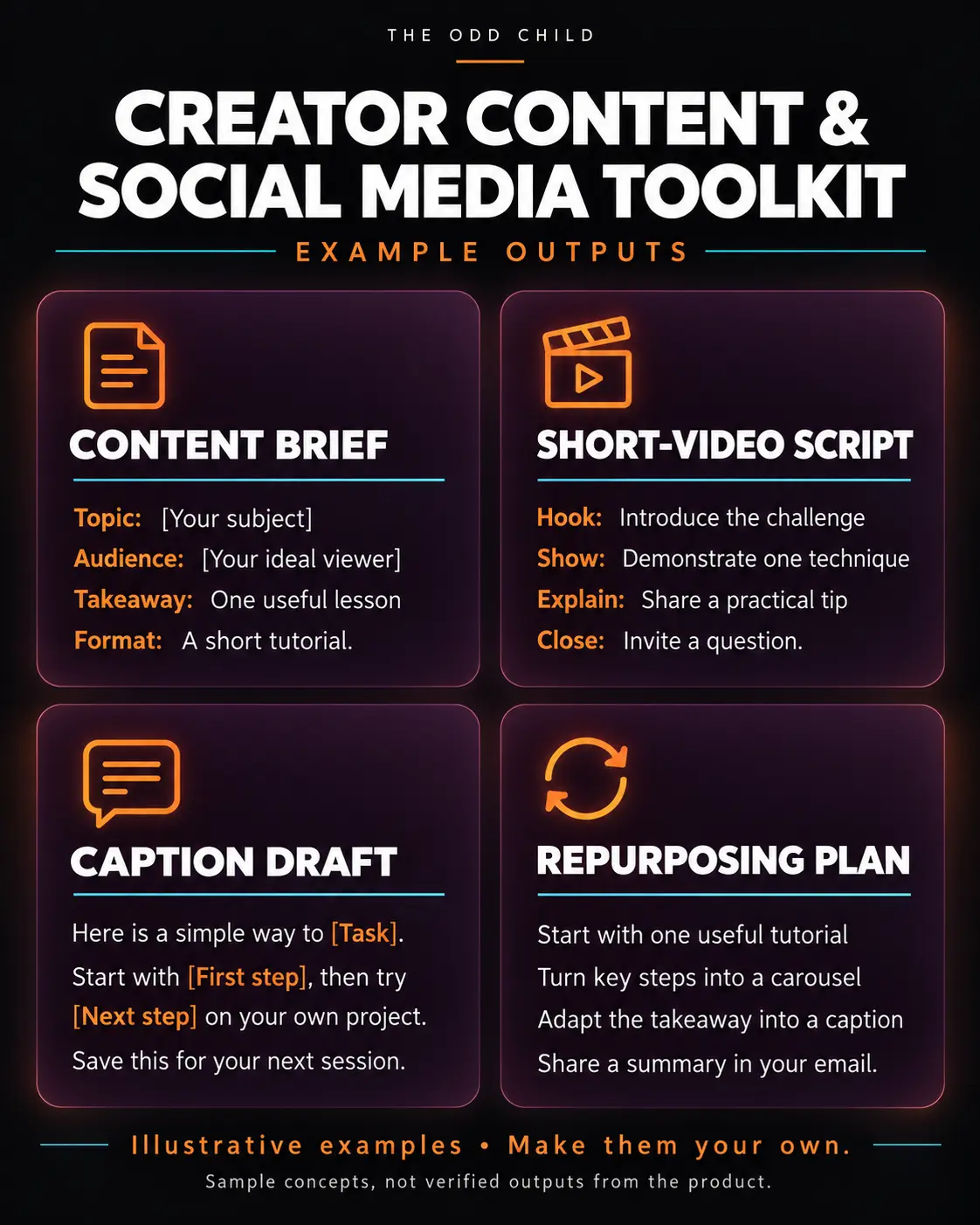
Below is a simple workflow you can follow every week, with example prompts at each step. Copy them, swap in your niche and audience, and edit the results so they sound like you.
Why give AI context before you ask for Reels
Generic prompts give generic Reels. Before you ask for ideas or scripts, tell the AI who you are, who you are talking to, and what you want people to do after watching. A short context block at the start of your chat makes every answer more relevant.
Example context prompt to copy:
- “I create Instagram Reels for [AUDIENCE] about [TOPIC]. My tone is [e.g. warm, practical, a little funny]. My goal is to [grow followers / get link clicks / sell PRODUCT]. Keep everything short, conversational, and free of hype. Confirm you understand, then wait for my next request.”
Step 1: Generate Reel ideas that fit your niche
Good Reel ideas usually fall into a few repeatable formats: quick tips, mistakes to avoid, before and after, a day in the life, myth vs. fact, and behind the scenes. Ask AI to fill those formats with your topic so you get a balanced mix.
Example prompt to copy:
- “Give me 15 Instagram Reel ideas for my audience. Use these formats: 3 quick tips, 3 common mistakes, 3 myth vs. fact, 3 behind the scenes, and 3 before and after. For each idea, write a one-line description of what happens on screen.”
Pick the ideas you can film easily this week. Save the rest in a running list.
Step 2: Write hooks that stop the scroll
The hook is the first line people hear or read, and it decides whether they keep watching. Strong hooks are specific, create curiosity, or name a problem the viewer already has. AI is great at producing lots of variations so you can choose the best one.
Example prompt to copy:
- “Write 10 hook options for a Reel about [IDEA]. Each hook must be under 12 words and work as both spoken audio and on-screen text. Mix these styles: a bold statement, a question, a ‘stop doing this’, a surprising result, and a ‘here is how I’. No clickbait or promises I cannot keep.”
Read them out loud. The one that sounds natural in your voice is usually the right pick.
Step 3: Turn the idea into a short script
A Reel script does not need to be fancy. A simple structure works: hook, two or three quick points, and a closing line or call to action. Ask AI to write it with timing and on-screen notes so filming is easy.
Example prompt to copy:
- “Write a 30-second Instagram Reel script about [IDEA] using this hook: ‘[HOOK]’. Format it as a table-style list with three parts for each beat: what I say, what is on screen, and on-screen text. Keep it to 4–6 beats. End with a soft call to action to [save / follow / comment KEYWORD].”
If you prefer to talk freely on camera, ask for bullet points instead of a full script so you stay natural.
Step 4: Write captions and choose a call to action
Your caption supports the Reel. It can add a little more detail, ask a question, or point people to a link in your bio. Keep it short and readable.
Example prompt to copy:
- “Write 3 Instagram captions for this Reel script: [PASTE SCRIPT]. Each caption should be under 300 characters, start with a line that adds value (not a repeat of the hook), and end with one clear call to action. Suggest 3–5 relevant hashtags, not more.”
Step 5: Batch and plan a week of Reels
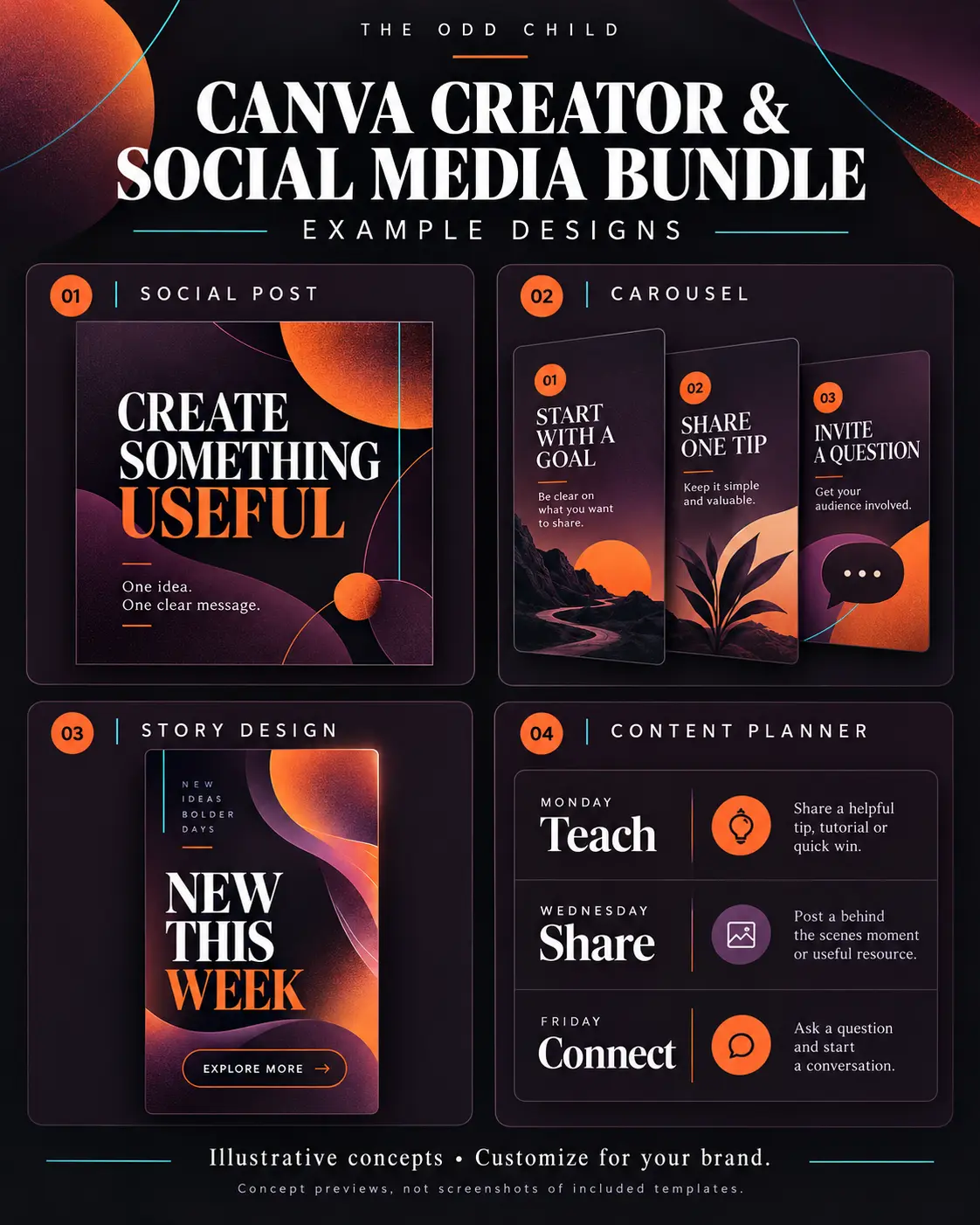
Once you have this flow, batching is easy. Spend one session generating ideas, hooks, and scripts for the whole week, then film everything in one go. Our guide to AI prompts for content planning shows how to turn this into a simple monthly calendar.
- Choose 3–5 Reel ideas for the week.
- Generate hooks for each and pick one.
- Generate scripts and captions.
- Film in one session, edit in another.
Tips and common mistakes
- Do not skip the context block. It is the biggest difference between bland and useful results.
- Edit for your voice. Cut any words you would never say out loud. Viewers can tell when a script is not yours.
- Keep scripts short. If the AI gives you 60 seconds of talking, ask it to cut to 30.
- Do not chase every trend. Use AI to adapt trends to your niche, not to copy them exactly.
- Reuse what works. When a Reel performs well, ask AI for five new angles on the same topic.
Get more prompts to start with
If you want ready-made prompts to try right away, grab our 30 Free AI Prompts pack. It is a simple, no-cost way to build the habit of prompting well. When you are ready for a bigger set covering more platforms and content types, the Ultimate Prompt Library is the natural next step.
AI Prompts for Instagram Reels in Practice: A Week of Reels From One Coffee
Here is how a small skincare brand owner actually uses this system. She has ninety minutes on a Tuesday morning, a phone full of product photos, and an Instagram account that goes quiet whenever the shop gets busy. She opens her notes, pastes her brand context into her AI tool, and works through her saved AI prompts for Instagram Reels in the same order every week.
Context comes first, always. Her saved context block covers what she sells, who buys it, her friendly-expert tone, and three phrases her brand never uses. Pasting it takes ten seconds, and it is the reason her these Reels prompts produce drafts that sound like her shop instead of like every other skincare account on the internet.
The idea prompt
“Based on my context, give me fifteen Reel ideas for this week: five educational, five product-in-use, and five personal or behind-the-scenes. Each idea must be filmable in my shop with just my phone.” Fifteen ideas, five chosen. The constraint — filmable in the shop, phone only — is what makes the output usable instead of aspirational.
The hook and script prompts
For each chosen idea she asks for five hooks, picks the one she would stop scrolling for, then scripts it tightly: “Turn this idea and hook into a 25-second Reel script. Three beats maximum. Write the on-screen text for each beat and one line I say to camera.” Twenty-five seconds is a discipline. Reels that try to say everything end up saying nothing, and tight scripts are where this weekly system quietly outperform brainstorming alone.
The caption prompt
Last, the caption: “Write a caption for this Reel in my voice. Two short paragraphs, one genuine question at the end, and no hashtag block — I will add three focused hashtags myself.” The question matters. Reels grow on comments and shares, and a caption that asks something real gives viewers a reason to respond instead of just double-tapping.
The weekly Reels checklist
- Paste your context block before any prompt.
- Generate fifteen ideas; choose the five most filmable.
- Write five hooks per idea; film only the strongest.
- Script to 25 seconds and write on-screen text for every beat.
- Batch-film everything in one outfit-change session.
- Write captions last, each ending with a real question.
Ninety minutes, five Reels, one quiet account problem solved for another week. The prompts did not make her creative. They removed every blank page between her and the creativity she already had.
7 Pro Tips for Reels That Get Watched
1. Put the payoff in the first frame. Start on the result, the mistake, or the transformation — then explain. Reels are decided in the first second, and your hook prompt should always ask for an opening that shows or promises the payoff immediately.
2. Write on-screen text like a headline. Many viewers watch muted. If your Reel only makes sense with audio, it fails for half your audience. Ask for the text overlays in the same prompt as the script.
3. Keep one idea per Reel. “Three tips” Reels work when the tips serve one promise. The moment a Reel needs “also,” it needs to become two Reels — which is good news, because now you have two posts.
4. Save Reels that stop you. Build a swipe file inside Instagram’s Saved tab. Once a month, describe the patterns in your saves to the AI and ask for your versions. Instagram’s own Creators site also publishes current best practices worth checking against your routine.
5. Design for shares and saves. Ask yourself what a viewer would send to a friend or save for later, then prompt for that: checklists, mistakes to avoid, and before-and-after breakdowns outperform pure entertainment for small accounts. Meta’s guidance for businesses on Meta Business Help covers how Reels distribution works if you want the official picture.
6. Reply to comments with video. When a comment asks a good question, your next Reel is already written. Prompt the AI with the question and your answer in rough form, and film the reply — these often outperform planned content.
7. Reuse winners ruthlessly. A Reel that worked three months ago will work again with a new hook and a fresh take. Your audience has grown and forgotten. Prompt the AI to re-angle your top five Reels each quarter.
5 More Copy-Ready Prompts for Reels Beyond the Basics
Once your weekly four are automatic, these five handle the jobs that grow an account: series, trends, comments, and the quiet work of turning viewers into customers. Paste your context block first, exactly as you do with your core these prompts.
Prompt 6: The Series Planner
“Turn this theme into a four-part Reel series for my account: [theme]. Each part must stand alone, end with a reason to watch the next part, and use the same repeatable format so my audience starts recognizing the series on sight.”
Prompt 7: The Trend Translator
“Here is a trending Reel format I saved: [describe it]. Explain why it works in two sentences, then adapt it to my niche three ways. Keep my brand voice, avoid anything that needs filming locations or props I do not have.”
Prompt 8: The Story Sequence
“Turn this Reel into a five-frame Story sequence that promotes it: a poll sticker question, a teaser frame, the Reel share, one follow-up tip, and a soft call to action. Write the exact text for each frame.”
Prompt 9: The DM Starter
“Write a caption ending that invites people to comment one specific keyword to get my [free resource]. Explain the offer in two warm sentences, set honest expectations, and give me three replies I can send when people comment the keyword.”
Prompt 10: The Monthly Review
“Here are my last twelve Reels and their results: [paste]. Tell me which three formats earned the most saves and shares, what they have in common, and five new Reel ideas that double down on that pattern next month.”
Used monthly, prompts nine and ten alone will teach you more about your audience than any course — because they are built from your own numbers.
Frequently Asked Questions About AI Prompts for Instagram Reels
How many AI prompts for Instagram Reels do I need to get started?
Four: an idea generator, a hook writer, a tight script writer, and a caption writer. Add a fifth — a repurposing prompt that turns one Reel into a carousel, a story sequence, and a post for another platform — once the first four feel automatic. Most creators never need more than six these Reels prompts in regular rotation.
How long should a Reel be in 2026?
For most small accounts, 15 to 35 seconds performs best because completion rate matters more than raw length. Say one thing well, end cleanly, and let the loop do its work. Longer Reels can succeed for tutorials, but only when every beat earns the next few seconds.
Will using AI make my Reels sound like everyone else’s?
Only if you skip the two steps that matter: the context block and your edit. AI gives you structure and options. Your voice comes from your details — your shop, your customers, your opinions. Creators who paste their context and edit honestly do not sound generic; creators who post raw output do.
How many Reels should I post each week?
Three to five is the sustainable sweet spot for most solo creators and small brands. The batching system in this guide produces five in about ninety minutes of prompting plus one filming session. Consistency over months beats a burst of daily posting followed by burnout.
Can I use these prompts for TikTok and Shorts too?
Yes, with small adjustments. Ideas and hooks transfer directly. For TikTok, ask for a more conversational, raw delivery. For Shorts, ask for a clearer payoff and a loop-friendly ending. One core prompt set, three platform notes — that is how most full-time creators quietly run three platforms alone.
Quick recap
Use AI prompts for Instagram Reels in a simple order: give context, brainstorm ideas, write hooks, script short beats, and finish with a caption and one call to action. Batch it weekly, edit everything for your voice, and keep the creative decisions in your hands. AI handles the blank page; you handle the personality.

Your Next Step: Batch Your First Five Reels
Write your context block once, save the four core prompts, and run them in order this week. Film everything in one session. You will finish with five Reels and, more importantly, a repeatable system for every week after.
Want the prompts written for you? Start with our 30 free AI prompts, then go deeper with the Ultimate Prompt Library for content, business, and marketing prompts in one place.
Keep reading: YouTube Shorts Prompts: Ideas, Hooks, and Scripts That Hold Attention and How to Build a Social Media Content Calendar That You Actually Use.