Description
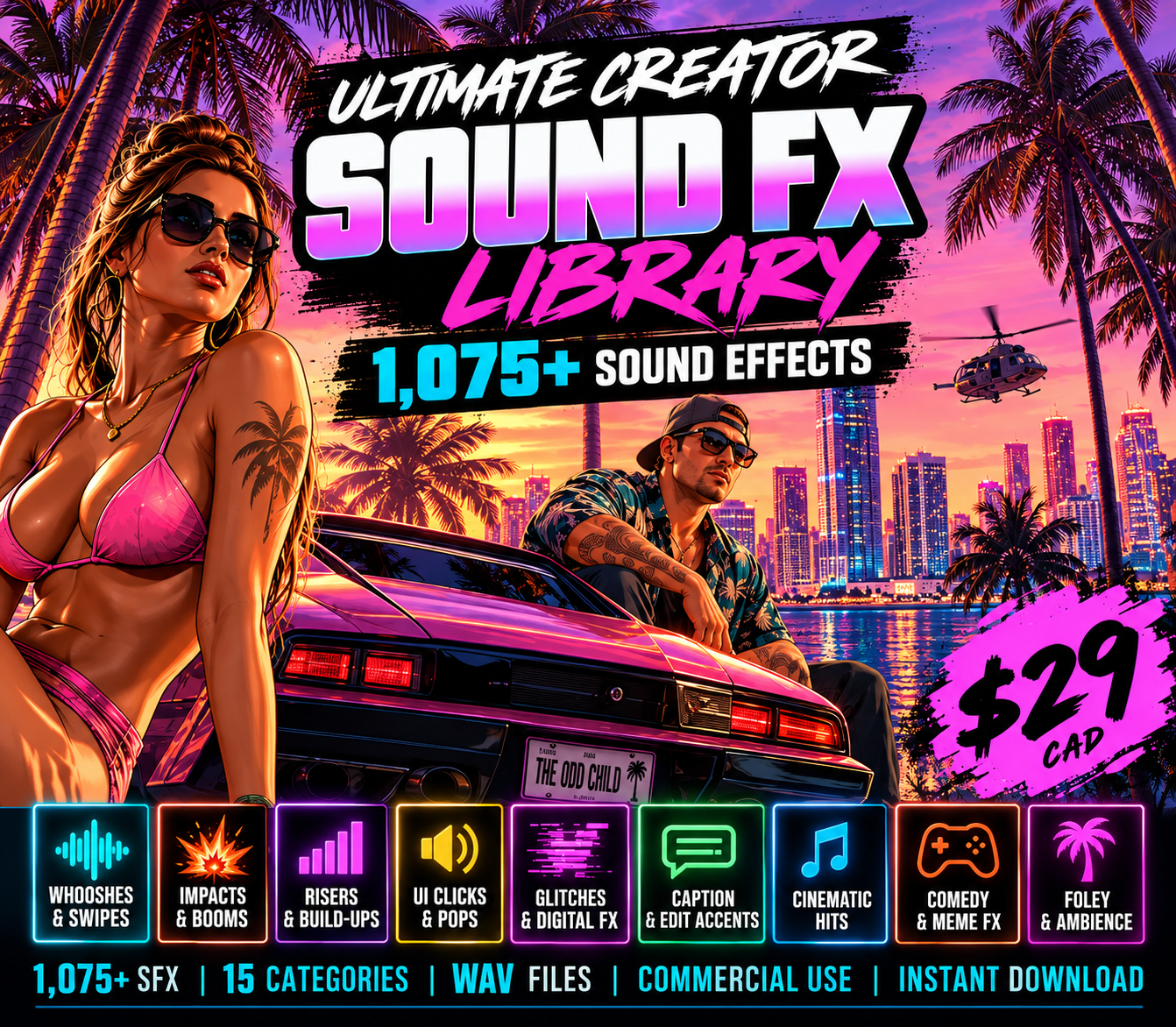
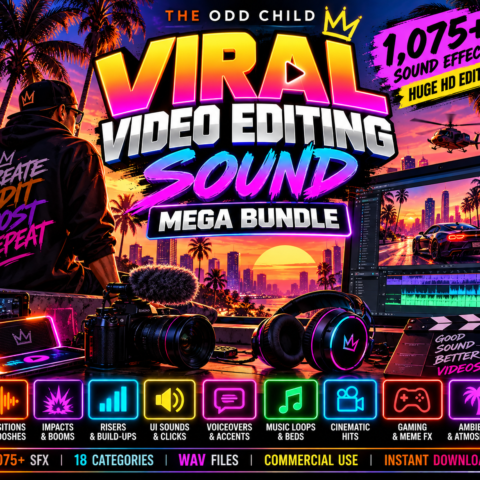
Audio Mega Bundle: 1,075 Sound Effects for Video Creators
Find the right audio for transitions, reveals, captions and cinematic moments. Build a reusable editing library without searching for individual sound effects on every project.
Audio Mega Bundle — 1,075 Sound Effects That Bring Your Edits to Life
Make every transition, reveal and punchline land with the Audio Mega Bundle—an organized collection of 1,075 sound effects for video editing and content creation.
Add a crisp pop when a caption appears, a whoosh as a scene changes, or a deep impact beneath a dramatic reveal. Build atmosphere with ambient textures, create anticipation with risers, and give everyday actions more detail with foley.
Made for YouTube videos, TikToks, Shorts, Reels and client projects, this library gives you reusable audio resources for your next edit and the projects that follow.
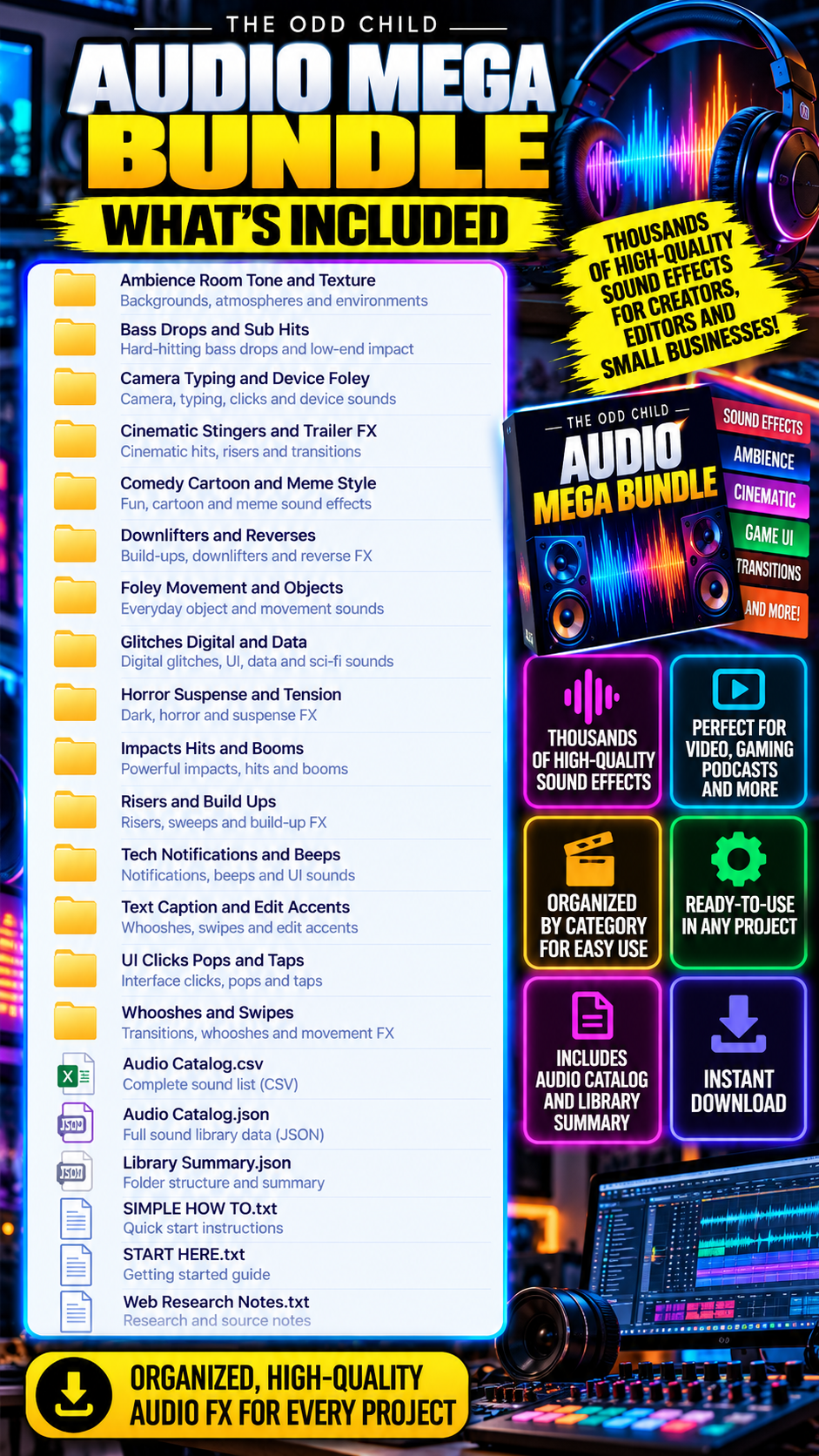
What’s Included in the Audio Mega Bundle?
- Smooth transitions: Connect cuts and scene changes with whooshes, swipes and reverses.
- Stronger reveals: Emphasize key moments with hits, booms, bass drops and cinematic stingers.
- Lively captions and graphics: Highlight text, buttons and animations with clicks, pops and edit accents.
- Atmosphere and suspense: Shape the mood with ambience, textures and tension effects.
- Comedy and personality: Support punchlines with cartoon, meme-style and digital sounds.
- Everyday detail: Add camera, typing, device, object and movement sounds to on-screen actions.
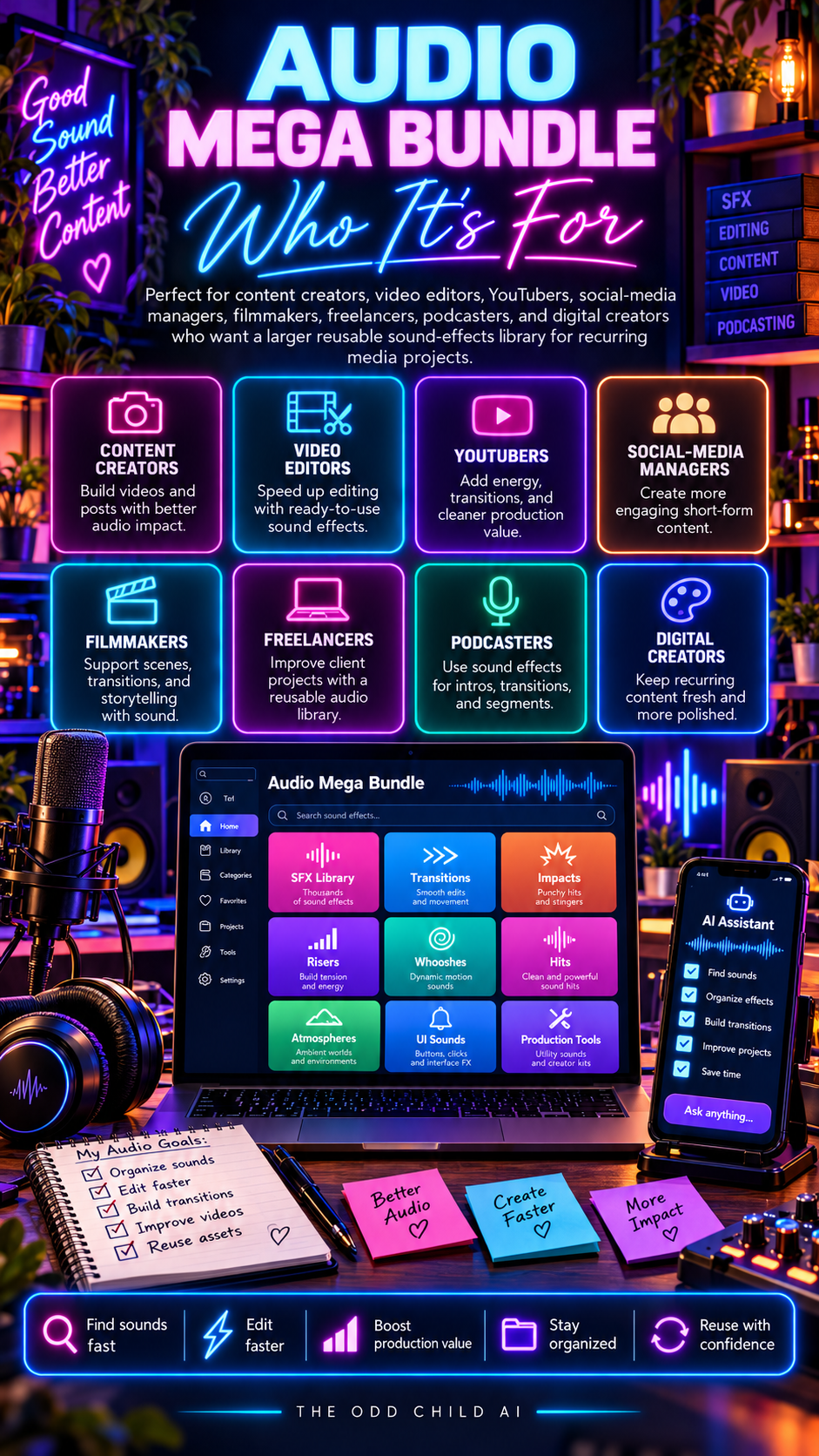
Who Is the Audio Mega Bundle For?
The Audio Mega Bundle suits creators, freelancers, social-media managers and editors who regularly produce video content and want a sound library they can return to across projects.
Audio Mega Bundle Commercial-Use Licence
Use the included audio in finished personal and commercial projects, including monetized videos and client work, subject to the included licence.
The raw audio files may not be resold, shared, redistributed or repackaged as another sound-effects library.
How to Use Your Audio Mega Bundle
Use this sound effects bundle as an organized starting point for video editing. You can choose one sound at a time or build a small collection of favourites for consistent editing across a series.
01 — Download and Extract
After purchase, download the supplied audio archive and extract its files to a folder you can access from your editing software. Keep the original archive as a backup.
02 — Choose the Right Effect
Think about the moment you want to emphasize: a title animation, fast cut, product reveal, suspenseful transition, or comedic reaction.
03 — Add Audio to Your Timeline
Import a suitable file into your editor, position it at the action, and trim or adjust it to support the visuals rather than compete with them.
04 — Balance and Export
Adjust volume and layering around dialogue and music, listen through the finished edit, and export in the format required by your publishing platform.
Make Your Video Editing Workflow More Consistent
A dependable sound effects bundle is useful when you produce several videos each week. Keep commonly used impacts, clicks, transitions and atmosphere cues in easy-to-find folders so you can work quickly without making every video sound identical.
For short-form content, a single well-timed effect can help emphasize a reveal or change in pace. For longer videos, subtle ambience and foley can give scenes context. The Audio Mega Bundle is designed to support both styles, with a range of sounds that can be adapted to the scene and your editing preferences.
If you are building a content series, try establishing a consistent approach to caption accents, transitions and recurring visual moments. Reusing a restrained set of effects can help give your videos a more recognizable editing style.
Audio Mega Bundle: Common Questions
Is this a physical product?
No. This is a digital sound effects bundle. The files are delivered as a download; nothing is shipped.
Can I use these sound effects in monetized videos or client projects?
The included licence permits use in finished personal and commercial work, including monetized videos and client projects, subject to its terms. You cannot redistribute or resell the source audio files as a separate library.
Do I need a particular video editor?
You need software that can import the supplied audio file formats. Check your preferred editor’s format support and the file details before beginning a project.
Will sound effects guarantee more views or engagement?
No. Sound design can support pacing and presentation, but results depend on your content, audience, editing and distribution.
For broader editing guidance, see Adobe’s audio editing documentation. To explore a related product, see the Viral Video Editing Sound Mega Bundle; compare the product contents before purchasing to avoid overlap.
Download Once. Keep Creating.
Instant digital download · No physical product shipped
Download the bundle, extract the files and organize your library for easy access during editing.
Get the Audio Mega Bundle and bring more movement, atmosphere and impact to your next video.


Leave a Reply