
Description
AI Weekly Reporting System: 20 Prompts & KPI Tools
Stop rebuilding reports every week. Use 20 structured AI prompts to check your data, summarize KPI changes, and turn findings into clear next steps.
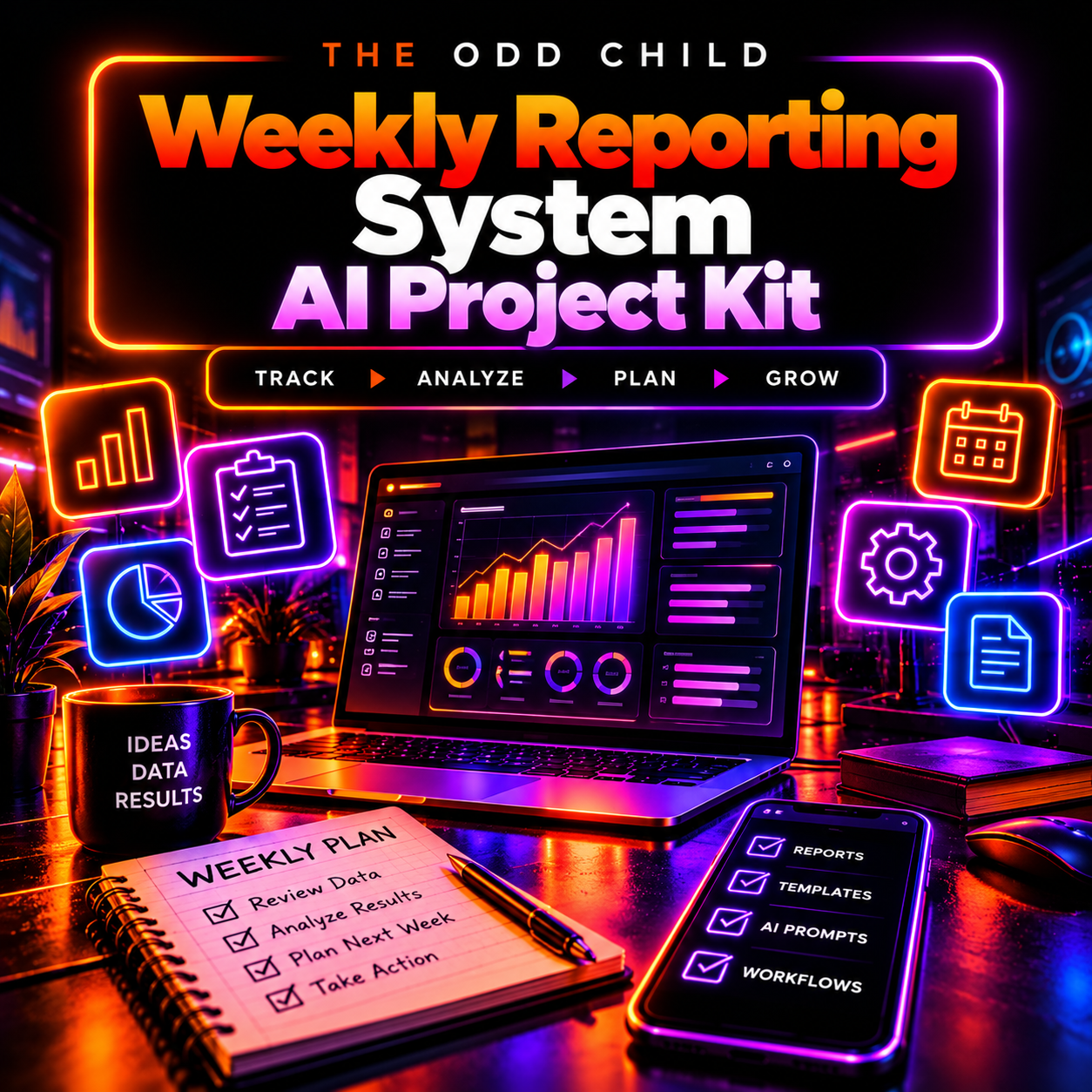
Turn weekly business numbers into clearer reports, priorities, and next actions with the AI Weekly Reporting System from The Odd Child.
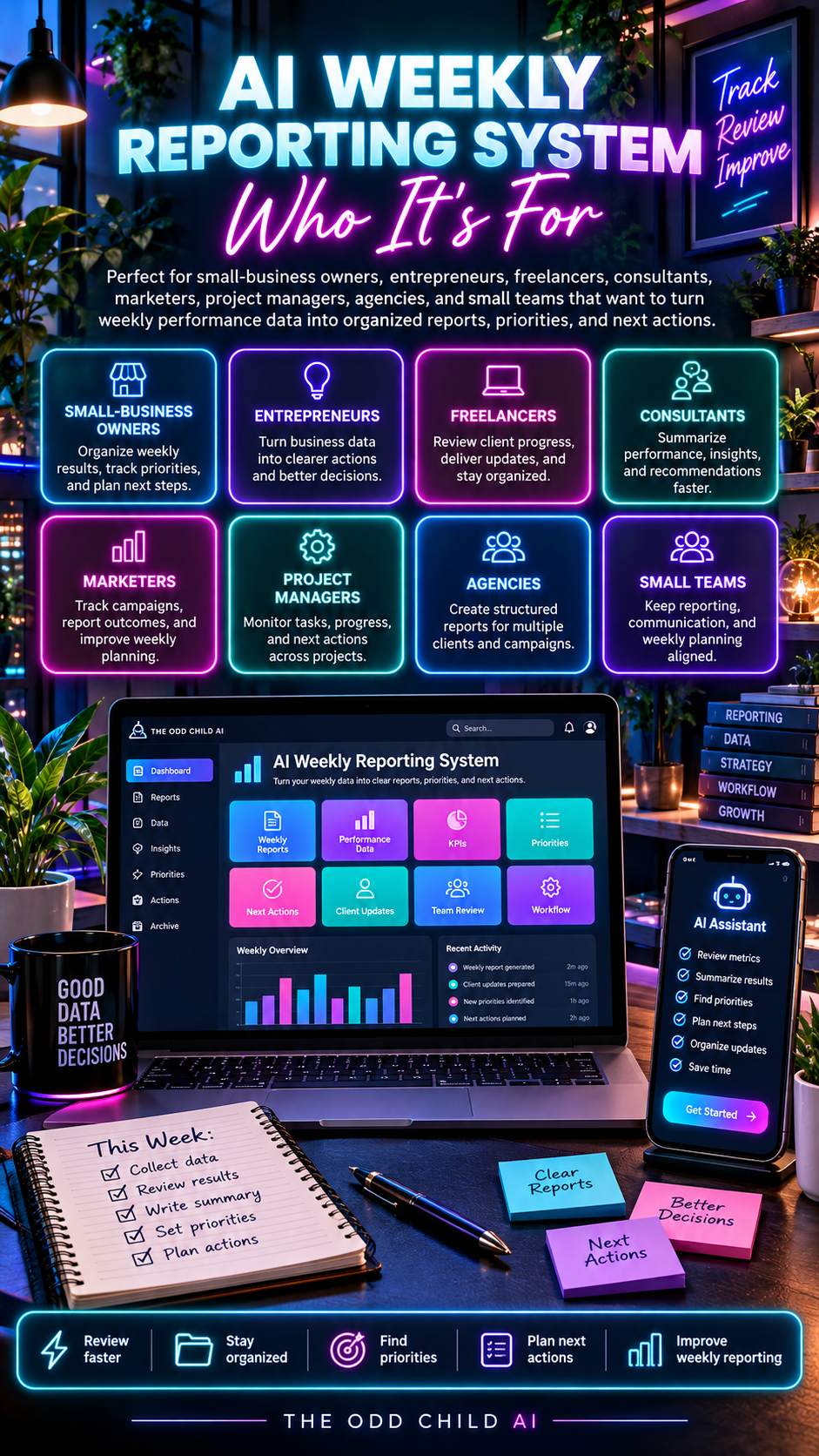
Designed for business owners, freelancers, consultants, marketers, and project managers, this toolkit provides a structured process for collecting weekly data, checking it for issues, comparing performance, identifying meaningful changes, and turning the results into practical next steps.
Instead of rebuilding your weekly report from scratch every time, use a repeatable AI-assisted workflow designed to make reporting more consistent and actionable.
How the AI Weekly Reporting System Turns Data Into Action
The system guides you through a practical reporting cycle:
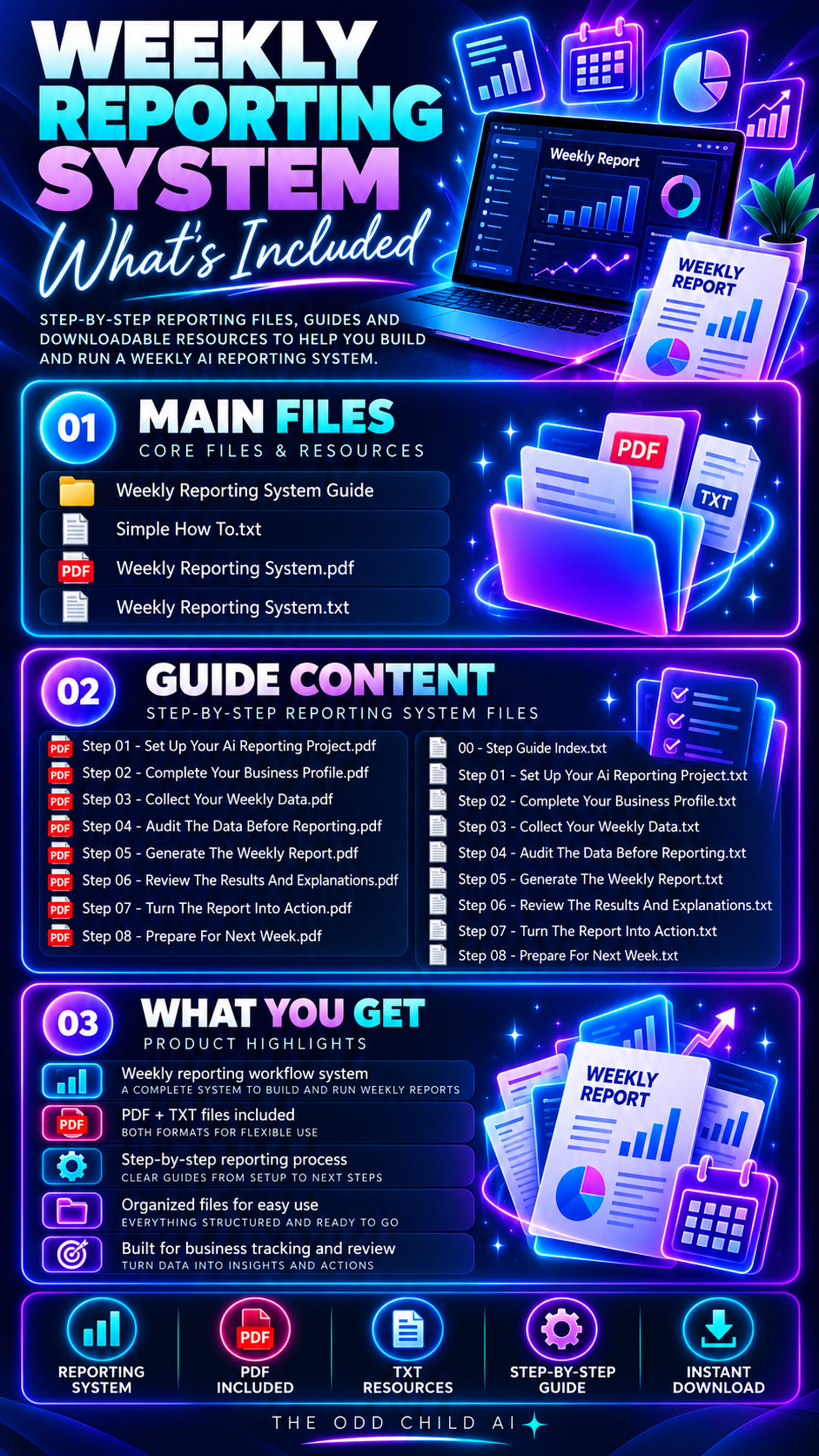
Collect Data → Audit Data → Generate Report → Review Results → Create Action Plan → Prepare Next Week
Add your verified business or project data and use the included prompts and commands to organize it into a structured weekly report.
Your report can include:
- Weekly performance snapshot
- KPI scorecard
- Current vs. previous-period comparisons
- Target performance
- Key improvements
- Problems and risks
- Drivers and open questions
- Top three recommended actions
- Next experiment
- Data required for the following week
The workflow is designed to separate confirmed observations, interpretations, hypotheses, and missing information, helping reduce the risk of treating assumptions as facts.
What’s Included in the AI Weekly Reporting System?
Use the included commands to handle common reporting tasks more efficiently.
You can use the system to:
- Generate a complete weekly report
- Run a data-quality audit
- Compare two reporting periods
- Compare campaigns or projects
- Create an executive summary
- Build an action plan
- Prepare a client-facing report
- Design a controlled experiment
- Create next week’s data template
This helps turn AI from a general-purpose chatbot into a more structured reporting assistant.
Check Your Data Before Reporting
Strong reports depend on reliable source data.
The included data-audit workflow checks supplied information for potential issues such as:
- Missing values
- Duplicate rows
- Inconsistent units
- Mixed reporting periods
- Conflicting totals
- Unclear metric definitions
- Incomplete comparisons
Missing information is treated as missing rather than automatically converted to zero.
This gives you a cleaner foundation before asking AI to interpret performance.
Turn Numbers Into Next Steps
Reporting should lead to decisions.
After reviewing performance, use the included action-planning workflow to convert findings into a focused list of priorities for the following week.
Actions can be organized around:
- Owner
- Due date
- Expected result
- Effort level
- Measurement method
You can also create structured experiments with a defined hypothesis, success metric, decision threshold, duration, and review date.
Who Can Use This AI Weekly Reporting System?
Track the metrics that matter to your operation, including:
- Website traffic
- Leads
- Sales
- Conversion rates
- Advertising costs
- Email subscribers
- Social media performance
- Campaign results
- Project KPIs
- Other measurable business metrics
For website and marketing performance data, tools such as Google Analytics can be used to collect metrics before adding verified data to the reporting system.
You choose the data and define the metrics relevant to your business.
The system does not automatically connect to your analytics, store, CRM, advertising accounts, bank, or other private systems. Data must be supplied or connected separately by the user.
See What a Better Weekly Report Looks Like
Instead of a list of disconnected figures, organize verified metrics into a short summary that separates what happened from what still needs investigation.
01 · Weekly snapshot
Present reporting dates, selected KPIs, targets and previous-period comparisons in a consistent format.
02 · What changed
Highlight increases, decreases and missing values without inventing causes.
03 · Decisions and owners
Record the next actions, responsible people, due dates and measures of success.
How to Use Your AI Weekly Reporting System
Use this repeatable process to prepare a weekly report from real data. Check the numbers before asking AI to summarize performance or suggest actions.
01 — Gather Your Weekly Data
Collect verified metrics, reporting dates, goals and previous-period figures from your chosen business systems.
02 — Audit the Information
Check missing values, duplicates, definitions and comparisons. Record any gaps rather than treating them as zero.
03 — Draft the Report
Choose the appropriate reporting prompt to structure KPI changes, confirmed observations, outstanding questions and an executive summary.
04 — Review the Action Plan
Verify every conclusion, assign responsibilities, and set measurable next steps for the following week.
AI Weekly Reporting System: Frequently Asked Questions
Does this toolkit automatically connect to my accounts?
No. The prompts and templates do not automatically access your analytics, accounting, store or CRM. You supply the information or establish connections separately.
Do I need advanced AI skills?
No advanced experience is needed to start. Choose a reporting task, provide clear metric definitions and checked source data, then review the draft carefully.
Can I use these reports for clients or teams?
You can adapt the resources for internal updates and qualifying client work under the supplied licence. Verify all results and protect any confidential information before entering it into external AI services.
Will the system predict next week’s results?
No prediction is guaranteed. The system is designed to organize current data, compare periods and support reasoned next steps. Conclusions should be checked against your actual records.
For practical reporting guidance, review Google Analytics reporting documentation. For complementary business workflows, see the AI Business Launch & Growth System.
Build a Better Weekly Reporting Routine
Use the AI Weekly Reporting System to replace scattered updates with a more repeatable reporting process.
Collect the numbers. Check the data. Generate the report. Review what changed. Decide what matters. Create the next actions.
Then repeat the process the following week.
Structured reporting · Data auditing · KPI comparisons · 20 AI prompts · Action planning · 8-step reporting guide · Commercial-use licence
Explore More Business Systems
Want to build stronger systems beyond weekly reporting?
Explore the AI Business Launch & Growth System for additional AI-powered business, marketing, planning, and workflow resources.
Always verify important source data and AI-generated analysis before making business decisions.





Leave a Reply