


Description
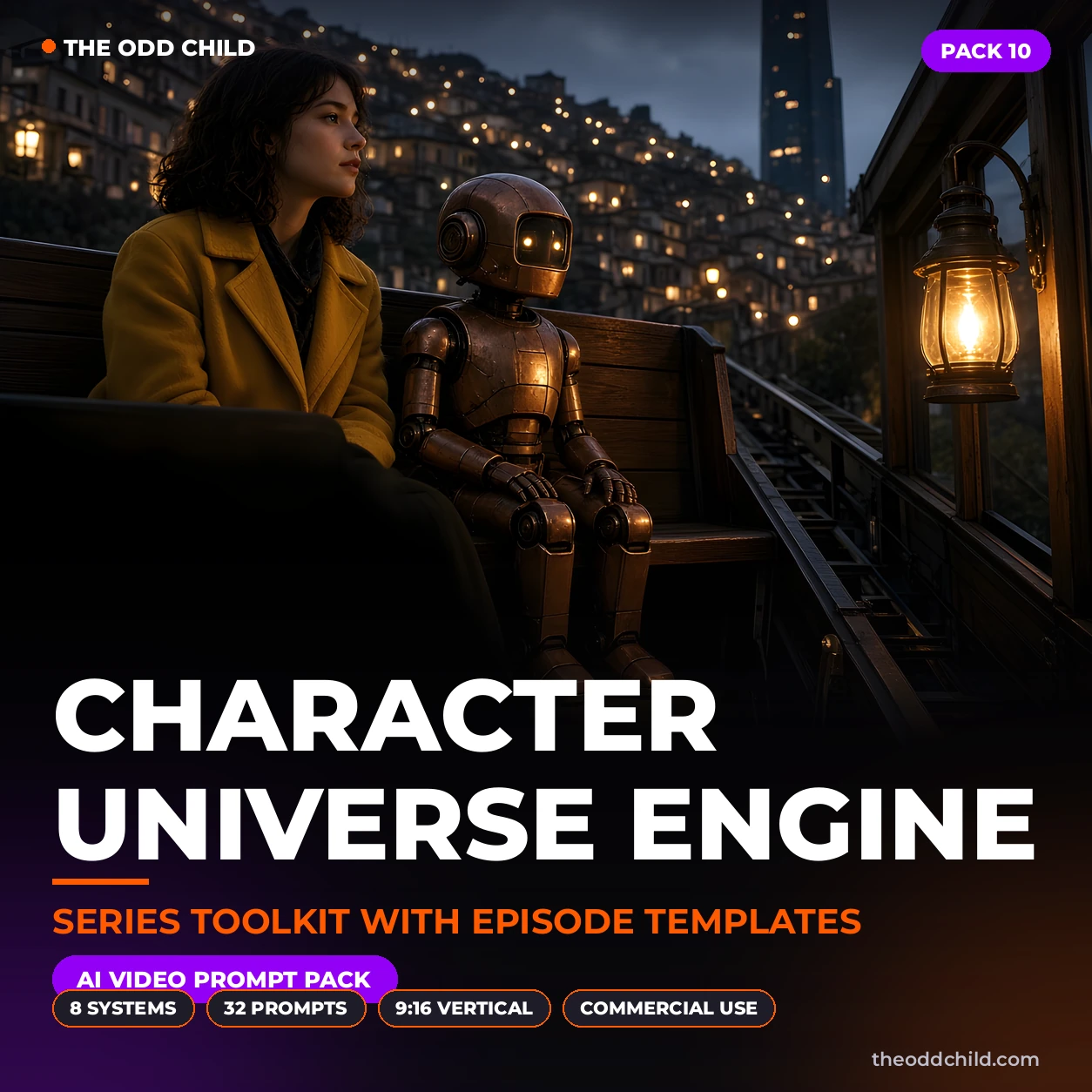
Character Universe Engine – AI Video Prompt Pack
Create a repeatable video series with consistent characters and episode templates with 8 original prompt systems, 24 variations and a full creator toolkit.
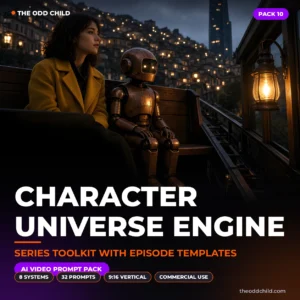
Stop making one-off videos and start a series. This pack hands you a ready-made universe: three original recurring characters with locked descriptions, one city, a character-sheet method, a continuity checklist, an episode planner, and eight 15-second episodes that run as a story arc from arrival to finale. Every episode is a complete prompt system, with start frame, motion prompts, variations and a posting package, plus a continuity line that links it to the next.
What You Can Create With Character Universe Engine
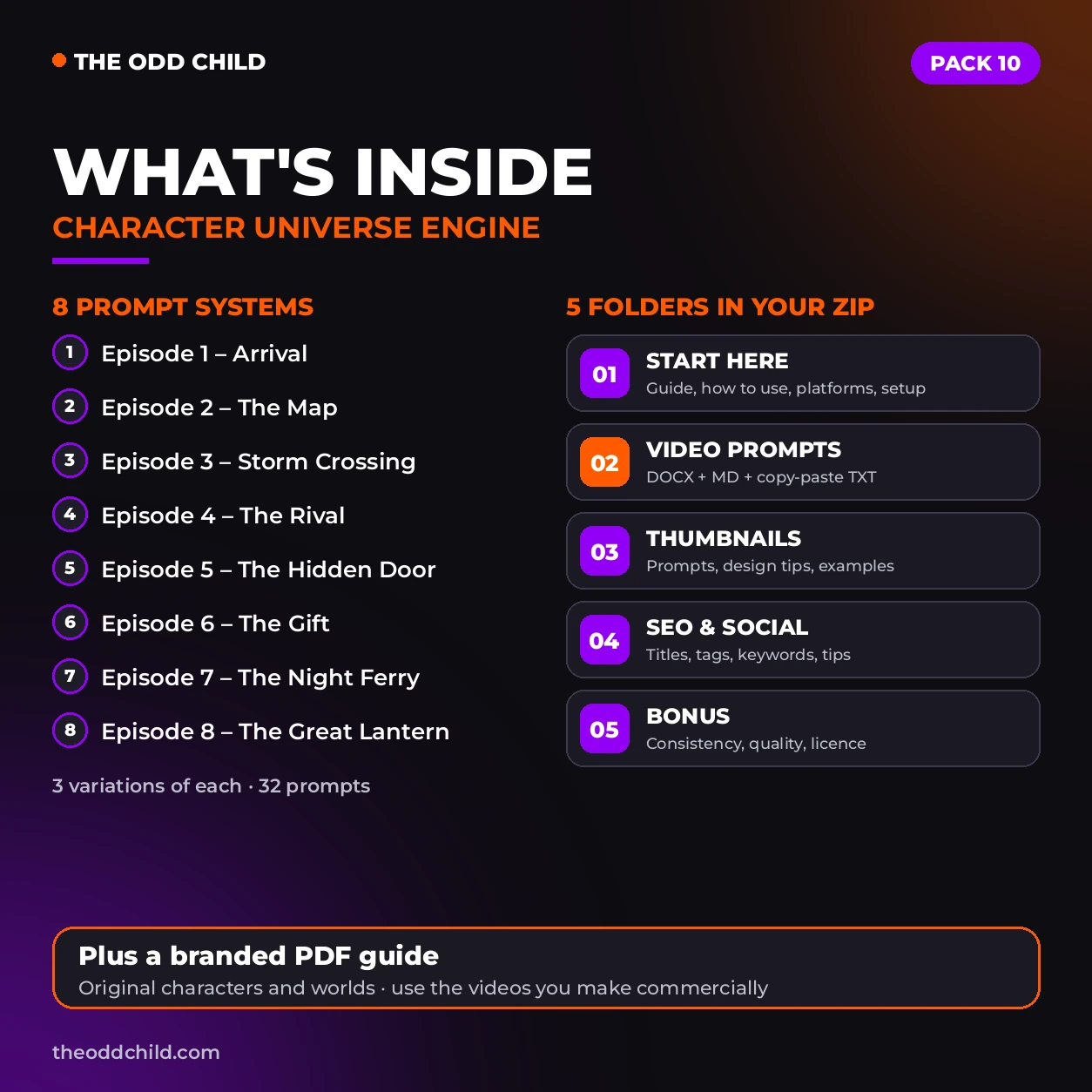
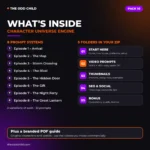
- E1 Arrival — Mabel and Pocket; lanternfall funicular; reveal: lamp floats to mabel.
- E2 The Map — Mabel, Pocket, Barnaby; night market; reveal: map halves glow.
- E3 Storm Crossing — Mabel and Pocket; rope bridge, storm dusk; reveal: lamps line the bridge.
- E4 The Rival — Mabel, Barnaby; rooftop clock face; reveal: key offered, clock strikes.
- E5 Hidden Door — Mabel, Pocket, Barnaby; underground lamp archive; reveal: door opens on a garden.
- E6 The Gift — Mabel, Pocket (Barnaby watches); night-market corner; reveal: lamps chime back.
- E7 Night Ferry — Mabel, Pocket, Barnaby; night canal; reveal: gate opens, truce.
- E8 Great Lantern — Mabel, Pocket, Barnaby; glass tower stair; reveal: lantern blazes gold; loop.
Every system is vertical 9:16 and ready for Reels, TikTok and Shorts.
Who It’s For
Made for creators who want a recurring character, channel or mini-series. No prompt-writing experience needed: each system tells you what to paste, in what order.
What’s Included
- 8 original prompt systems — each with a character lock sheet, start-frame image prompt, two motion prompts (Part A and Part B) and a negative prompt.
- 24 variations — three per system (new light, weather or camera).
- 32 ready-to-paste prompts in DOCX, Markdown and a plain TXT copy-paste file.
- Thumbnail prompts and design instructions with example images.
- SEO & social kit — titles, descriptions, hashtags, keywords and posting tips.
- Branded PDF start guide and bonus guides on character consistency, video quality and multiplying one concept.
- Plain-English commercial-use licence.
| Folder | Contents |
|---|---|
| 01 START HERE | Welcome guide, how to use, platforms, beginner setup, testing summary |
| 02 VIDEO PROMPTS | DOCX, MD and TXT |
| 03 THUMBNAILS | Prompts, design instructions, example images |
| 04 SEO & SOCIAL | Titles, descriptions, hashtags, keywords, slugs, posting tips |
| 05 BONUS | Character consistency, video quality, multiply-one-concept guides and licence |
Supported Platforms
Use the prompts with any image-to-video tool. Only Grok Imagine was used for testing.
- Grok Imagine — The only platform used to test these prompts (480p, image-to-video). Part A 8 s, then Part B 7 s from Part A’s last frame.
- Seedance 2.0 (via Runway, GVOID or similar) — Good fit for a single 15 s pass; add extra reference images of your hero for consistency. Not tested.
- Kling — Use Part A and Part B as two clips chained by the last frame. Not tested.
- Veo 3.1 (Google Flow) — Use Part A and Part B; native audio can follow the Sound lines. Not tested.
- Runway (Gen-4.5 / hosted models) — Part A and Part B chained by last frame. Not tested.
- Hailuo — Part A and Part B chained by last frame. Not tested.
Sora is not covered: OpenAI shut down Sora 2 consumer access and the API in 2026. Check each platform’s current limits before you start.
How It Works
- Make the start frame. Paste the start-frame prompt into the image generator at 9:16.
- Animate Part A. Upload your start frame to the video platform in image-to-video mode.
- Animate Part B. Upload that last frame as the start image, paste the Part B prompt (about 7 seconds).
- Join the clips and finish. Stitch Part A and Part B in any editor (CapCut, DaVinci Resolve, Premiere, or ffmpeg).
The included PDF guide walks you through every step, including how to grab the last frame and join the clips.
Sample Prompt Preview
A trimmed look at Episode 1 – Arrival, the tested system in this pack. The full prompts are in your download.
START-FRAME IMAGE PROMPT (trimmed)
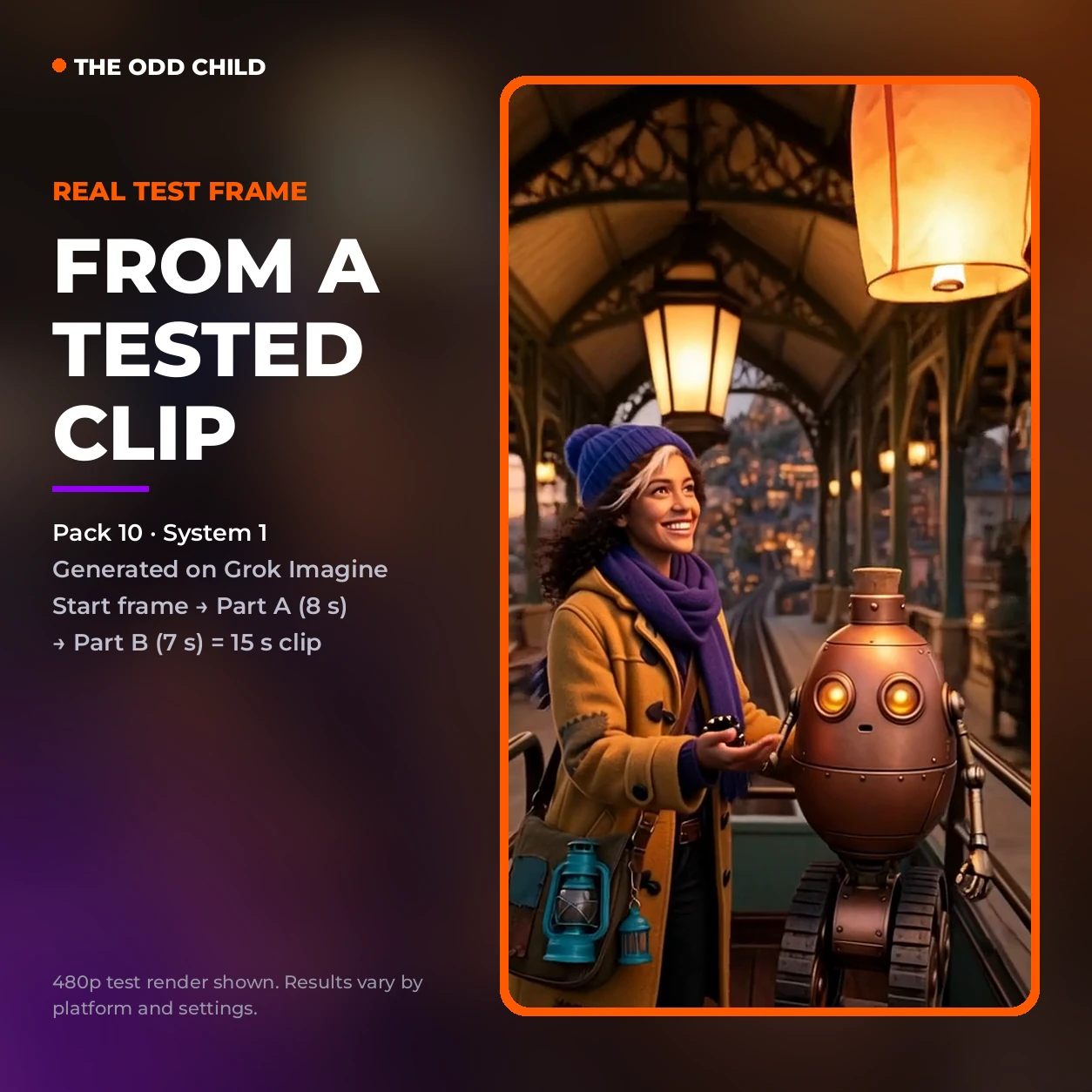
Photorealistic cinematic still, vertical 9:16, warm storybook-realism film look. Rear three-quarter view, slightly below, of Mabel Sorrel, a wiry woman in her early 30s with light-brown skin, dark curls with a white streak at the left temple and a gap-toothed smile, wearing an ochre duffle coat, indigo scarf, cobalt beanie and a patched satchel with a teal lantern pin. Beside her rolls Pocket, a knee-high robot with a round copper …

PART A MOTION PROMPT (trimmed)
Animate this exact start frame into one continuous vertical 9:16 shot, no cuts. Keep Mabel and Pocket identical throughout: white streak at the left temple, ochre coat, indigo scarf, cobalt beanie, teal lantern pin; copper teapot body, two round amber eyes, cork whistle lid. Mabel's coat stays ochre and her scarf indigo, and Pocket stays copper, in all lighting; lamp glow never turns the coat orange. A gust of wind and loose lamps come from the left of the frame …
Honest Testing Status
Tested on Grok Imagine: System 1 (Episode 1 – Arrival). These were generated as 480p image-to-video preview renders (Part A 8 s, then Part B 7 s from Part A’s last frame) and checked frame by frame. The other 7 systems have not been generated yet and are marked UNTESTED inside the pack; they use the same structure and lessons. The prompts now also include a realism block (cinema camera, natural skin, film grain) that was added after the test, so that wording is not re-tested. Nothing was tested on other platforms, and results vary by platform, settings and seed. Preview images are 480p test frames, not final-quality renders.
Download & File Formats
Instant digital download of one ZIP file. Formats: ZIP containing PDF, DOCX, Markdown (MD), TXT, CSV and WebP images. Nothing to install; open the files on any phone or computer.
Licence Summary
You may use the videos and images you generate with these prompts commercially (social media, ads, client work, your own products). You may not resell, share, post or redistribute the prompts or any file in the pack, or use them to make a competing prompt product. The full plain-English licence is included in the download.
Purchase Information
How do I get my files?
Which tools do I need?
Can I use the videos commercially?
Is Sora supported?
What currency and taxes apply?
More AI Video Resources
Save with the Cinematic Series – All 10 Packs bundle, browse the Video category, or explore the 10 Branded AI Video Prompt Systems bundle.
Start Creating With Character Universe Engine
Get 8 systems, 24 variations, guides and a commercial-use licence for C$4.99.
Download Character Universe Engine and make your first cinematic AI video today.
Make Your First Episode With Character Universe Engine
Start with Episode 1, Arrival, and make your first clip with Character Universe Engine in an afternoon. Paste the start-frame prompt into your image generator at 9:16, animate Part A, then Part B, and stitch the two clips together in any editor. The prompts were built for Grok Imagine, the image-to-video tool used for the demo clips, so what you see in the demo is what the prompts are written to produce. If you want more packs in the same style, browse all AI video prompt packs or save with the Cinematic Series – All 10 Packs bundle.
Watch Character Universe Engine in Action
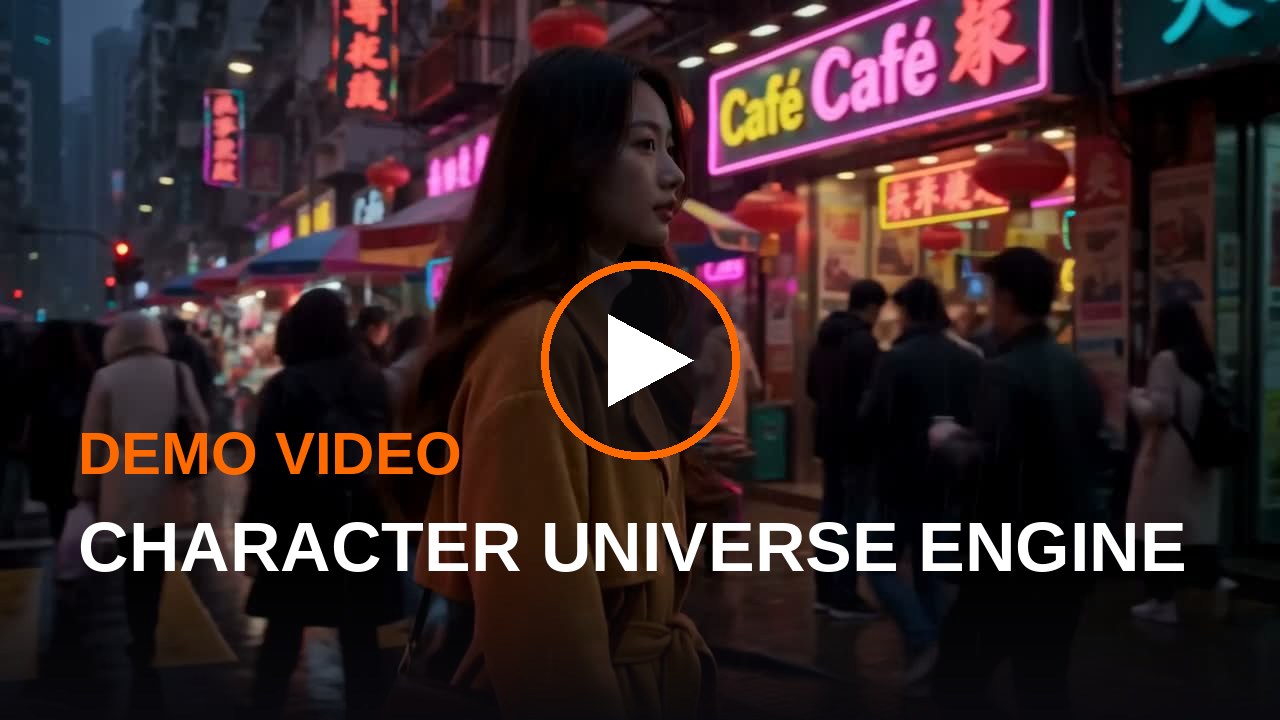
Watch the 15-second demo clip below, made with the prompts in Character Universe Engine on Grok Imagine. Mabel, Pocket and the lanternfall funicular all come from Episode 1, Arrival.
Character Universe Engine: Questions Creators Ask
Is Character Universe Engine beginner-friendly?
Yes. Character Universe Engine was made for creators with no prompt-writing experience: every system follows the same start-frame, Part A and Part B structure, and the PDF guide walks you through each step, from generating the still image to joining the two clips.
What do I get in Character Universe Engine?
You get 8 original prompt systems and 24 variations, with 32 ready-to-paste prompts in DOCX, Markdown and TXT, thumbnail prompts, an SEO and social kit, bonus guides and a plain-English commercial-use licence, all in one ZIP file.
Which tools work with Character Universe Engine?
The prompts work with any image-to-video tool. Only Grok Imagine was used for testing, so start there if you want the closest match to the demo clip.
Can I use Character Universe Engine for client work?
Yes. The videos you generate with Character Universe Engine are yours to use commercially, for social media, ads and client work. The prompts and files themselves may not be resold or shared, as explained in the licence summary above.

Reviews
No customer reviews yet. Purchased this product? Share your experience to help another creator.