If your AI images keep coming out blurry, cluttered, or just a little off, the problem usually isn’t the tool. It’s the prompt. Good AI image prompts read less like a wish and more like a short brief to a photographer or designer: what’s in the shot, where it is, how it’s lit, and what it should feel like.
Table of Contents
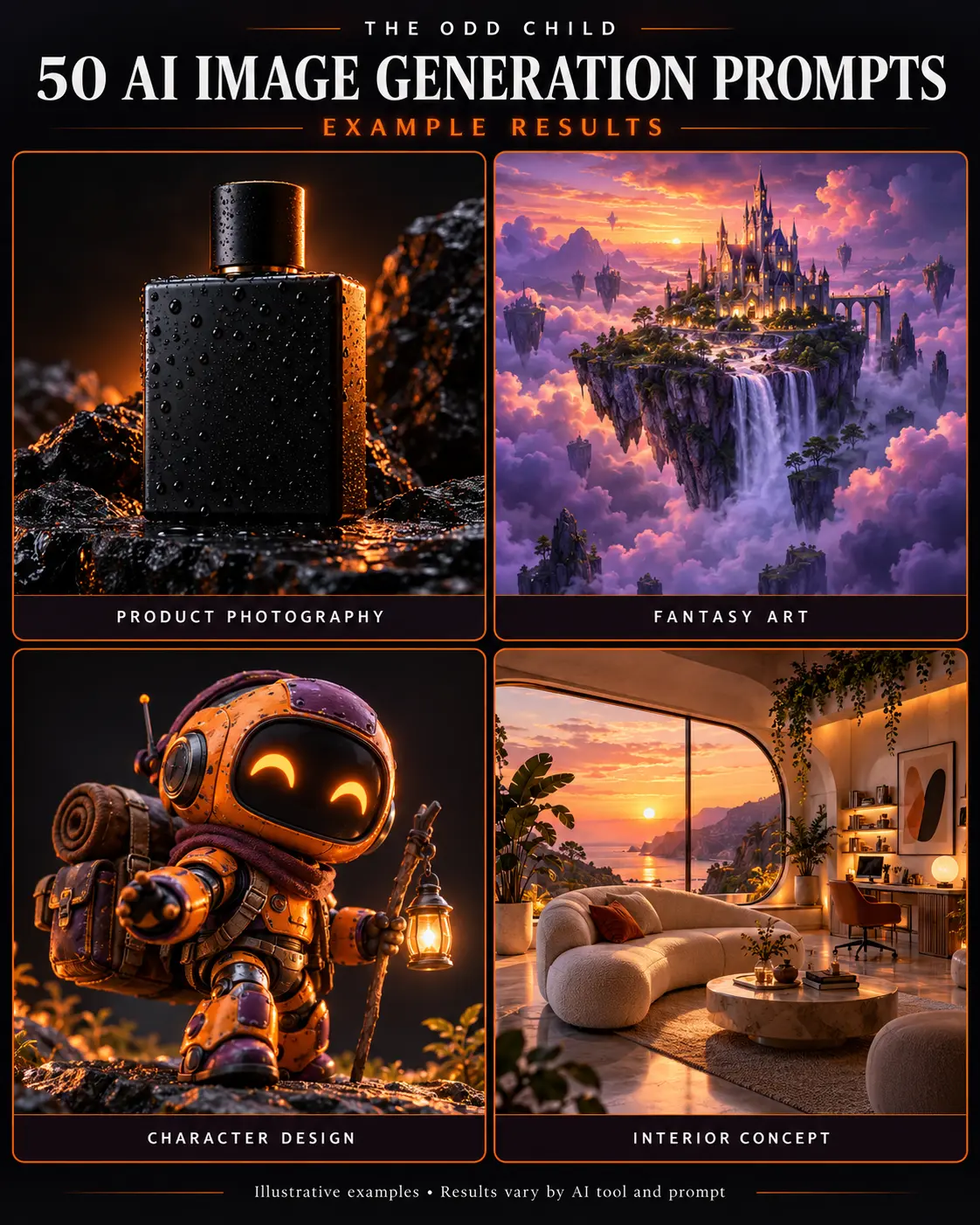
This guide walks you through a simple structure for writing AI image prompts that look professional, whether you use Midjourney, DALL·E, Leonardo, or another generator. You’ll get a step-by-step method, copy-ready example prompts, and the common mistakes that make images look cheap.
Step 1: Start With the Subject and the Job
Before you type anything, decide what the image is for. A product shot for your shop, a blog header, a social post, and a moody background all need different choices. Then name the subject clearly and specifically.
- Vague: “a coffee cup”
- Clear: “a matte white ceramic coffee mug with steam rising, on a wooden desk”
One main subject per image is usually best. The more things you ask for, the more the generator has to guess.
Step 2: Set the Scene and Composition
Professional images have intentional framing. Tell the generator where the subject sits and how the camera sees it.
Useful composition words
- Shot type: close-up, medium shot, wide shot, flat lay, overhead
- Angle: eye level, low angle, 45-degree angle, top-down
- Space: centered subject, rule of thirds, negative space on the left (great for adding text later)
If you plan to put a headline on the image, ask for empty space. It saves you from fighting a busy background later.
Step 3: Describe the Lighting
Lighting is the biggest difference between an amateur-looking image and a polished one. A single lighting phrase can change the whole mood.
- Soft natural window light for clean, friendly lifestyle images
- Golden hour for warm, inviting scenes
- Studio softbox lighting for product shots
- Dramatic side lighting for bold, high-contrast looks
Step 4: Choose a Style and Stick to It
Pick one clear style instead of stacking five. “Photorealistic, watercolor, 3D render, anime” in one prompt gives you a muddy result. Choose a direction like:
- Editorial product photography
- Minimal flat illustration
- Soft 3D render
- Film photography look
If you’re building a brand, reuse the same style words across images so your feed and shop look consistent.
Step 5: Add Color, Mood, and Details
Now add the finishing details: a color palette, a mood, and textures. Keep it to a few strong words.
- Color: muted earth tones, pastel palette, black and gold
- Mood: calm, cozy, energetic, premium
- Texture: linen, marble, brushed metal, paper grain
Finally, set the shape. Most generators let you pick an aspect ratio, like 1:1 for feeds, 4:5 for Instagram, 9:16 for Stories and Pins, or 16:9 for blog headers.
Step 6: Iterate One Change at a Time
Your first result is a draft. When something looks off, change one thing and run it again. If you change the subject, lighting, and style at once, you won’t know what fixed it. Save the prompts that work so you can reuse them as templates.
Example AI Image Prompts You Can Copy
Swap the bracketed parts for your own product or topic.
Prompt 1: Clean Product Shot
“Editorial product photo of [your product] on a light stone surface, soft studio softbox lighting, 45-degree angle, neutral beige background, subtle shadow, high detail, minimal and premium, 4:5 aspect ratio.”
Prompt 2: Lifestyle Scene
“Lifestyle photo of a person using [your product] at a cozy home desk, soft natural window light, warm muted tones, shallow depth of field, candid and relaxed mood, medium shot.”
Prompt 3: Blog Header With Text Space
“Minimal flat illustration about [topic], simple shapes, pastel palette, lots of negative space on the left for a headline, clean modern style, 16:9 aspect ratio.”
Prompt 4: Social Media Background
“Abstract soft gradient background in [brand colors], gentle grain texture, calm and modern, no text, 9:16 aspect ratio.”
Prompt 5: Flat Lay
“Overhead flat lay of [items related to your niche] arranged neatly on a linen surface, soft daylight, earthy tones, balanced composition, styled like a magazine spread.”
Common Mistakes (and Quick Fixes)
- Too many ideas in one prompt. Split it into separate images.
- No lighting direction. Add one lighting phrase every time.
- Mixing styles. Pick one and commit.
- Asking for text inside the image. Many generators still misspell words. Add text afterward in Canva or a similar tool.
- Ignoring aspect ratio. Set it for where the image will be posted so you don’t crop out the good part.
- Not saving winners. Keep a simple doc of prompts that worked so you’re not starting from zero each time.
Tip: Treat the structure as a checklist: subject, scene, composition, lighting, style, color and mood, aspect ratio. If a result looks flat, check which piece you skipped.
Want Ready-Made Prompts to Start From?
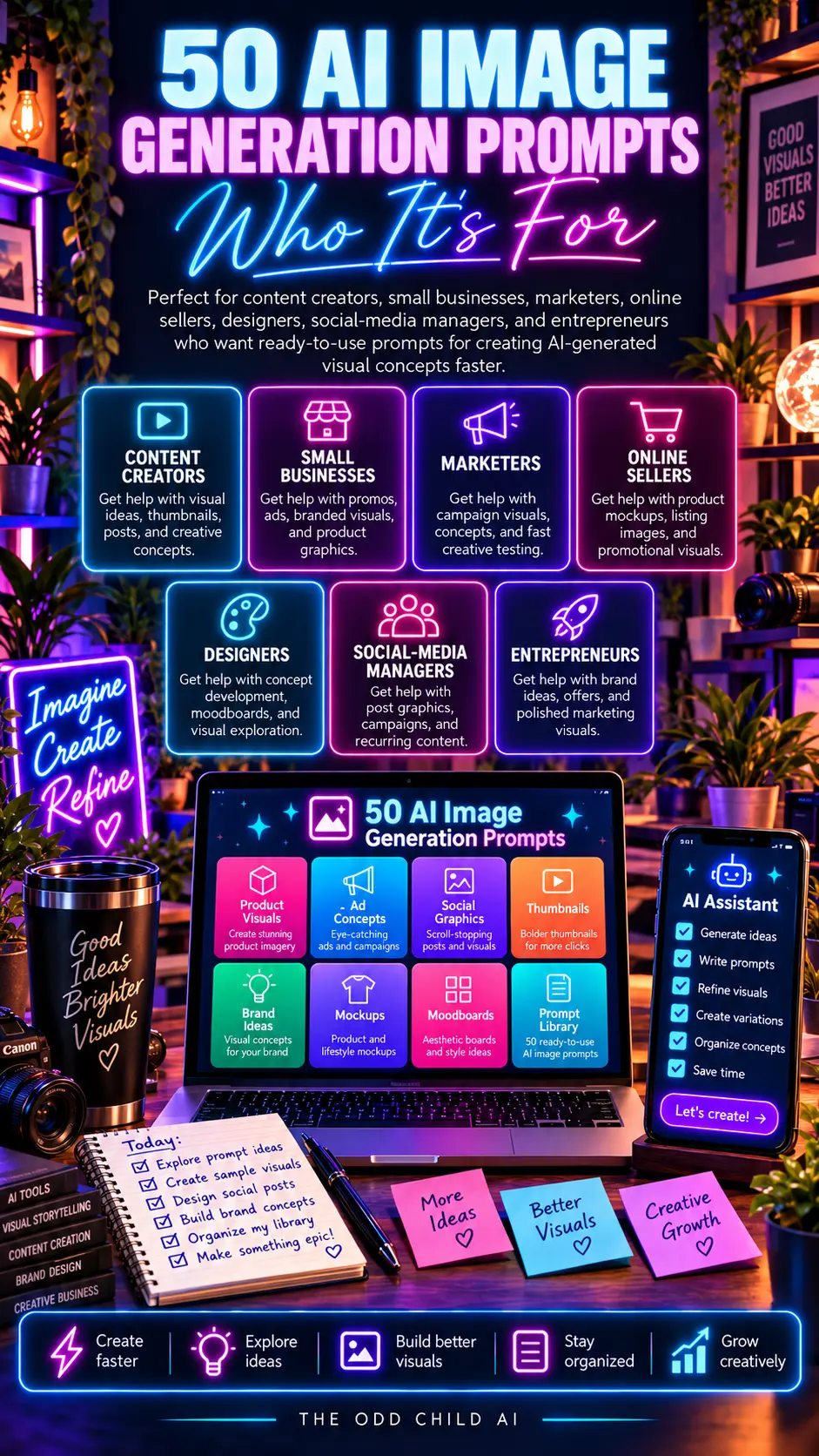
If you’d rather not build every prompt from scratch, our 50 AI Image Generation Prompts pack gives you tested starting points for product shots, lifestyle scenes, backgrounds, and more. Just swap in your details. If you also make video content, the AI Video and Image Prompts bundle covers both.
AI Image Prompts in Practice: One Brief, Four Professional Images
Here is the whole method working on one real brief. A candle maker needs four images for a product launch: a hero shot for the product page, a lifestyle image for Instagram, a blog header with space for a title, and a flat lay for Pinterest. Same candle, four jobs. Watch how structured AI image prompts produce a matching set instead of four random pictures that look like they came from four different brands.
She writes the shared brief first: “handmade amber glass candle with a cream label, warm minimal brand, soft neutrals, no people.” That one sentence gets pasted at the front of every prompt in the set. Consistency in AI image prompts never comes from luck — it comes from repeating the same core description so the tool keeps recognizing the same product.
The hero shot prompt
“Handmade amber glass candle with a cream label, centered on a light stone surface, plain warm beige background, soft window light from the left, gentle shadow, premium product photography, lots of empty space around the product, square format.” Clean, centered, and boring in the best way: the product is the entire story.
The lifestyle prompt
Same brief, new scene: “the candle lit on a wooden side table beside an open book and a cup of tea, evening, warm lamp glow, shallow depth of field, cozy reading-nook mood, vertical format.” Notice what changed and what did not. The candle’s description is word-for-word identical; the setting, light, and format did all the work. That is the discipline behind professional AI image prompts — change the scene, protect the subject.
The blog header and flat lay prompts
For the header she adds the instruction beginners forget: “wide banner composition, candle on the right third of the frame, left two-thirds plain and softly blurred for text overlay.” For the flat lay: “top-down view, candle surrounded by dried flowers, a linen cloth, and matches, evenly spaced, soft daylight, muted warm tones.” Four prompts, four images, one unmistakably consistent brand set, generated in about fifteen minutes.
A set-building checklist
- Write one core product description and reuse it word for word.
- Decide each image’s job before you prompt: hero, lifestyle, header, or social.
- Change the scene and light per image, never the product description.
- State the composition: centered, right third, top-down, close-up.
- Reserve text space deliberately on anything that will carry words.
- Generate two versions of each and keep the most on-brand, not just the prettiest.
That checklist is the difference between a folder of nice pictures and a visual identity. Brands are built on repetition, and your prompts are where the repetition lives.
7 Pro Tips for Images That Look Expensive
1. Steal from photography, not from other prompts. Terms like “soft window light,” “shallow depth of field,” “top-down flat lay,” and “golden hour” come from real photography, and image models understand them deeply. Ten minutes studying Adobe’s photography resources will improve your prompts more than a hundred copied prompt lists.
2. Name the lens mood, not just the subject. “Shot on 35mm, candid” and “studio product photography” produce different worlds from the same subject. Add one photographic style line to every prompt.
3. Control color with a palette sentence. “Muted sage, cream, and warm wood tones” keeps a whole set cohesive and stops the model from inventing clashing colors image by image.
4. Use negative prompts where supported. “No text, no watermark, no extra fingers, no distorted label” prevents the most common failures. Tools differ, but the official Midjourney documentation explains parameters and negative prompting clearly if that is your generator.
5. Upscale and finish like a photographer. A light crop, a touch of contrast, and consistent resizing in your editor make generated images feel art-directed. Generation is the shoot; editing is still the darkroom.
6. Build a house style prompt. Save your palette, lighting, and mood lines as a reusable block. Paste it into every prompt and your whole feed, site, and store start sharing one visual voice — the quiet signal of a real brand.
7. Check hands, text, and labels last. Before publishing, zoom in on the classic failure points: fingers, small text, logos, and reflections. Regenerate or crop out problems instead of hoping nobody notices. Somebody always notices.
5 More Copy-Ready Prompts for Specific Jobs
The examples earlier in this guide cover the everyday cases. These five handle the jobs creators ask about most: portraits that do not look plastic, backgrounds that sell, and images built for a specific platform. Paste your core subject description first, the same discipline you use for all your AI image prompts.
Prompt 6: The Natural Portrait
“Portrait of [person description], candid moment, genuine relaxed expression, soft natural window light, shot on 85mm lens, shallow depth of field, true skin texture with visible detail, no beauty filter look, neutral warm background, vertical format.”
Prompt 7: The Clean Background Swap
“[Your subject description], isolated on a pure white background, even studio lighting, crisp edges, subtle natural shadow beneath the subject, e-commerce product listing style, square format, no props, no text.”
Prompt 8: The Scroll-Stopping Social Graphic
“Bold social media background about [topic], strong single focal point on the right side, high contrast colors [your palette], dramatic diagonal composition, left half darker and plain for text overlay, vertical 4:5 format, modern editorial style.”
Prompt 9: The Cozy Interior Scene
“Interior of a [room type], [style] design, morning light through linen curtains, plants on the windowsill, layered textiles in [palette], lived-in but tidy, architectural photography, wide shot, warm and calm mood.”
Prompt 10: The Before-and-After Pair
“Generate the ‘after’ version of this scene description: [describe the messy ‘before’]. Same camera angle and composition, transformed to be organized, bright, and styled in [your style]. I will pair it with the before image in my post, so keep the framing identical.”
Save the versions of these that match your brand, with your own palette and style words swapped in. A small set of job-specific templates like this is what turns occasional good results into a dependable visual system.

Frequently Asked Questions About AI Image Prompts
What are AI image prompts, in plain language?
They are the written instructions you give an image generator: what the image shows, how it is composed, how it is lit, what style it follows, and what format it should be. A prompt is a creative brief in miniature. The better the brief, the less the tool has to guess — and guessing is where weird results come from.
Why do my images look cluttered or amateur?
Almost always: too many subjects, no composition instruction, and no lighting direction. Amateur-looking results come from prompts like “a candle in a room,” which forces the tool to invent everything. Professional AI image prompts name one subject, place it deliberately, light it on purpose, and stop there.
Which tool is best for beginners?
The best tool is the one you will practice with weekly. Major generators all respond to the same structure — subject, scene, composition, light, style, format — so skills transfer. Start with one tool, learn its strengths for a month, and only then compare. Switching tools weekly resets your learning each time.
Can I use AI images commercially for my products and blog?
Usually yes, under the terms of the plan you are on — but check your specific tool’s commercial-use terms, because they vary by provider and subscription level. Also avoid prompting real brand logos, celebrities, or copyrighted characters into commercial work. Your own products described in your own words are the safe, valuable use case.
How do I keep a set of images looking consistent?
Reuse one core description word for word, keep the same palette and lighting sentences, and generate the set in one session. Consistency is a prompting discipline, not a tool feature. The worked example in this guide shows the exact pattern: identical subject lines, changing scenes.
Quick Recap
Professional-looking AI images come from clear, structured prompts. Name one subject, set the scene and framing, describe the lighting, pick one style, add color and mood, and choose the right aspect ratio. Then change one thing at a time and save what works. A little structure goes a long way.

Your Next Step: Build One Matching Set
Take one product or topic and generate the four-image set from the worked example: hero, lifestyle, header with text space, and flat lay. Use one core description across all four. Compare the result with the random images you were making before — the difference teaches the whole method in fifteen minutes.
Want proven starting points instead of a blank prompt box? The 50 AI Image Generation Prompts pack and the combined AI Video and Image Prompts collection give you structured prompts you can adapt to your own products today.
Keep reading: How to Write AI Video Prompts for Short-Form Content and Free AI Prompts for Creators: A Practical Starter Guide.