
AI prompts for contractors are a simple way to cut down the paperwork and marketing that pile up after a long day on site. With the right prompt, an AI chat tool can turn your rough notes into a clear quote description, write a polite follow-up to a customer who went quiet, ask happy clients for reviews, and draft local posts that bring in new work.
Table of Contents
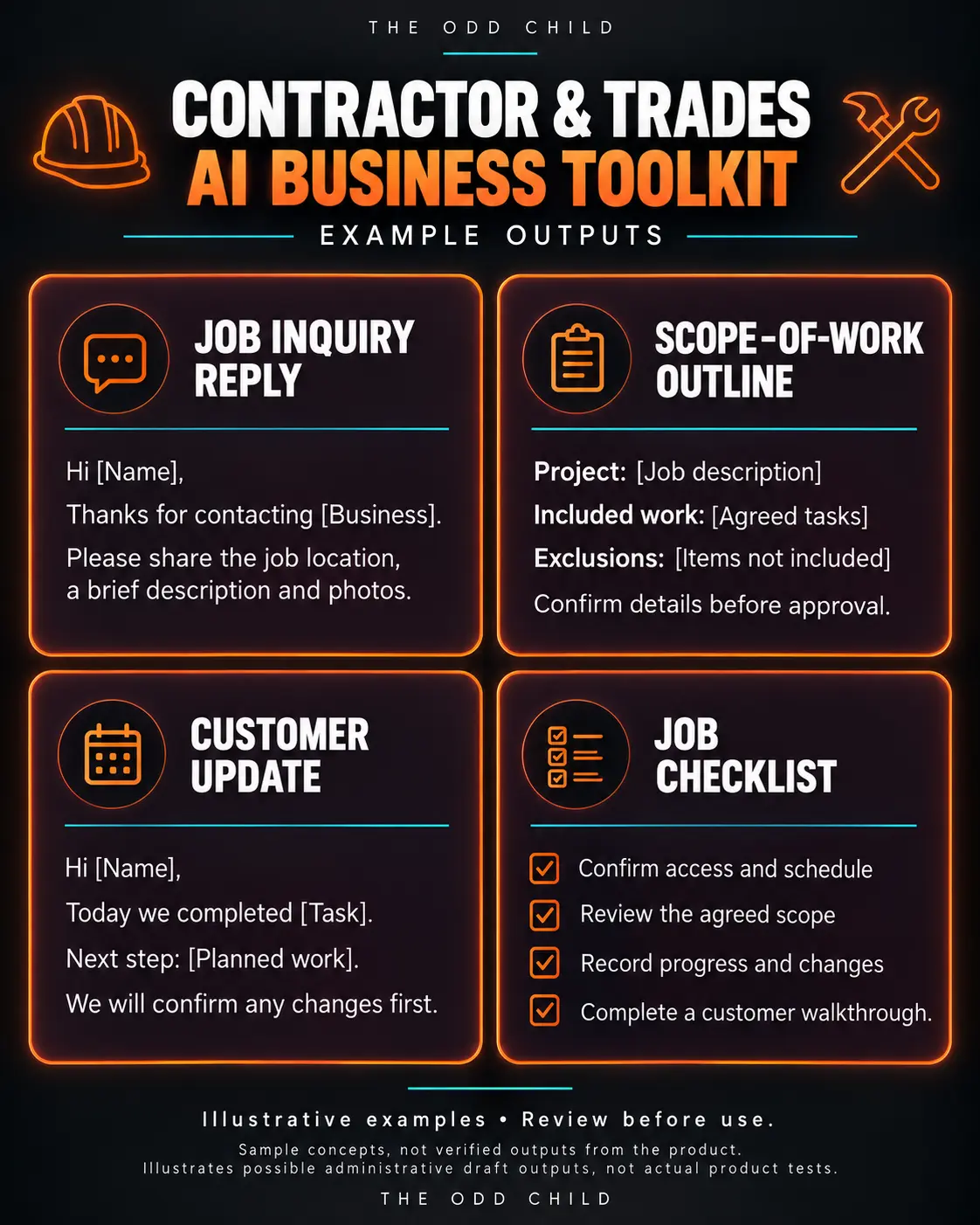
You stay in charge of pricing, scope, and promises. AI just helps you put it into clear, professional words faster. Below are practical steps and example prompts you can copy and adjust for your trade, whether that is renovations, roofing, plumbing, electrical, landscaping, or general contracting.
Where AI actually helps a contracting business
Most contractors do not need AI to do the job. They need help with the writing around the job:
- Turning site notes into a clear scope of work for a quote
- Following up on quotes without sounding pushy
- Answering common customer questions quickly and consistently
- Asking for reviews after a job is done
- Writing posts for your Google Business Profile, Facebook, or website
One important rule: never let AI set your prices or make guarantees. You decide the numbers, timelines, and warranties. AI only helps with wording.
Step 1: Write clearer quotes and scopes of work
Customers compare quotes, and the one that is easiest to understand often feels most trustworthy. Paste in your rough notes and let AI organize them.
Example prompt to copy:
- “I am a [TRADE] contractor. Turn these rough site notes into a clear, professional scope of work for a customer quote: [PASTE NOTES]. Use plain language a homeowner will understand. Organize it into: work included, materials, what is not included, and next steps. Do not add prices, timelines, or guarantees I did not mention.”
Always read the result against your notes before sending. Make sure nothing was added or left out.
Step 2: Follow up on quotes without being pushy
Plenty of jobs are lost simply because nobody followed up. A short, friendly message a few days after the quote keeps you top of mind.
Example prompt to copy:
- “Write a short, friendly follow-up text to a homeowner named [NAME] who received my quote for [JOB] [NUMBER] days ago and has not replied. Keep it under 60 words, offer to answer questions, and do not pressure them. Sign off as [YOUR NAME] from [BUSINESS NAME].”
Ask for an email version too if the customer prefers email. Save both as templates.
Step 3: Answer common customer questions consistently
You probably hear the same questions every week: how long will it take, do I need a permit, what happens if you find a problem behind the wall. Writing clear answers once saves time and makes you look organized.
Example prompt to copy:
- “List the 10 questions homeowners most often ask a [TRADE] contractor before hiring. For each, write a short, honest draft answer in plain language. Mark any answer that depends on local rules or the specific job so I can fill in the details myself.”
Review and correct every answer for your area and your business. Then use them in emails, on your website, or as an FAQ section.
Step 4: Ask for reviews after the job
Reviews are one of the strongest signals for local search and for new customers deciding who to call. The best time to ask is right after a job goes well.
Example prompt to copy:
- “Write a warm, short message thanking [CUSTOMER NAME] for choosing [BUSINESS NAME] for their [JOB]. Ask if they would be willing to leave a quick Google review and include a placeholder for the review link. Keep it under 70 words and make it easy to say yes.”
Step 5: Create simple local marketing posts
Regular posts on your Google Business Profile and social pages show you are active and help people in your area find you. Before-and-after photos with a short description work especially well.
Example prompt to copy:
- “Write 3 short Google Business Profile posts for a [TRADE] business in [CITY/AREA]. Post 1: a recently finished [JOB TYPE] project with before-and-after photos. Post 2: a seasonal maintenance tip for local homeowners. Post 3: a reminder about booking [SERVICE] before [SEASON]. Each under 120 words, friendly and practical, with a simple call to contact us.”
For more marketing prompts that work across any small business, see our guide to ChatGPT prompts for business.
Tips and common mistakes
- Do not paste private customer details you do not need. Use first names or placeholders, and leave out addresses and payment info.
- Never let AI invent prices, codes, or warranties. Building codes and permit rules vary by area. Confirm them yourself.
- Keep your own voice. If you are a straight-talking, no-nonsense business, tell the AI that so messages do not sound overly formal.
- Save templates. Once you have a follow-up or review request you like, reuse it instead of starting over.
- Proofread before sending. A quick read catches errors and keeps your messages accurate.
Save time with a ready-made toolkit
If you would like prompts that are already organized for contracting work, the Contractor AI Toolkit brings together prompts for quotes, follow-ups, customer messages, and local marketing in one place. Fill in your details, adjust the wording to suit your business, and spend less of your evening at the kitchen table doing paperwork.
AI Prompts for Contractors in Practice: From Site Notes to Sent Quote in 20 Minutes
Here is the routine this guide is really about. You finish a site visit at 4 p.m. You have phone photos, a few measurements, and rough notes in your truck. The customer wants a quote by tomorrow. Instead of an evening at the kitchen table, you run a short routine built on AI prompts for contractors and send a clean, professional quote before supper.
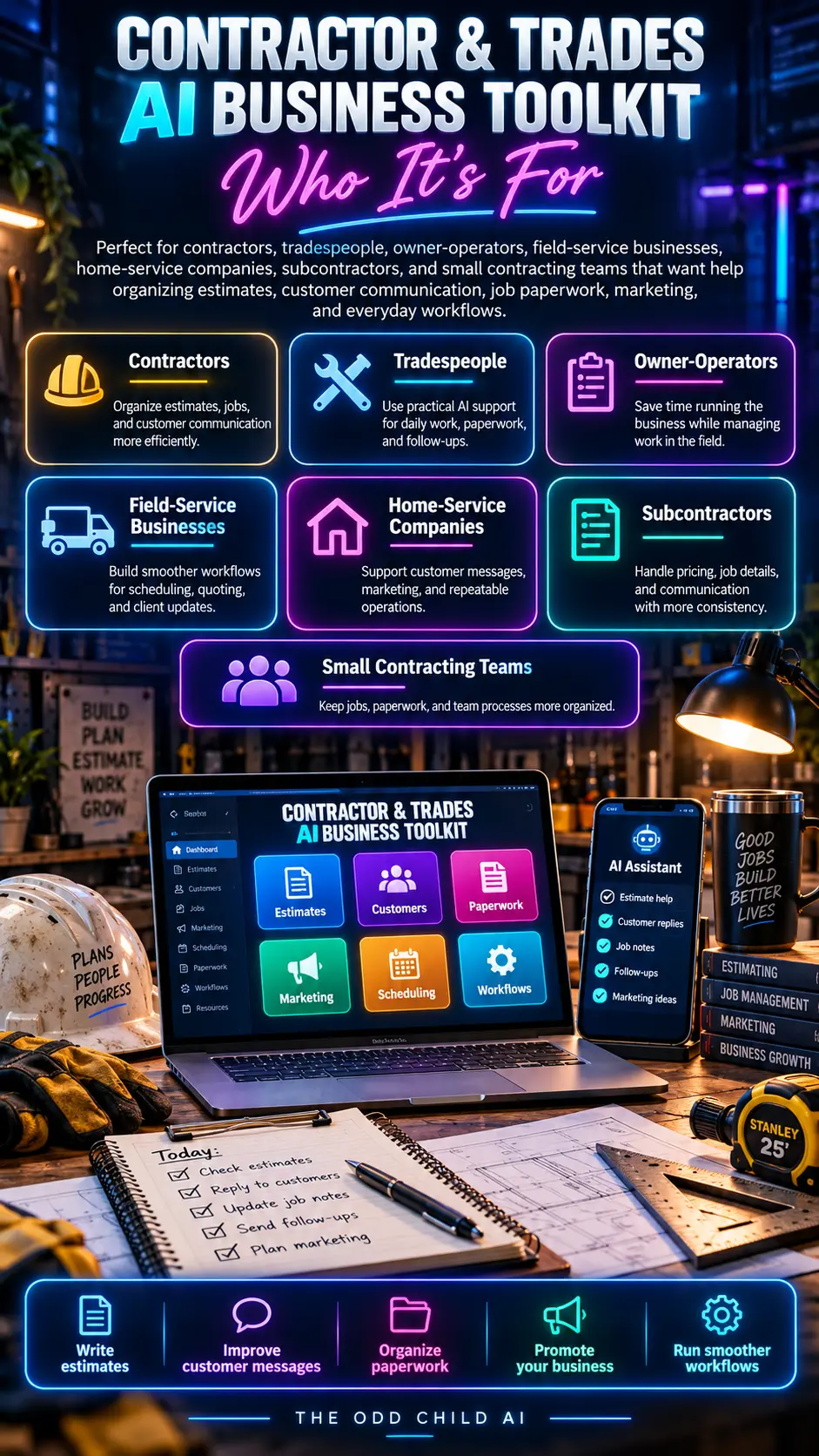
Start by dictating your notes into your phone: the job, the materials, the access issues, the timeline, and the two options you discussed. Voice-to-text turns that into rough text in a minute. Messy is fine. Good AI prompts for contractors are built to clean up rough input, because that is what contractors actually have at the end of a day.
The quote-polishing prompt
“Turn these site notes into a clear quote description a homeowner can understand. Organize it into: the work included, the materials, what is not included, the timeline, and the next step to approve. Plain language, no jargon, no prices — I will add the numbers myself.” You paste it into your quote, add your pricing, and send it.
Notice the boundary in that prompt: the AI handles words, never numbers. Pricing, scope decisions, and timelines you promise stay yours. That one rule keeps AI prompts for contractors safe to use on real jobs, because the costly mistakes in quoting are almost always numbers and scope, not sentences.
The follow-up prompt
Three days later, no reply. Instead of staring at a blank message, you run the follow-up prompt: “Write a short, friendly follow-up about the quote I sent on Tuesday for the bathroom remodel. Remind them the quote holds until Friday, offer to answer questions, and give them one helpful tip about choosing tile before the start date. No pressure, no discount.”
The message goes out in two minutes and sounds like you on a good day. Contractors lose a surprising number of jobs simply because the follow-up never gets sent. Prompts fix that, because sending becomes easier than not sending.
The review request prompt
When the job is done and the customer is happy, one more prompt: “Write a short text asking for a Google review. Thank them for one specific thing about working with them, include the review link placeholder, and keep it under 60 words.” Reviews are the cheapest marketing a local contractor can earn, and these contractor prompts make asking part of the routine instead of an afterthought.
The end-of-day checklist
- Dictate site notes before you leave the driveway.
- Polish the quote description, then add your own numbers.
- Send the quote the same day whenever possible.
- Schedule the three-day follow-up before you close the file.
- Ask for the review on the day you finish, while they are happiest.
That is the whole system: five small steps, three saved prompts, and paperwork that stops eating your evenings.
7 Pro Tips for Contractors Using AI
1. Dictate, don’t type. Your best input is a two-minute voice note in the truck. AI is excellent at turning spoken, messy notes into clean writing, and dictation removes the biggest barrier: sitting down to write at all.
2. Build prompts around your real jobs. Save a prompt for each job type you quote often — decks, bathrooms, fences, remodels. Include your standard inclusions, exclusions, and warranty wording once, and every future quote starts from your standards.
3. Keep a phrase bank. Save the sentences you reuse: payment terms, change-order wording, site cleanup promises, and warranty lines. Paste them into prompts so drafts come back already sounding like your company.
4. Use AI for the awkward messages. Price-increase notes, delay explanations, and “your payment is overdue” reminders are the messages contractors put off. A prompt that drafts them calmly and professionally is worth more than any marketing trick. The SBA’s guide to managing business finances is a helpful companion for the cash-flow side of those conversations.
5. Turn questions into posts. Every customer question is a local marketing post. “How long does a deck build take?” becomes next week’s Facebook post and a paragraph on your website, written in minutes with a prompt.
6. Claim and feed your Google Business Profile. Reviews and posts there drive local calls. The steps in Google Business Profile Help show how to keep your profile current, and your review-request prompt keeps the reviews coming.
7. Review before you send, every time. Names, addresses, dates, scope, and anything about price get a human check. Thirty seconds of proofreading protects your reputation and your margin.
5 More Copy-Ready Prompts for the Office Side of the Business
Quotes and follow-ups are the core, but a contracting business runs on dozens of small written tasks. These five prompts cover the ones owners mention most. Paste your company details first, the same way you would with any of your this routine, and keep your numbers and terms out of the AI’s hands.
Prompt 6: The Schedule Update
“Write a short message to a customer explaining that their job start is moving from [date] to [date] because of [reason: weather, materials, permit]. Apologize once, explain plainly, give the new plan, and tell them exactly when I will update them next.”
Prompt 7: The Change Order Explanation
“Turn these notes into a clear change-order explanation a homeowner can approve with confidence: [notes]. What changed, why it changed, what it adds to the work, and what happens if we do not do it. Plain language, no prices — I will add those.”
Prompt 8: The Polite Payment Reminder
“Write a friendly but clear payment reminder for invoice [number] for [amount is fine to omit — say ‘the balance owing’], now [days] past due. Thank them for the work together, restate how to pay, and ask them to contact me if anything looks wrong.”
Prompt 9: The New Hire Introduction Post
“Write a short social post introducing a new team member: [name, role, years of experience, one human detail]. Welcoming tone, one line about what it means for our customers, and an invitation to say hello on their next job.”
Prompt 10: The Seasonal Maintenance Reminder
“Write a helpful post for homeowners in [your area] listing five maintenance checks to do before [season], written by a local contractor. Practical, no scare tactics, and end with a soft offer to help anyone who finds a problem they do not want to tackle.”
None of these take more than two minutes to run, and together they cover the messages that used to sit in your head, unsent, for a week.

Frequently Asked Questions About AI Prompts for Contractors
Can AI prompts for contractors really help if I’m not good with technology?
Yes — this is one of the best use cases for non-technical owners. If you can send a text message and talk into your phone, you can do this. There is no software to install and nothing to configure. You paste a prompt, paste your notes, and copy the cleaned-up result into your quote or message.
Should I let AI set my prices or write my contracts?
No. Keep AI away from pricing decisions, contract terms, and anything legally binding. Use it for descriptions, messages, follow-ups, and marketing drafts. Your numbers, your scope, and your agreements stay human-made and, for contracts, reviewed by a professional. That boundary makes these prompts genuinely safe on real jobs.
How much time does this save a small crew?
Owners typically save three to five hours a week: faster quotes, follow-ups that actually get sent, and review requests that stop being forgotten. The bigger win is revenue — quotes sent the same day and followed up once win noticeably more often than quotes sent late and never chased.
What is the best first prompt to try?
The quote-polishing prompt. Take yesterday’s rough notes from any real job, run them through it, and compare the result with what you would have sent. Most contractors are convinced within one quote, because that is the task they dread most and the improvement is immediate.
Will customers mind that I used AI to write a message?
Customers mind late, sloppy, and missing communication. They do not mind clear, prompt, professional messages. As long as the content is accurate and you have read it before sending, these contractor prompts simply make you the contractor who communicates like a much bigger company.
Quick recap
AI prompts for contractors are most useful for the writing that surrounds the work: clear quotes, friendly follow-ups, consistent answers, review requests, and local posts. Give the AI your notes and context, keep pricing and promises in your own hands, and save the prompts that work. A few minutes of setup can save you hours every month.

Your Next Step: Tonight’s Quote
Do not overhaul everything. Take the next quote you owe someone, dictate your site notes, and run the quote-polishing prompt. Send it tonight instead of tomorrow night, and schedule the follow-up before you close the file.
When you want the full set ready-made — quotes, follow-ups, review requests, customer answers, and local marketing — the Contractor AI Toolkit has them organized by task. New to AI? Our 30 free AI prompts are a good warm-up.
Keep reading: AI Prompts for Real Estate Agents: Listings, Follow-Ups, and Leads and AI Prompts for Small Business Marketing That Save Hours Each Week.