Description
365-Day Social Media Content Calendar
Explore the included resources and see how this product can support your workflow.
Social Media Content Calendar: Plan Your Next 365 Days
A strong social media content calendar starts with knowing what to post and having a planning system you can realistically maintain.
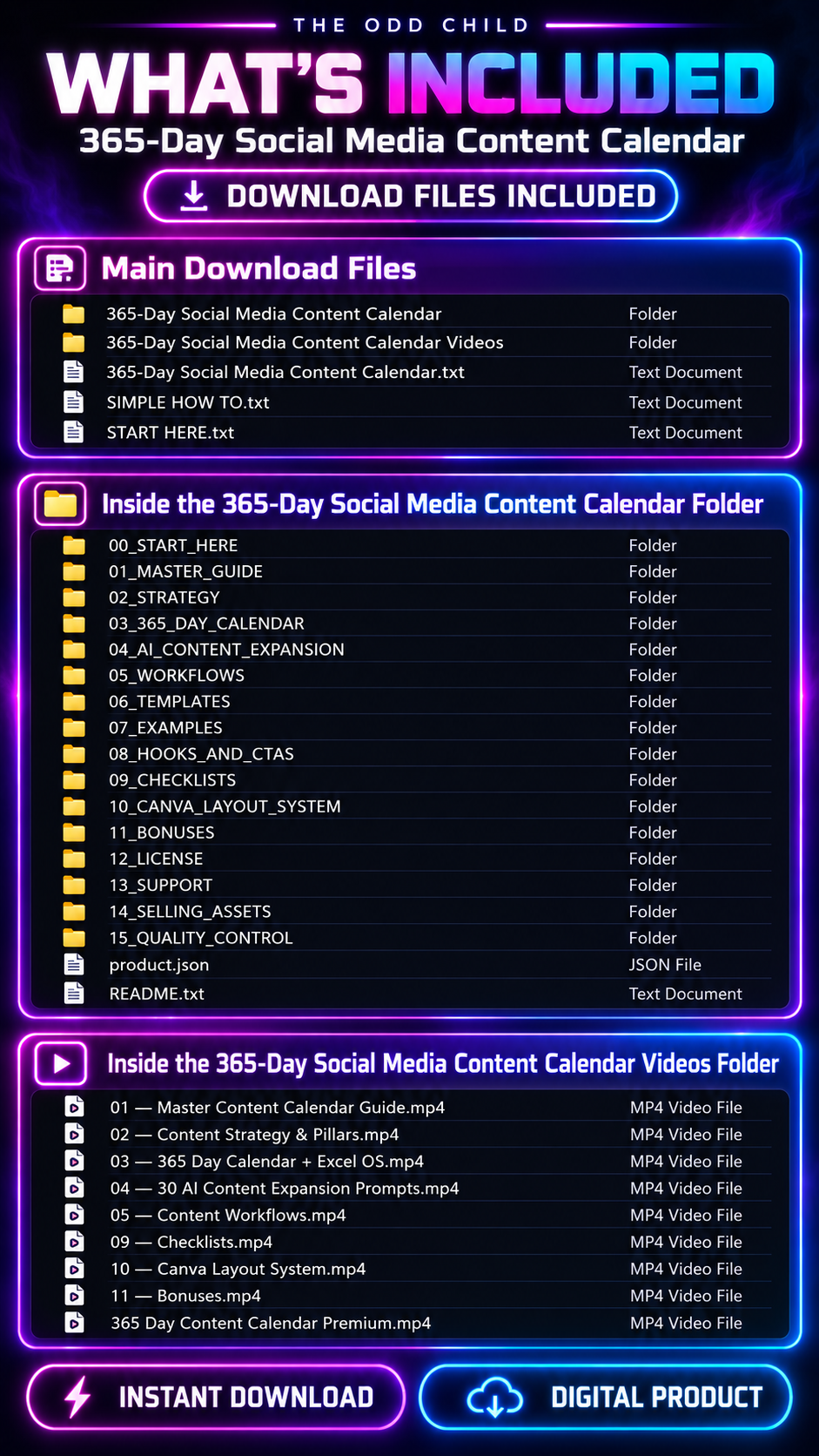
The 365-Day Social Media Content Calendar gives you a full year of content ideas, planning tools, reusable templates, and tracking resources to help you organize topics, prepare drafts, and build a publishing schedule around your business.
Spend less time searching for ideas and more time creating useful content. Adapt each prompt and topic to your audience, brand voice, products, services, and available time.
How to Use Your Social Media Content Calendar
Choose a clear content goal, adapt the calendar to your audience, and use the planning tools to create posts at a pace you can maintain.
01 — Set Your Content Priorities
Identify your audience, their questions, and topics related to your products or expertise. Give each post a specific purpose.
02 — Choose a Realistic Schedule
Review the daily ideas and weekly themes. Select a posting frequency that fits your goals and workload—you do not need to publish every day.
03 — Draft and Customize
Use the included hooks, AI prompts, and templates. Add accurate product details, your brand voice, and relevant customer insights.
04 — Review Before Publishing
Check facts, clarity, formatting, and calls to action. Always edit AI-generated content before sharing it.
05 — Track and Improve
Record published posts and review engagement and audience feedback. Apply what you learn to future topics, formats, and hooks.
For more guidance, see OpenAI’s prompt engineering guide.
Turn One Idea Into Multiple Posts
One useful idea can support several pieces of content.
For example, a common customer question can become:
- A carousel post
- A short demonstration video
- A newsletter section
- A social media caption
- A short-form video
- A follow-up educational post
Use the included repurposing system to organize these variations and adapt each version for the platform and format.
Batch similar tasks where practical. Plan topics together, prepare drafts in groups, and organize filming or design sessions around your available time.
Plan Beyond a Single Week
Need a starting point for your weekly workflow? See our 20 AI prompts for content planning and editorial calendars for ways to organize campaign ideas, draft a realistic schedule, and review your publishing priorities.
Use the weekly, monthly, and 90-day workflows to connect everyday content with larger business priorities.
Plan around:
- Product launches
- Seasonal campaigns
- Promotions
- Educational content
- Recurring customer questions
- Brand-building topics
Keep notes on ideas you postpone so you can return to them later.
Your social media content calendar can continue evolving as your business, audience, products, and workload change.
Delivery & Requirements
Instant digital download · No physical product · Commercial-use licence included
Use compatible spreadsheet software for the Excel workbook and Canva for compatible layout resources.
Follow the supplied licence before using the resources commercially.
The calendar supports content planning and production. It does not automatically publish posts or guarantee traffic, engagement, leads, or sales.
Plan Your Content With More Structure
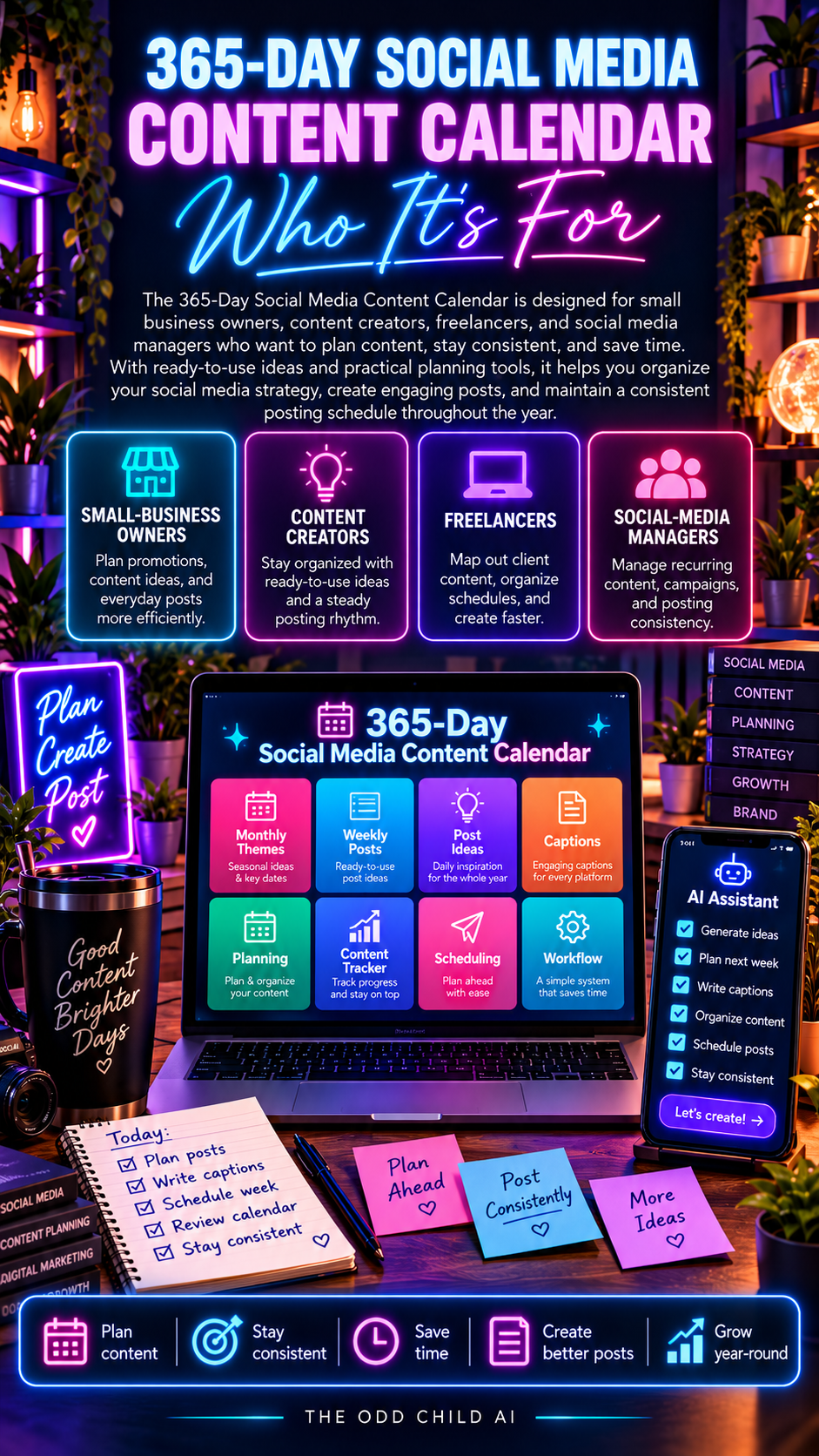
Use the 365-Day Social Media Content Calendar to organize your ideas, build a realistic publishing schedule, create content more efficiently, and improve your workflow over time.



Leave a Reply