
Description
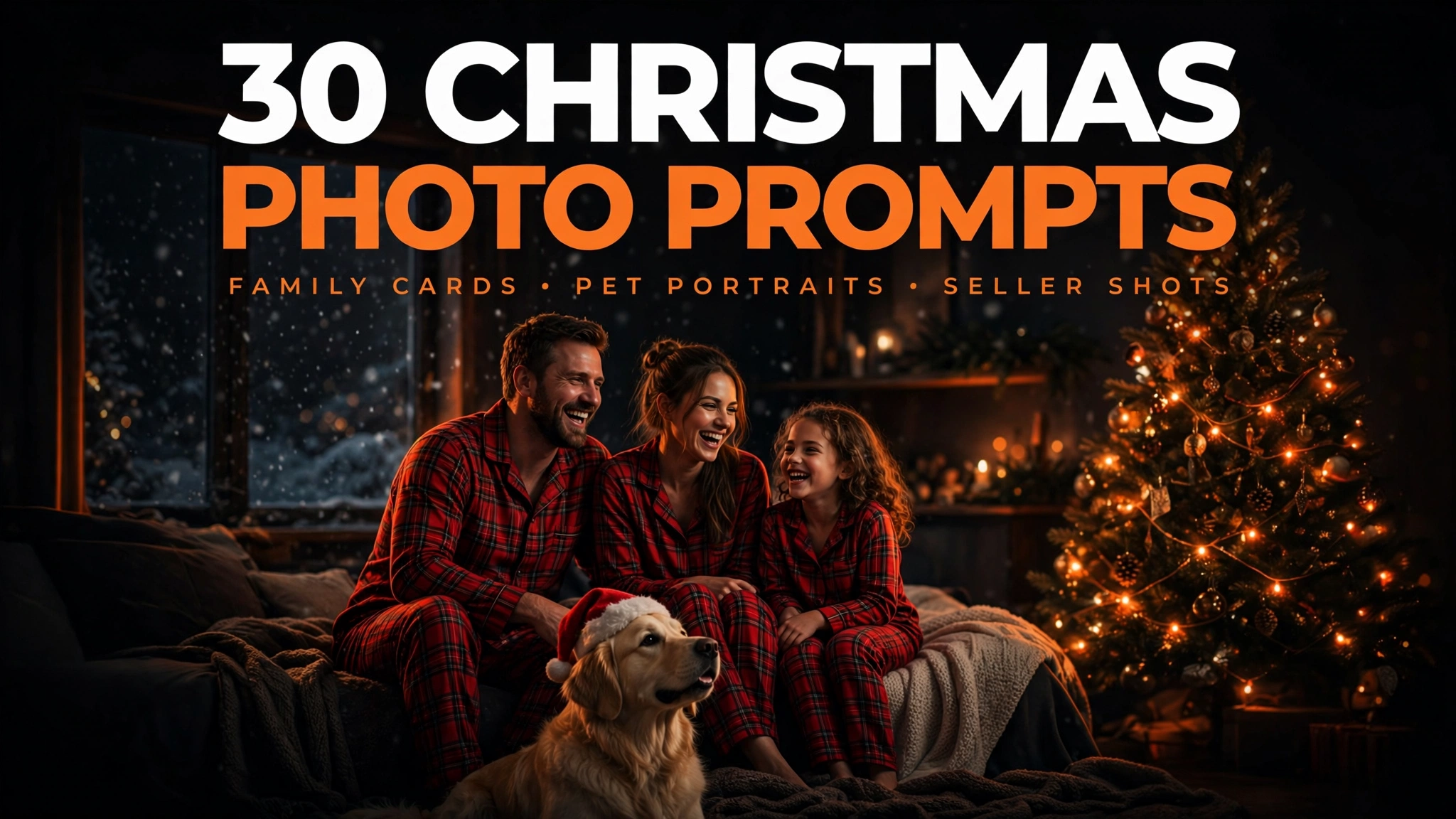
30 Christmas Photo Prompts
Turn any image generator into your Christmas card studio with these AI Christmas photo prompts from The Odd Child.
Instead of staring at a blank prompt box, you get 30 structured, fill-in-the-blank prompts that make the photos Christmas is actually for: the family card, the pet portrait, the ugly-sweater party shot, the product photo that sells in December, and the greeting card people keep on the mantel.
Every prompt comes with a filled-in example and a short note, so you can see exactly how the brackets should be filled — and the seller section shows you the reference-photo workflow that keeps your real product looking like your real product.
Whether you want one card for the family or a whole December of listings, you can start with the family portraits, jump straight to the seller shots, or work through all five sections in order.
See These AI Christmas Photo Prompts in Action
Every image below was generated from a prompt in this pack, using the pack’s own filled-in examples — the Miller family, Biscuit the golden retriever, and the Ember & Pine “Winter Forest” candle.
What you see is what the prompts produce.
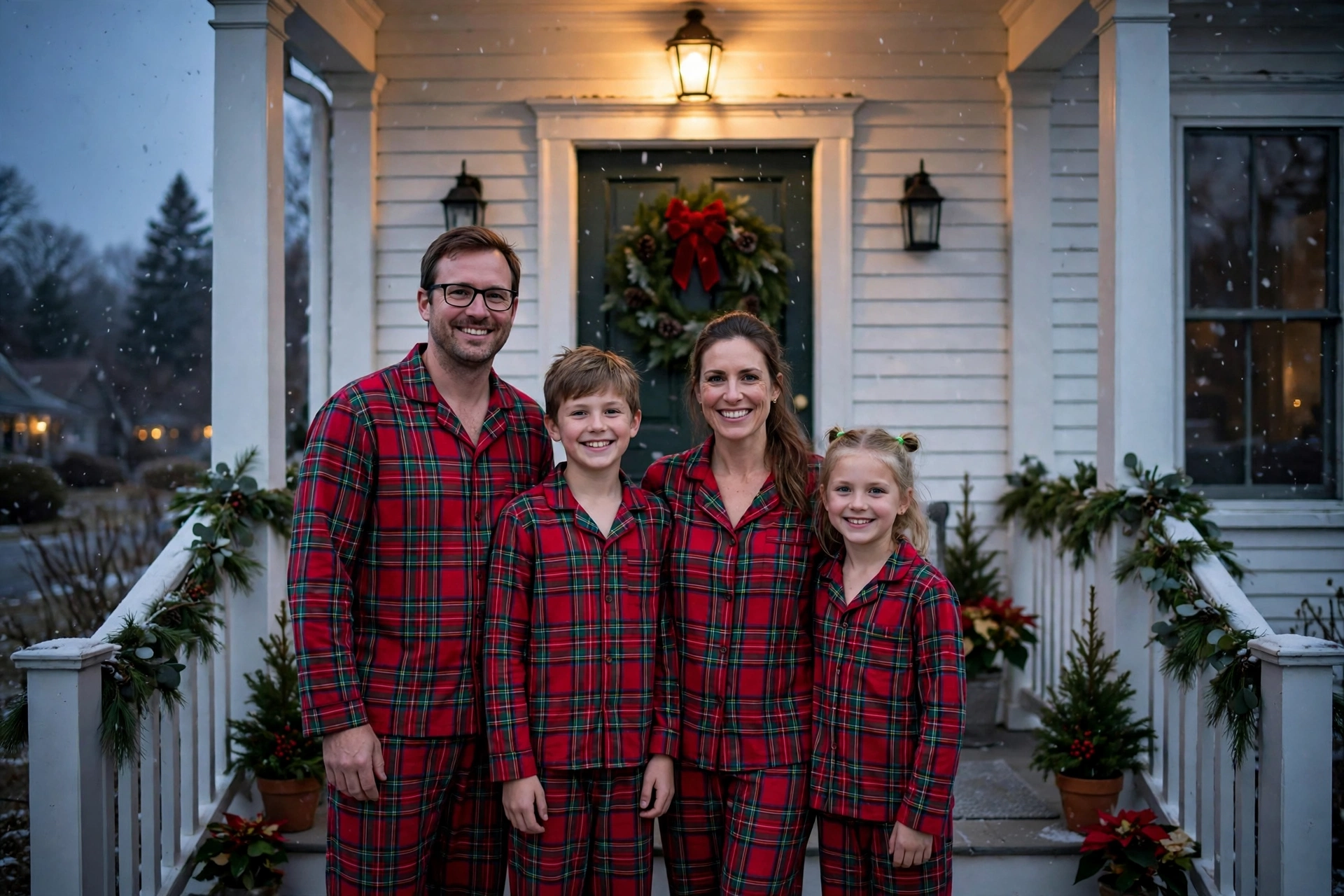
Prompt 1 — The Front-Porch Card
Made with the pack’s prompts: the Miller family in matching pajamas, dusk light, light snow.
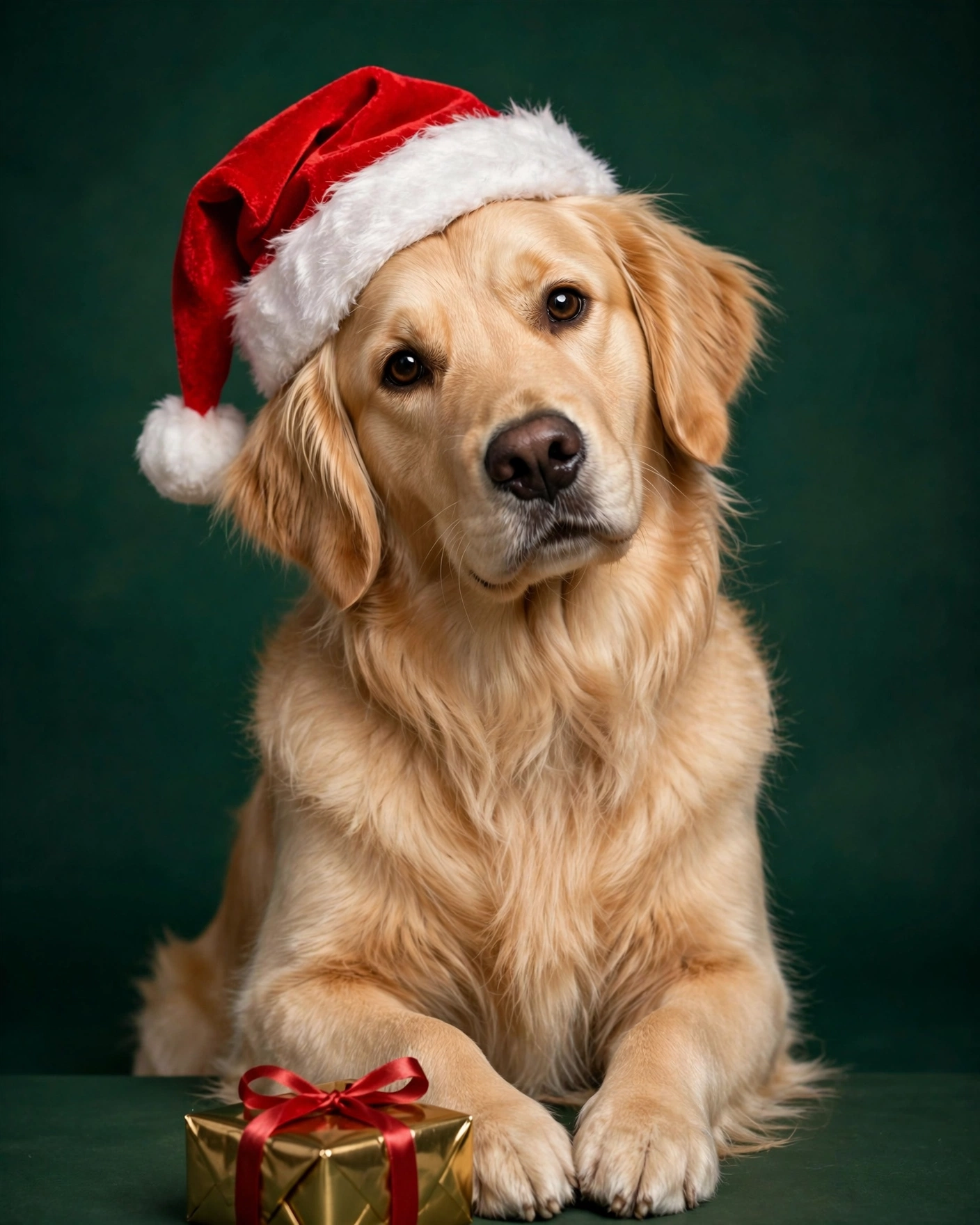
Prompt 7 — The Santa Hat Studio Portrait
Made with the pack’s prompts: Biscuit in a crooked Santa hat, studio backdrop, gold gift at his paws.
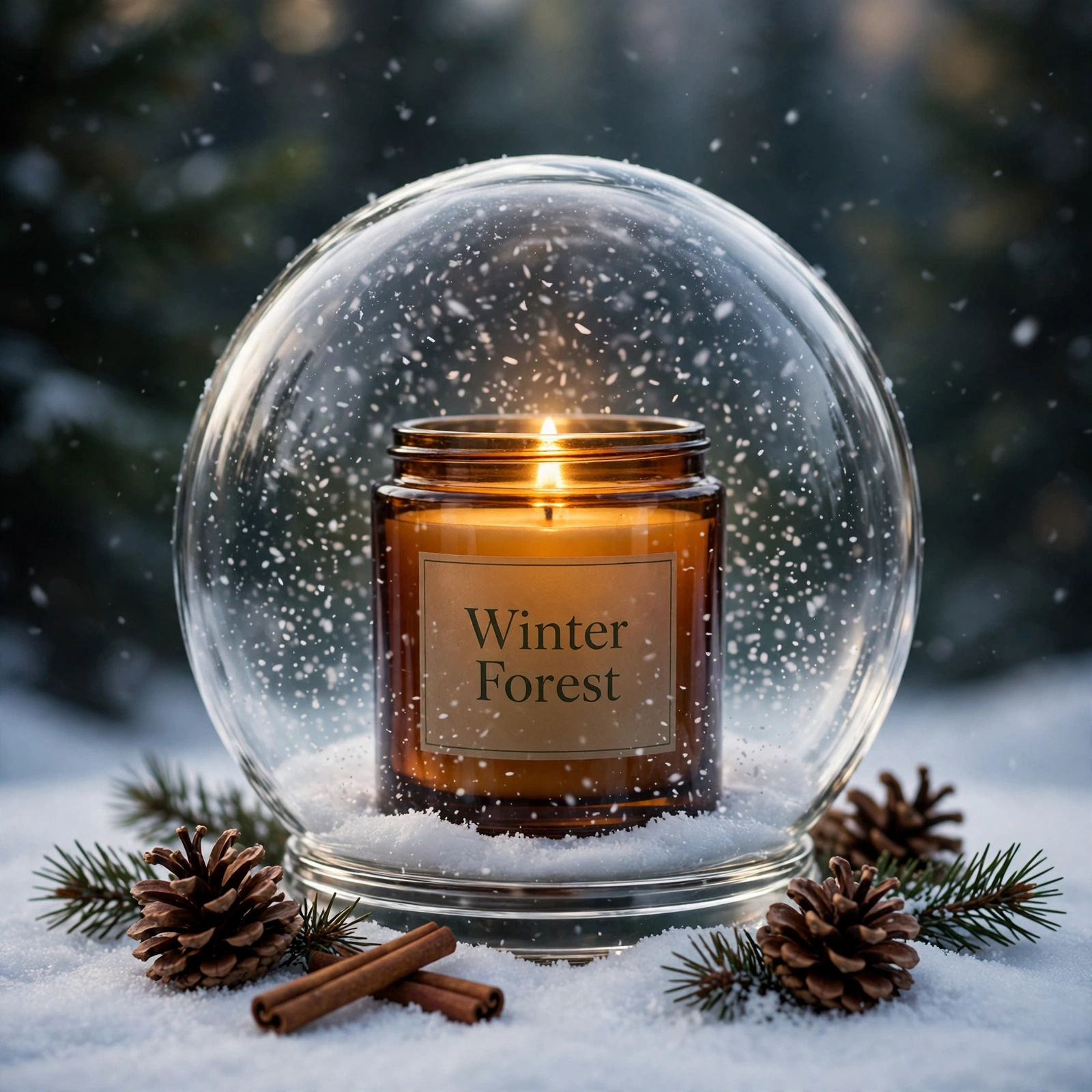
Prompt 19 — The Snow-Globe Hero Shot
Made with the pack’s prompts: the Ember & Pine candle in a snow globe, label kept exactly as it is.
What’s Inside the 30 Christmas Photo Prompts Pack
Five sections, six prompts each — the full set of photos Christmas asks for:
Family Christmas Cards & Matching-Pajama Portraits (6): The front-porch card, the fireplace mantel portrait, the matching-pajama morning, the snowy backyard group, the card with a message, and the twinkle-light close-up.
Pet Christmas Portraits (6): The Santa hat studio portrait, the reindeer antler candid, the snowy walk portrait, the present inspector, the fireside snooze, and the pet-and-family card.
Ugly Sweater & Holiday Party Shots (6): The ugly sweater contest winner, the sweater group shot, the cookie-decorating chaos, the toast at midnight, the secret Santa reveal, and the dance-floor moment.
Seller Product Shots (6): The snow-globe hero shot, the cozy-glow lifestyle shot, the flat-lay gift set, the window-frost display, the under-the-tree gift shot, and the hands-holding-it shot — all built on the reference-photo workflow.
Greeting Cards & Anime Holiday Scenes (6): The watercolour Christmas card, the anime winter village, the anime family by the tree, the pop-up card scene, the anime northern lights night, and the New Year countdown card.
These AI Christmas photo prompts are reusable for every card, pet and product you photograph this December — fill in the brackets, generate, and the structure does the rest.
The Reference-Photo Workflow for Sellers
The seller section is the part of this pack that pays for itself. Upload a straight-on photo of your real product on a plain background first, then paste the prompt. Every seller prompt starts with the same instruction: keep the product exactly as it is — same shape, same colour, same label, same logo, do not redesign it.
Then the prompt places your product in the scene: inside a snow globe, glowing on a mantel, laid out as a gift set, frosted in a shop window, waiting under the tree, or held in real hands. The scene changes; your product does not.
Check the label letter by letter on every generation. If the text drifts, regenerate with the same reference photo — the label is the one detail buyers will compare with the parcel that arrives.
Frequently Asked Questions
Which AI tools do these prompts work with?
Any image generator that takes a text prompt — ChatGPT image generation, Gemini and Nano Banana, Midjourney-style tools and similar. The prompts are plain text and model-agnostic, so use whichever tool you already have.
Can I use these AI Christmas photo prompts for client work?
Yes. Every photo you make with the pack is yours to publish, sell or deliver to a client. The only limit is the pack itself — please do not resell or redistribute the prompts.
What if I have never generated an AI photo before?
Start with prompt 1. It walks you from the blank version to a filled-in example beside it, and the tips at the front of the pack cover aspect ratios, reference photos and the text-in-image caution in one page.
How do I receive the pack after checkout?
Instantly. You get a ZIP with all 30 AI Christmas photo prompts as a 16-page PDF plus a plain-text file. Download limit is 3, the link never expires, and the 14-Day Download Protection covers missing, broken or wrong files.
Do the seller prompts really keep my product looking like my product?
That is what the reference-photo workflow is for. Upload your real product photo first and the prompt tells the tool to keep it exactly as it is. Always check the label on the result before you list it.
Can I add text to the cards, like “Merry Christmas”?
Yes, but add it in your photo editor, not in the generator — two or three words at most. Image generators still garble longer text, so the pack’s card prompts leave space for it instead.
How to Make Your First Christmas Card With These Prompts
Pick your section and fill the brackets. Prompt 1 or 5 for a family card, prompt 7 for a pet portrait, prompt 19 for a seller listing.
Set the aspect ratio before you generate — 4:5 for cards, 3:2 for wide family shots, 1:1 for shop listings. Generate three versions of the same prompt, pick the best, and keep it as a reference for the next prompt so the family, the pet or the product stays consistent across the set.
For seller shots, always upload your real product photo first and check the label on every generation. For cards, add the greeting in your editor — the generator does the photo, you do the words.
Different tools interpret the same prompt differently, so results will vary. Start simple: one card, one prompt, one generation. Then mix the sections — a family portrait from section 1, a pet shot from section 2, a seller listing from section 4 — and you can build the whole December set in an afternoon.
Start with the front-porch card — your Christmas photo is one prompt away.


Reviews
No customer reviews yet. Purchased this product? Share your experience to help another creator.