If you are just starting with AI, free AI prompts for creators are the easiest way to learn what works. A good prompt is simply a clear set of instructions: who you are, what you need, and how you want it to sound. Once you have a few solid prompts saved, you can reuse them every week for ideas, captions, scripts, and planning.
Table of Contents
This guide gives you a practical set of free prompts to copy, explains why they work, and shows you how to adapt them so the results sound like you instead of a generic chatbot.
What makes a prompt actually useful
Most disappointing AI results come from prompts that are too short. “Write a caption about my candles” leaves the AI guessing about your audience, tone, and goal. Useful prompts include four things:
- Role or context: Who you are and who your audience is.
- Task: Exactly what you want, such as 10 ideas, one caption, or a 30-second script.
- Constraints: Length, format, platform, and what to avoid.
- Tone: How it should sound, such as friendly, calm, funny, or direct.
You do not need special tools or paid accounts to use this. These prompts work in free versions of popular AI chat tools.
Free prompts for content ideas
Running out of ideas is the most common creator problem. These prompts help you build a list you can pull from all month.
Example prompts to copy:
- “I am a creator who makes content about [TOPIC] for [AUDIENCE]. List 20 content ideas based on the questions my audience is most likely to ask. Write each as a short, specific title.”
- “Take this idea: ‘[IDEA]’. Give me 5 different angles on it: a beginner tip, a common mistake, a personal story prompt, a quick tutorial, and an opinion.”
Free prompts for captions and posts
Captions are where your voice matters most. Give the AI a sample of your writing so it can match it.
Example prompt to copy:
- “Here are two captions I wrote that I like: [PASTE]. Using the same tone and length, write 3 captions for a post about [TOPIC]. End each with one simple question to invite comments.”
That one technique, showing examples of your own writing, will improve almost every result you get. For platform-specific ideas, our guide to social media AI prompts goes deeper.
Free prompts for video scripts
Short videos are easier to film when you know exactly what you are going to say. Ask for structure, not a speech.
Example prompt to copy:
- “Write a 30-second video script about [TOPIC] for [PLATFORM]. Start with a hook under 10 words, give 3 quick points, and end with a call to action to [ACTION]. Keep the language casual, like I am talking to a friend.”
Free prompts for planning and staying consistent
Consistency often matters more than any single post. AI can help you turn a loose list of ideas into a realistic schedule.
Example prompt to copy:
- “I can post [NUMBER] times a week on [PLATFORMS] and have about [HOURS] hours a week for content. Using these ideas: [PASTE LIST], build a simple 4-week plan. Mix formats so I am not repeating the same type of post two days in a row.”
How to get better results from any free prompt
A prompt is a starting point, not a finished product. These habits make a big difference:
- Follow up. If the first answer is close but not right, say what to change: “shorter”, “less formal”, “more specific to beginners”.
- Ask for options. Requesting 5 or 10 versions gives you more to choose from and helps you spot what you like.
- Save your best prompts. Keep a simple document of prompts that worked, with your details already filled in.
- Fact-check. AI can state things confidently that are wrong. Double-check anything factual before you post it.
- Edit for your voice. Read it out loud. If it does not sound like you, change it until it does.
Common beginner mistakes
- One-line prompts. Short prompts produce bland content. Add context.
- Posting AI text unedited. Your audience follows you for your perspective, not a chatbot’s.
- Starting over every time. Reusing and refining a few good prompts saves far more time than writing new ones daily.
- Expecting AI to know your audience. It only knows what you tell it. Describe your audience clearly.
Grab a free starter pack
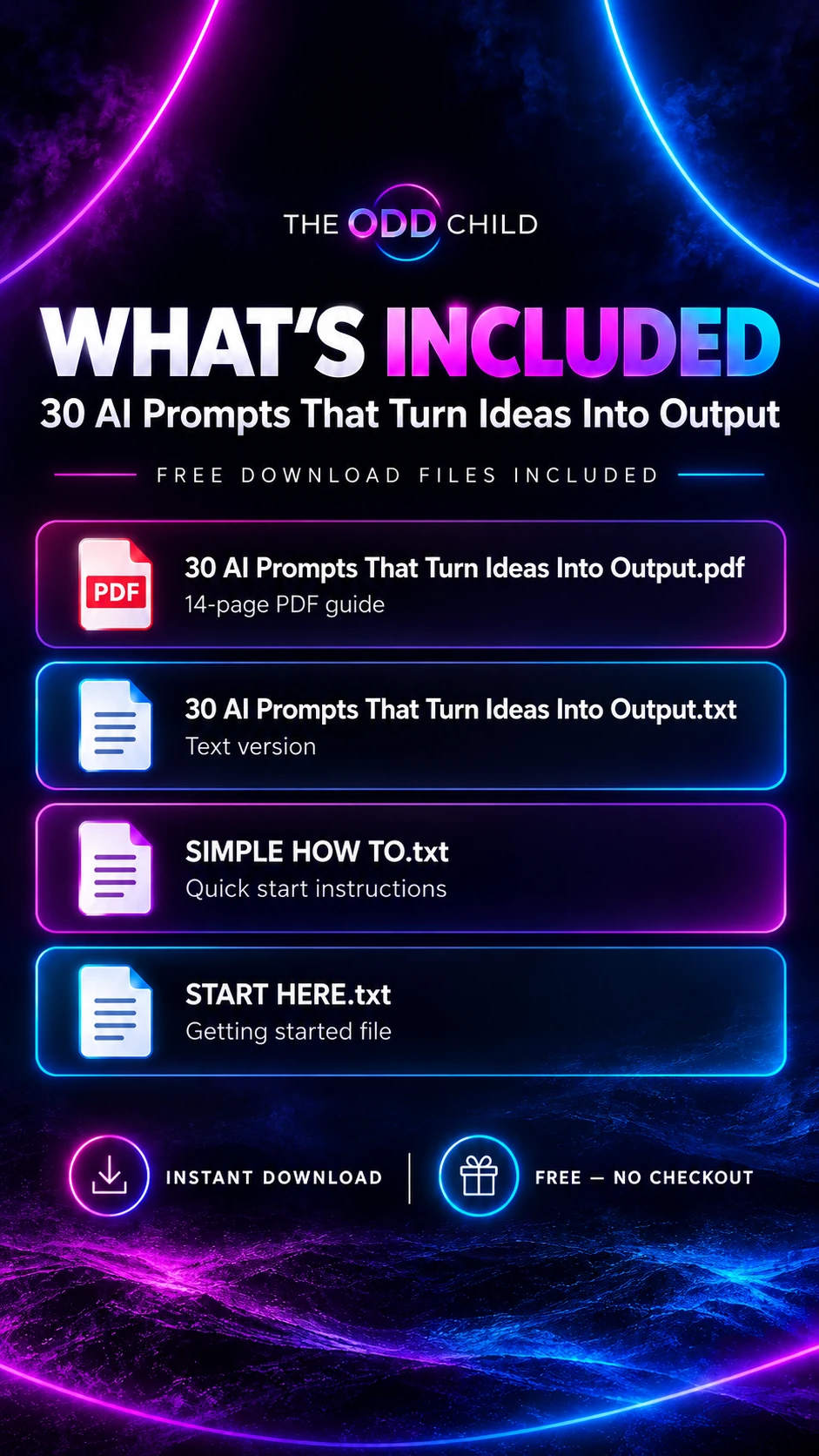
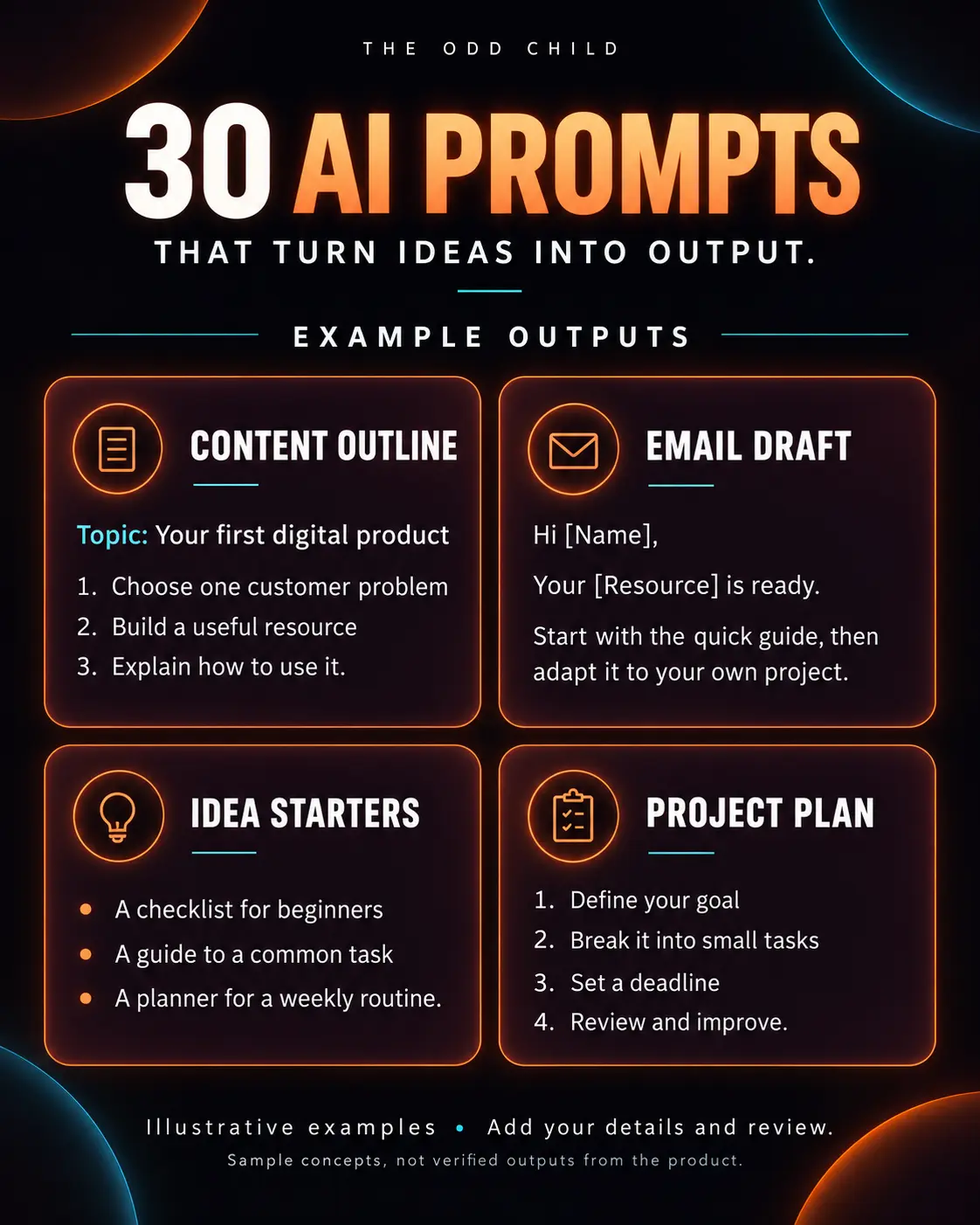
If you would like a ready-made set to practise with, download our 30 Free AI Prompts pack. It covers ideas, captions, scripts, and planning in a simple format you can fill in and reuse. It is free, and it is a low-pressure way to see how much time good prompts can save you.
Curious how larger prompt packs are organized and when they are worth it? Our prompt packs guide explains what to look for.
Free AI Prompts for Creators in Practice: Your First Week, Day by Day
Reading about prompts is not the same as using them, so here is a simple seven-day starter plan. Each day uses free AI prompts for creators to finish one small, real task — nothing theoretical, nothing overwhelming. By the end of the week you will have content published, a saved prompt library started, and an honest feel for what AI does well and where you still prefer your own hand.
Day 1: The idea session
Open your AI tool and paste a short context block: who you are, what you create, who it is for, and your tone. Then ask for twenty content ideas based on questions your audience actually asks. Pick five. That is it for day one. Most creators stall at ideas more than anywhere else, and this single habit — feeding your real audience questions into these starter prompts — quietly fixes the stall for good.
Days 2 and 3: Captions and a script
On day two, turn two of those ideas into posts: ask for caption options with different hooks, choose one each, and edit them in your voice. On day three, take a third idea and ask for a tight short-video script, under 100 words, with the hook in the first line. Film it on your phone the same day, rough edges and all. Publishing something real in your first week matters more than polishing anything.
Days 4 and 5: Repurpose and plan
Day four is repurposing day. Paste your best-performing older post into the chat and ask for three new angles on the same topic: a different format, a different audience, a different platform. Day five is planning: ask the AI to arrange your remaining ideas into a two-week posting schedule that matches the days you can actually create. These free prompts are surprisingly good at this admin work, and it is the work creators hate most.
Days 6 and 7: Review and save your winners
On day six, look at what you published and note what got the best response. On day seven, do the step that separates dabblers from creators who improve: save the prompts that worked into one document, with a line about what each produced. That document is your starter library, and it is the foundation everything else in your AI workflow builds on.
The first-week checklist
- Write your context block once and save it.
- Generate twenty ideas from real audience questions.
- Publish at least two posts and one short video.
- Repurpose one older winner into a new format.
- Draft a realistic two-week schedule.
- Save every prompt that worked into your starter library.
Seven days, small tasks, real output. If AI is going to help your creative work, this week will prove it — and if a task does not suit the tool, you will know exactly which one and why.
7 Pro Tips for Getting Pro Results From Free Prompts
1. Context is the real upgrade. The difference between a generic answer and a useful one is almost never a magic prompt — it is the context you paste first. Who you are, who you serve, and how you sound will improve every free prompt you ever use.
2. Ask for more than you need. Ten hooks, choose one. Five titles, choose one. AI is fast at volume and mediocre at guessing your taste, so make it do the volume while you do the choosing.
3. Edit like it matters, because it does. Read drafts aloud. Cut the sentences you would never say. Add one detail only you know. Two minutes of honest editing is what separates creator content from content-farm content.
4. Learn one tool deeply. Free tiers exist on all the major tools, and the skills transfer between them. The official OpenAI prompt engineering guide is a solid free reference for the principles behind every prompt in this article.
5. Build your library from your wins. A prompt earns its place in your library by producing something you published. Review the library monthly, delete what you never reuse, and promote what works into templates with blanks for topic and platform.
6. Use AI for the work between the work. Planning, repurposing, summarizing, and reformatting are where solo creators bleed hours. The YouTube Help Center and similar platform guides are full of tasks — descriptions, chapters, titles — that prompts can draft while you focus on creating.
7. Know when free stops being enough. Free prompts teach you the method. Paid packs buy you organization, depth, and prompts tested for specific jobs — worth it when your time costs more than the pack, not before.
5 More Copy-Ready Prompts to Add to Your Starter Set
Once the first-week plan feels comfortable, these five prompts cover the next jobs creators run into: collaborations, launches, and the dreaded “I have nothing to post” day. Each one works on any free AI tier and follows the same rule as every good starter prompt — your context goes first, the task goes second.
Prompt 6: The Launch Sequence
“I am launching [thing] on [date]. Plan a five-post countdown sequence: a teaser, a behind-the-scenes post, a benefits post answering my audience’s top three questions, a launch-day post, and a thank-you post. One hook line for each.”
Prompt 7: The Collaboration Pitch
“Write a short, friendly pitch message to a creator in my niche proposing a collaboration. Introduce me in two sentences, suggest one specific collaboration idea that benefits their audience, and make it easy to say yes or no gracefully. Under 120 words.”
Prompt 8: The Nothing-to-Post Rescue
“I need one post for today and I am out of ideas. Ask me three questions about my week, my work, or my audience, wait for my answers, then turn them into two post drafts in my voice: one educational, one personal.”
Prompt 9: The Bio and Profile Polish
“Here is my current profile bio: [paste]. Rewrite it in three styles: clear and professional, warm and personal, and bold with personality. Each must say what I create, who it is for, and one reason to follow, within the platform’s character limit.”
Prompt 10: The Audience Question Harvest
“Here are comments and messages from my audience this month: [paste]. Group them into themes, list the ten questions worth turning into content, and draft the opening line for my answer to the top three.”
Add one of these to your library each week and it grows the way good libraries do: from use, not from collecting. A prompt you have run five times is worth fifty you have only read.
Frequently Asked Questions About Free AI Prompts for Creators
Are free AI prompts for creators actually good enough to use?
Yes — for learning the method and for everyday tasks like ideas, captions, scripts, and planning, free prompts are genuinely useful. Quality comes mostly from your context and your editing, not from the price of the prompt. Where paid packs win is organization, specialization, and saving you the hours of testing it takes to build a full library yourself.
Which AI tool should a beginner creator start with?
Whichever major tool you find easiest — ChatGPT, Claude, Gemini, and Grok all handle these prompts well on their free tiers. Pick one, paste your context block at the start of each session, and stick with it for your first month. Consistency with one tool teaches you faster than sampling four.
How do I stop AI content from sounding generic?
Three habits: paste your context first, demand options and choose, then edit aloud in your own voice with real details added. Generic output is almost always a symptom of generic input. Creators who do those three things are routinely surprised at how personal the results feel.
Is it okay to publish content drafted with AI prompts?
Yes, when it is edited, accurate, and genuinely yours in voice and substance — the same standard as publishing anything a tool helped you draft. Follow each platform’s disclosure guidance for AI-generated media where it applies, and never publish AI-invented facts, quotes, or claims.
What is the best first prompt for a total beginner?
The idea prompt from day one of the plan in this guide: paste your context, then ask for twenty content ideas based on real questions your audience asks. It is low-risk, immediately useful, and it shows you the whole method — context, options, choosing, editing — in a single ten-minute exercise.
Quick recap
Free AI prompts for creators work best when they include context, a clear task, constraints, and tone. Start with prompts for ideas, captions, scripts, and planning, follow up to refine the results, and save the ones that work. Keep your own voice at the centre, and AI becomes a helpful assistant rather than a replacement for your creativity.
Your Next Step: Start Day One Today
Do not wait for a free afternoon. Write your context block, run the idea prompt, and pick your five ideas. Ten minutes, and your first AI-assisted week is already planned.
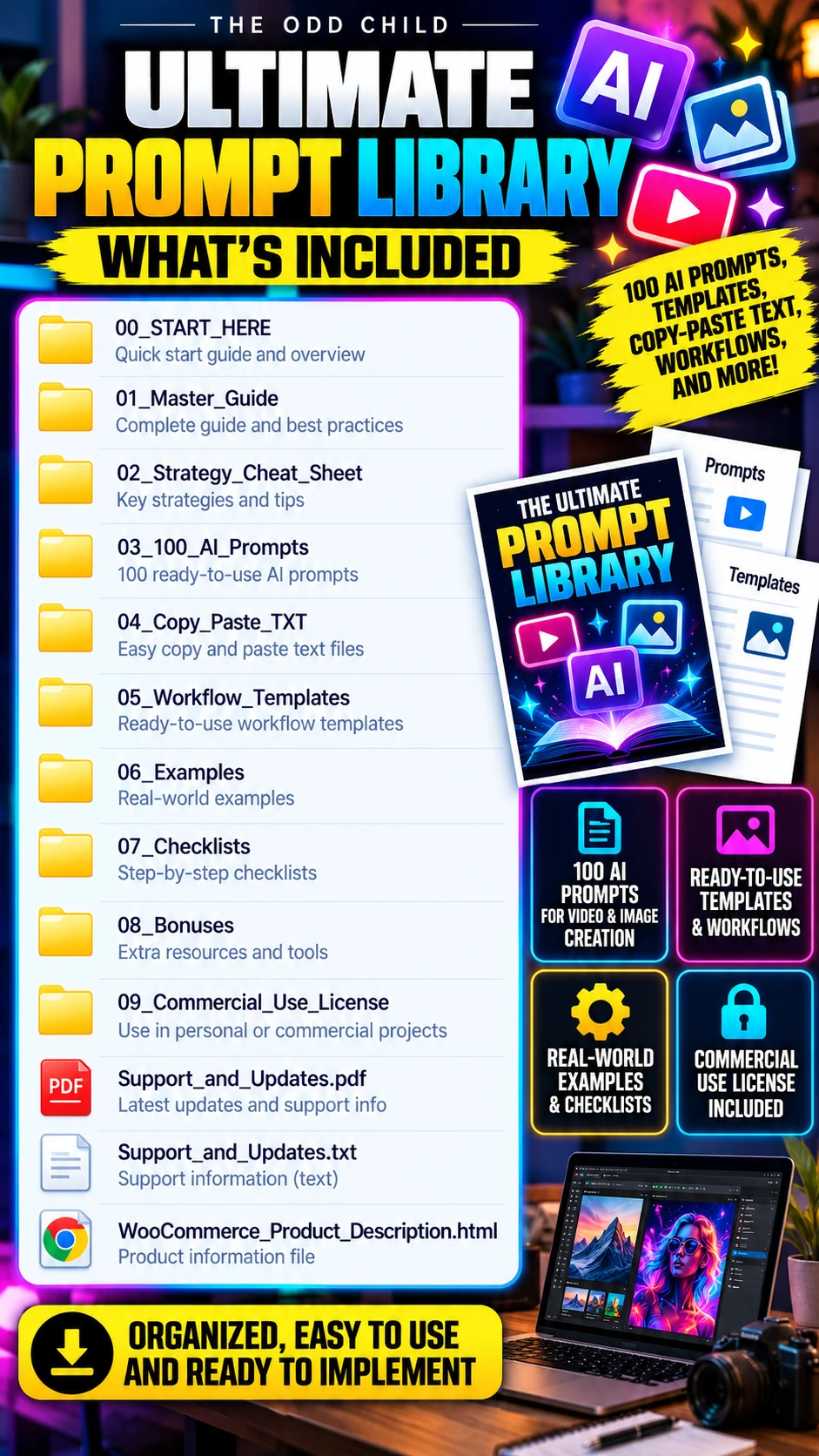
The fastest start is our own free pack: 30 Free AI Prompts that turn ideas into output, ready to use with the week plan above. When you outgrow the free set, the Ultimate Prompt Library brings hundreds of organized prompts for content, business, and marketing into one place.
Keep reading: How to Write AI Image Prompts That Look Professional and How to Build a Social Media Content Calendar That You Actually Use.