

Description
Etsy Seller AI Toolkit
Explore the included resources and see how they can help with your next project.
Etsy Seller AI Toolkit: Create Better Listings & Shop Content
Build Clearer Etsy Listings and Organize Your Shop Content
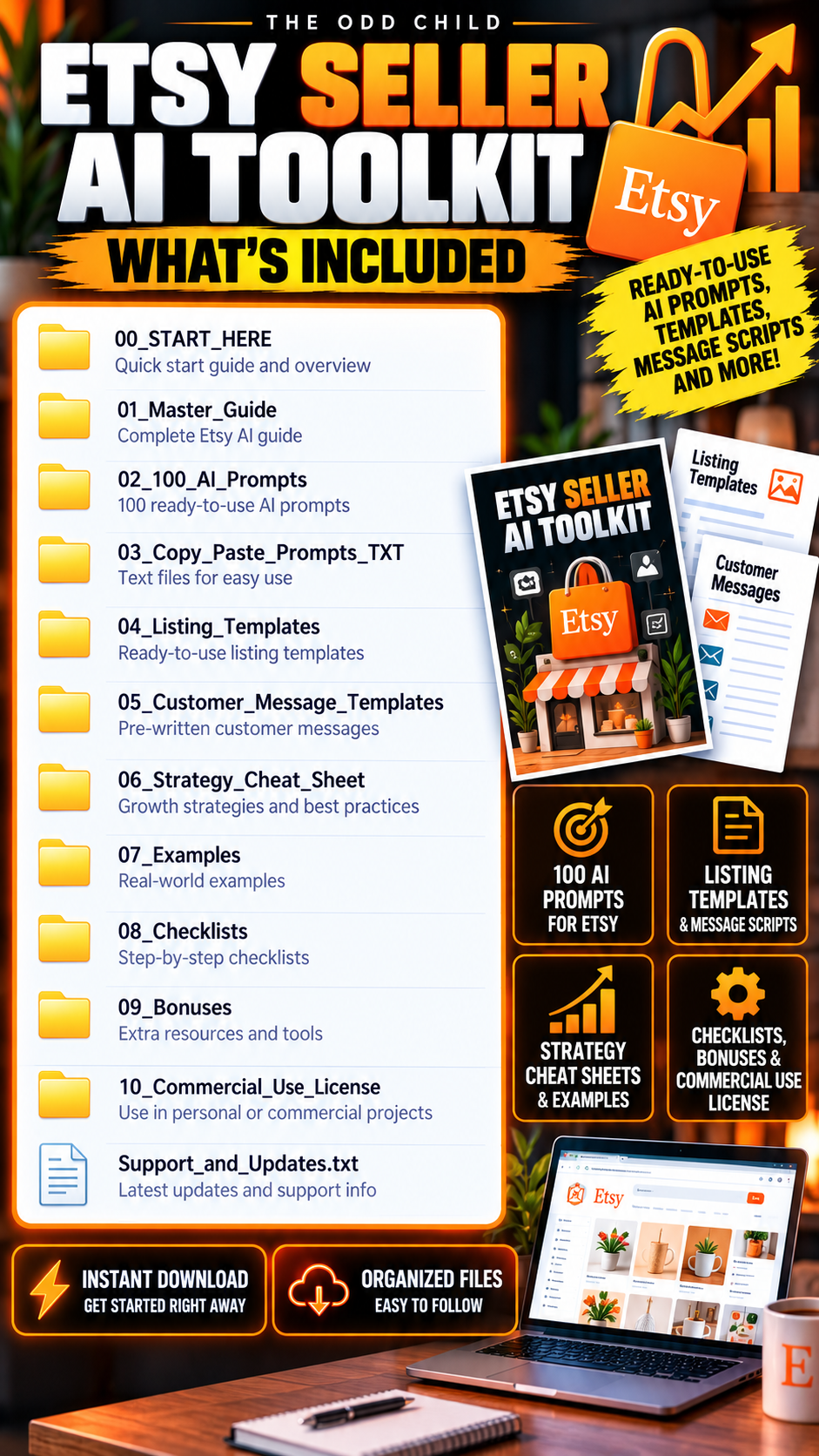
The Etsy Seller AI Toolkit gives Etsy sellers a practical set of AI-assisted resources for creating product listings, developing product ideas, preparing customer responses, and organizing shop marketing content.
Instead of starting every listing or customer message from scratch, use structured prompts and templates to create a useful first draft based on your actual product information.
Listing Content · Product Ideas · Tag Research · Customer Replies · Marketing Content
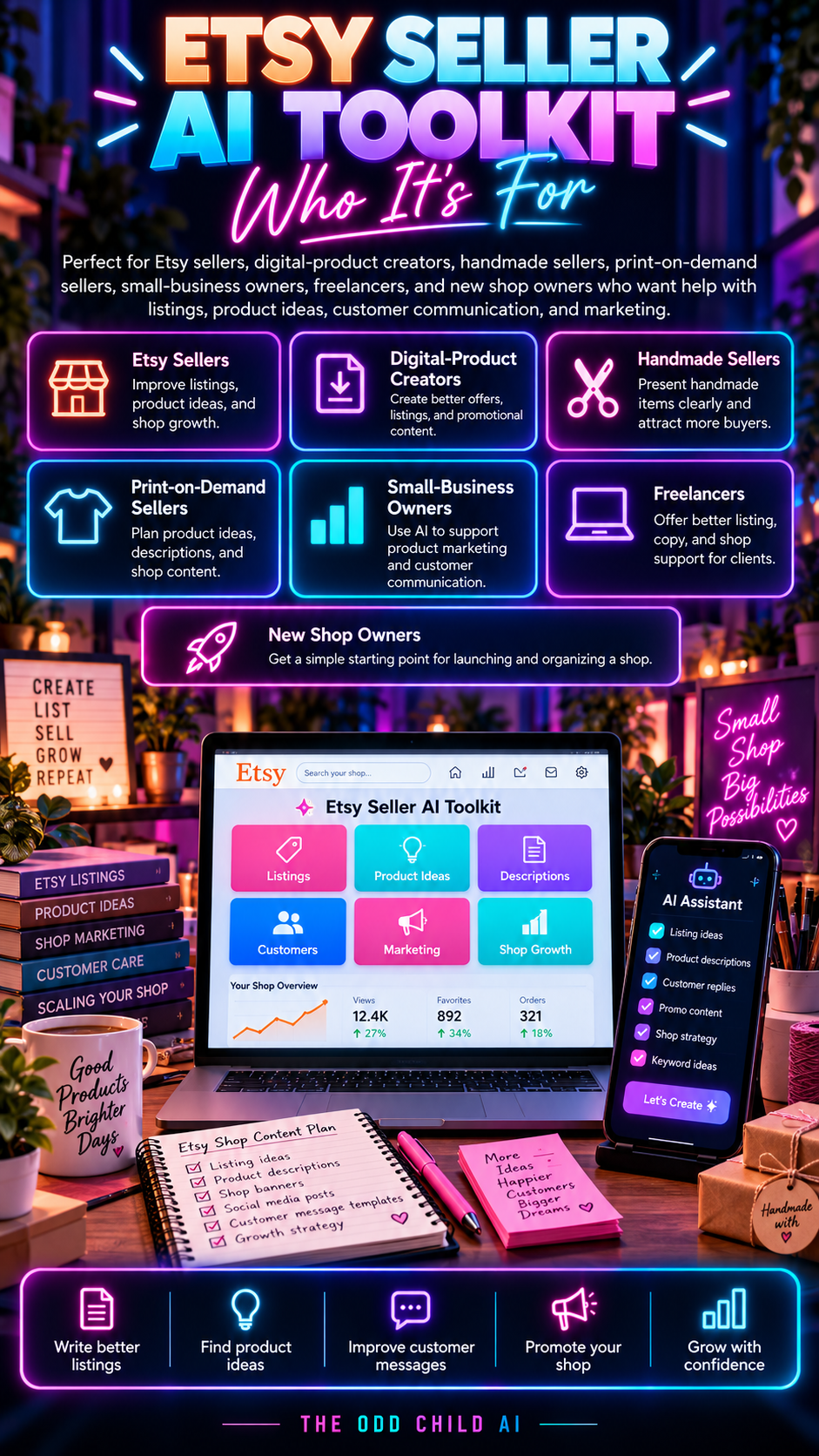
What Can You Use the Etsy Seller AI Toolkit For?
Use the toolkit to help you:
- Draft Etsy product titles
- Create clearer product descriptions
- Explore relevant tag and keyword ideas
- Develop new product concepts
- Draft customer-service responses
- Answer common buyer questions
- Create promotional content
- Develop social media ideas
- Organize listing information
- Improve existing listing drafts
- Create reusable shop workflows
- Plan content for new product launches
You provide the real product information, audience, features, pricing, delivery details, and shop policies. The toolkit helps you organize that information into stronger working drafts.
How to Use Your Etsy Seller AI Toolkit
1. Choose One Task
Start with a specific job such as creating a listing, answering a customer question, developing a product idea, or drafting marketing content.
2. Provide Real Product Details
Include your product features, intended audience, tone, file format, delivery method, and other relevant details.
Clear inputs give your AI assistant better context for creating a useful response.
3. Draft and Compare
Choose the appropriate prompt or template.
Generate several options and select the wording that best represents your actual product and shop.
4. Check Before Publishing
Verify important facts, remove generic or inaccurate language, and review titles, descriptions, tags, product details, and claims before publishing.
5. Reuse Your Process
Save useful drafts and adapt the templates when creating your next product listing or marketing campaign.
For additional prompting guidance, read OpenAI’s prompt engineering guide
A Practical Etsy Listing Example
Suppose you sell a printable weekly planner.
Start by providing the planner’s layout, file format, intended audience, design features, and delivery method.
Use an Etsy Seller AI Toolkit prompt to develop a title and description, then review whether the draft clearly explains what the customer receives.
Remove any invented features and make it clear that the product is a digital download.
Next, explore relevant tag ideas and prepare responses to common questions about downloading, printing, or using the planner.
You supply the facts. The toolkit helps structure the work.
Build a Repeatable Etsy Listing Workflow
Instead of rebuilding your process for every new product, use a simple workflow:
Product Details → Listing Draft → Keywords & Tags → Review → Publish → Improve
Return to the toolkit whenever you need another listing, customer response, product idea, or promotional draft.
This gives your Etsy business a more organized starting point while keeping the final decisions under your control.
AI Compatibility
Use the prompts with ChatGPT, Claude, Gemini, Grok, or another compatible text-based AI assistant.
AI platforms and features can change over time. Always review generated material for accuracy, originality, relevance, and consistency with your actual products.
Digital Delivery & Licence
Digital Download · No Physical Product · Commercial-Use Licence Included
Use the resources for permitted shop, business, and finished client work according to the supplied licence.
Review AI-generated output and check current Etsy requirements before publishing listings or making changes to your shop.
The toolkit does not automatically manage your Etsy shop or guarantee search rankings, traffic, engagement, or sales.
Build Better Etsy Listings
Create listings, explore product ideas, prepare customer responses, and organize your shop content with the Etsy Seller AI Toolkit.



Saves me a bunch of time thanks. 🙂
Easy-to-use AI prompts for Etsy SEO, product descriptions, and marketing. Saves time and makes running an Etsy shop easier.