Description
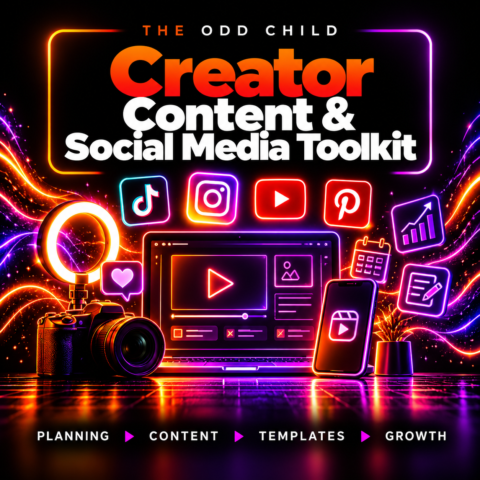
Canva Creator & Social Media Bundle: 61 Editable Templates
Design more consistent social media content with 61 editable templates, 100 hooks, 75 calls to action, AI writing prompts and a practical 30-day planner.
Create polished, branded content faster with the Canva Creator Social Media Bundle.
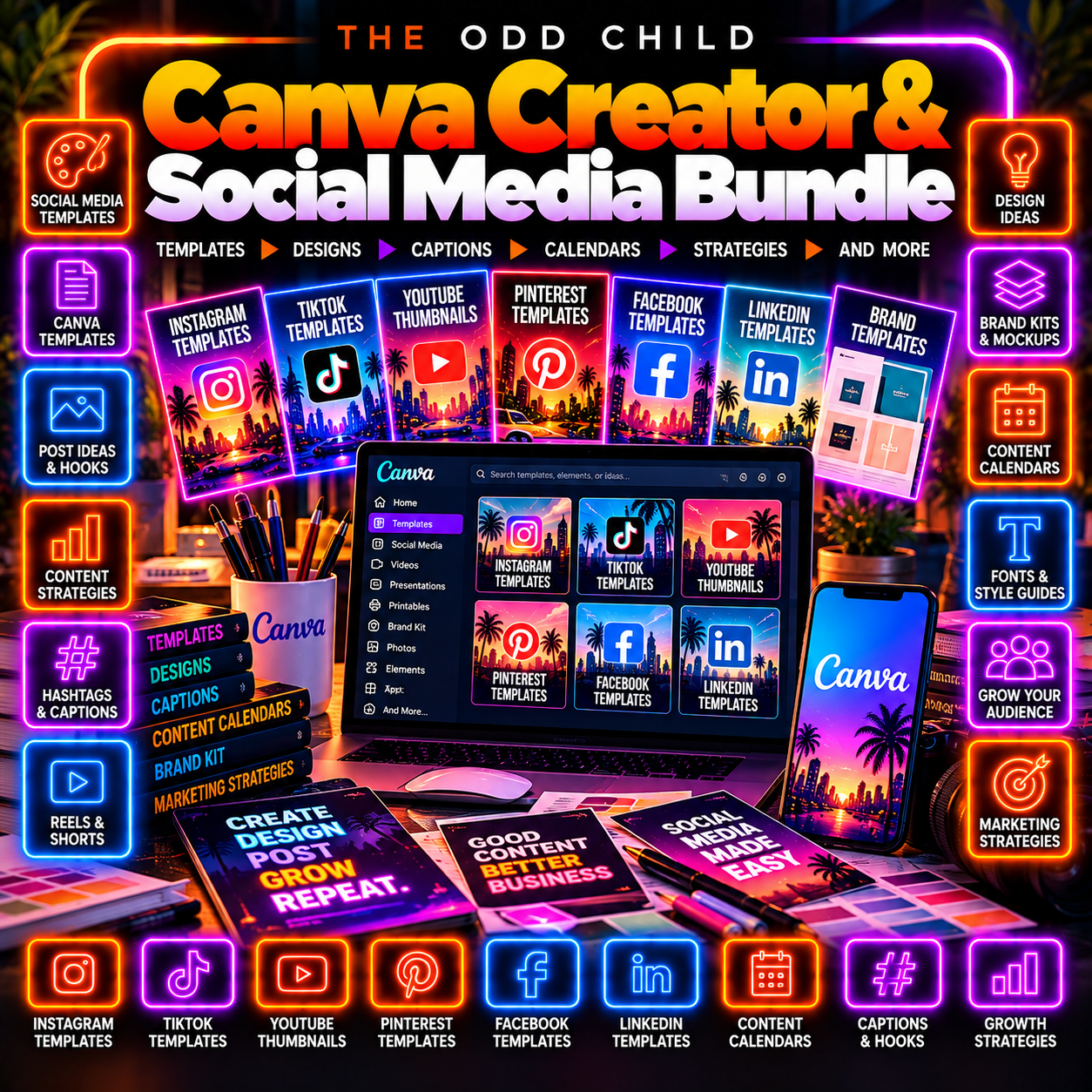
This all-in-one toolkit combines 61 editable social media templates with hooks, calls to action, AI prompts, branding resources, and content-planning tools for creators and small businesses.
Instead of juggling separate design files, caption ideas, planners, and marketing resources, the Canva Creator Social Media Bundle gives you one organized system for moving from idea to finished post.
Why Choose the Canva Creator & Social Media Bundle?
The Canva Creator Social Media Bundle helps you plan, design, write, and organize social media content using reusable templates and practical creator tools.
Use the included resources to build content for Instagram, Facebook, Pinterest, YouTube, Reels, Stories, product promotions, and everyday business marketing.
With editable designs, hooks, CTAs, prompts, and planning tools in one place, the Canva Creator Social Media Bundle gives you a repeatable workflow you can use across future campaigns and content projects.
Social Media Templates for Multiple Platforms
Your audience does not consume content in only one format.
Use the included templates to create:
- Instagram and Facebook posts
- Square social media graphics
- Stories and Reels graphics
- Pinterest content
- YouTube thumbnails
- Promotional graphics
- Educational posts
- Product and service marketing
- Engagement-focused content
Customize colours, fonts, images, text, and branding to match your business, campaign, or creator identity.
The templates can be edited using Canva, making it easy to adapt the supplied designs for your own content.
More Than Just Canva Templates
Strong social media content needs more than attractive graphics.
The included 100 hooks help you develop stronger opening lines, headlines, and content angles.
The 75 calls to action give you multiple ways to guide your audience toward the next step.
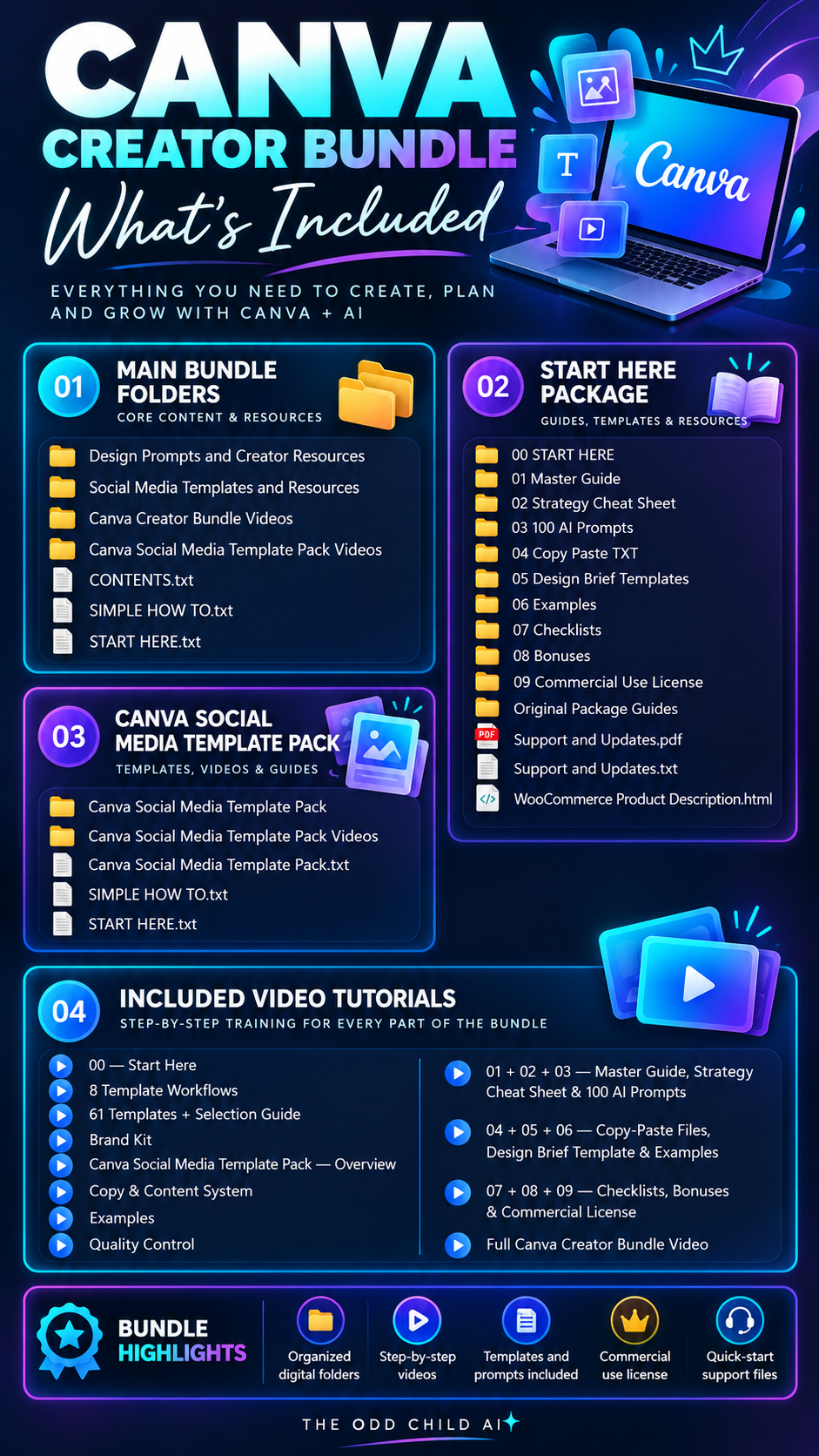
You also receive:
- 30 AI content-fill prompts for developing ideas and draft copy
- 25 refinement commands for improving existing content
- 30-day content planner for organizing your publishing schedule
- Branding tools and workflow resources for creating a more consistent process
These resources help connect design, messaging, planning, and execution in one system.
Build Branded Content Faster
Use the included templates as reusable starting points instead of rebuilding every design from scratch.
Choose a layout, customize it for your brand, then combine it with the included hooks, CTAs, prompts, and planning tools.
This makes it easier to create repeatable content for:
- Social media campaigns
- Product launches
- Promotions
- Educational content
- Pinterest marketing
- YouTube thumbnails
- Everyday business posts
For additional AI-powered content and business resources, explore the Ultimate Prompt Library.
How to Use the Canva Creator & Social Media Bundle
Start with one content goal, choose a template and use the supporting resources to build a post that fits your brand and audience.
01 — Choose a Content Format
Select an editable template for your platform, such as an Instagram post, Story, Pinterest graphic or YouTube thumbnail.
02 — Apply Your Branding
Adjust colours, fonts, imagery and text to reflect your own products, voice and visual identity.
03 — Develop the Message
Use the hooks, calls to action and AI writing prompts to draft a clear message tailored to your audience.
04 — Review and Schedule
Check spelling, claims, visual consistency and platform dimensions before placing the finished content in your 30-day plan.
Who Is This Canva Creator & Social Media Bundle For?
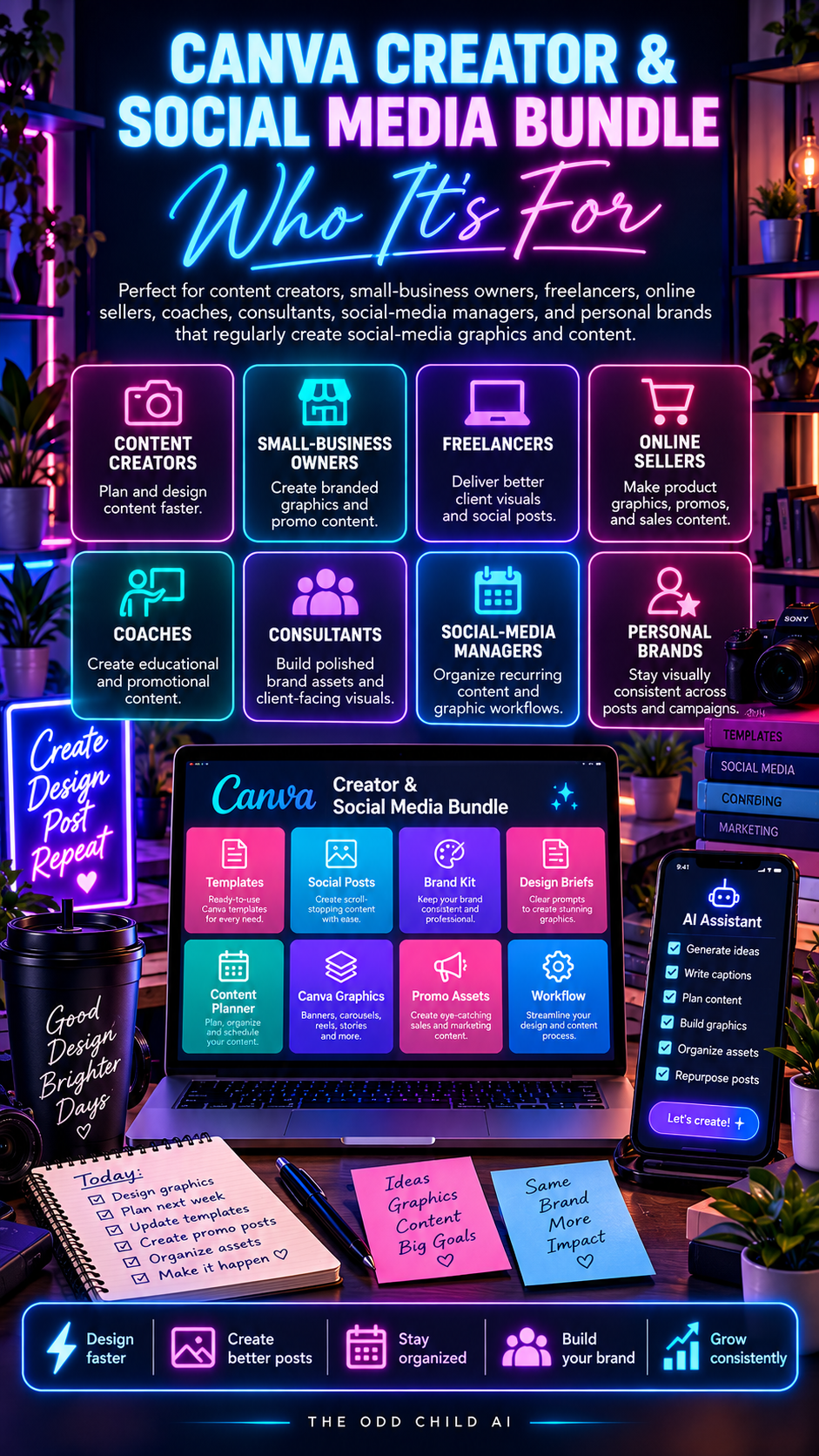
The bundle is designed for content creators, small business owners, freelancers, online sellers and social media managers who want professional-looking content without creating every design and caption from scratch. It supports product launches, promotions, educational posts and everyday brand content.
Common Questions About the Canva Creator & Social Media Bundle
Can I customize the social media templates?
Yes. Edit the designs in compatible Canva tools to match your branding, message and content format.
Do I need an AI subscription?
AI tools and third-party subscriptions are separate. You can use the planning and design resources independently, and use compatible AI tools for the optional writing prompts.
Is the bundle delivered digitally?
Yes. The product is a digital resource collection, not a physical shipment. Follow the supplied instructions to access and organize your files.
Can I use the resources for client projects?
Review the licence provided with the bundle and the applicable Canva terms before using templates or assets in commercial client projects or redistributing source files.
For Canva’s own guidance, explore the Canva Design School. If you need an additional planning resource, compare the separate 365-Day Social Media Content Calendar before purchasing.
Create Branded Social Content Without Starting Over
Start with a template. Customize it for your brand. Develop your message using the included content tools. Add a clear call to action and prepare your content for publishing.
Whether you are creating daily social posts, promotional campaigns, Pinterest graphics, YouTube thumbnails, or content for your business, this bundle gives you a structured starting point you can reuse.
61 designs. 100 hooks. 75 CTAs. AI content tools. One organized social media creation system.
Canva is a trademark of Canva Pty Ltd. This product is not affiliated with, sponsored by, or endorsed by Canva.


Leave a Reply