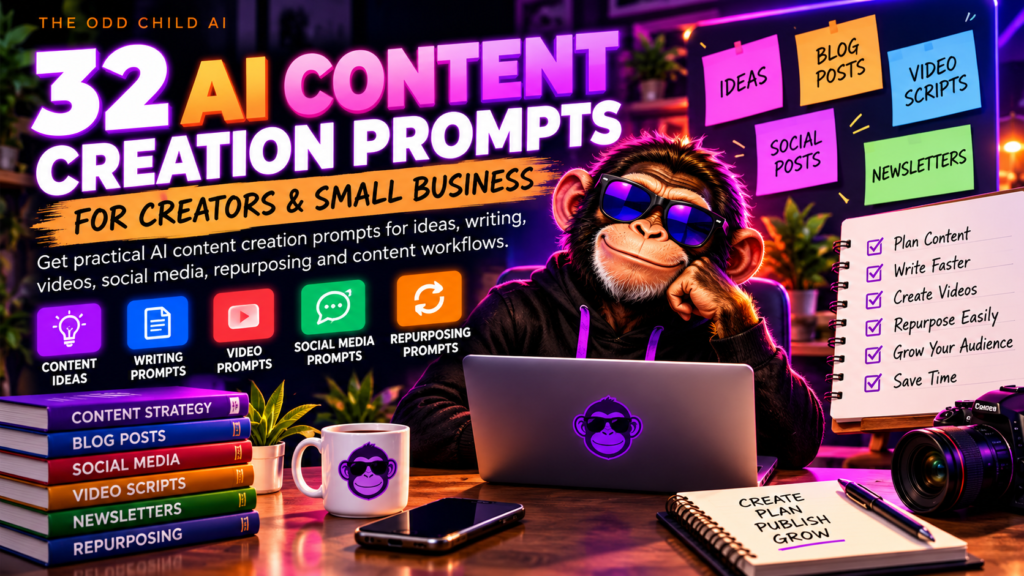
AI Tools for Creators and Small Businesses
AI tools for creators can help you turn ideas into organized projects, clearer marketing, and repeatable workflows. This guide covers practical ways to use AI for writing, content planning, visual ideas, research, and daily business operations, with human review at every stage.

What Are AI Tools for Creators?
Back to top ↑AI tools assist with brainstorming, drafting, summarizing, organizing information, and creating first versions of content. They are most useful when you provide clear goals, relevant background, and examples of the style or result you want.
What They Do Well
Speed up the blank-page stage of creative and business work.
What Still Needs You
Every output needs a person before it goes public.
What Makes Results Better
The quality of the answer follows the quality of the brief.
5 Practical Ways to Use AI Tools for Small Business and Creators
Back to top ↑Start with one of these jobs. Each card notes what to give the AI or check afterward so the first draft is closer to usable.
Plan Content Consistently
AI content creation tools can outline blog articles, plan social posts, draft video scripts, and turn one strong idea into several formats.
Improve Marketing and Product Copy
Use AI marketing tools to draft product descriptions, organize an email campaign, compare headline ideas, or prepare a landing-page outline.
Explore Visual and Video Concepts
Develop creative briefs, shot lists, storyboards, thumbnail concepts, and image-generation prompts.
Organize Small-Business Workflows
AI productivity tools can outline customer-response templates, simple standard operating procedures, task checklists, and weekly reports.
Research and Check Ideas
Generate research questions, comparison criteria, and fact-checking checklists for your next project.
How to Choose the Right AI Tool
Back to top ↑When comparing AI tools for creators, begin with the job you need to finish, then test the tool with a small real task before building an entire workflow around it. The right choice may be a general AI assistant, a dedicated video or design app, a spreadsheet workflow, or a combination of familiar tools.
Output Quality
Does it produce usable first drafts for the work you actually do?
Learning Curve
Can you, and anyone you work with, use it without a long setup or training?
Pricing and Privacy
Compare plan costs and read the privacy settings before sharing business information.
Integrations and Export
Make sure your work can move easily into the apps you already use.
A Simple AI Workflow You Can Reuse
Back to top ↑Use these five steps with any AI tools for creators so results stay accurate, original, and on-brand.
Define the Outcome
State your task, audience, and success criteria.
Supply Context
Provide verified details, examples, and constraints.
Generate a Draft
Ask for an outline or first version.
Review Carefully
Check accuracy, originality, and suitability.
Save Useful Steps
Document a repeatable method for next time.
AI Tools for Creators: Frequently Asked Questions
Back to top ↑Are AI tools useful for beginners?
Yes. Begin with one small task, such as creating an outline or rewriting a draft. Clear instructions and careful review matter more than advanced technical knowledge.
Can AI tools help small businesses?
They can support marketing drafts, planning, documentation, and routine communication. Important business decisions still require your judgment and verification.
Can I publish AI-generated content as-is?
Publishing an unreviewed draft is risky. Check facts, originality, licensing, and your platform’s rules, then revise the output to match your audience and brand.
Do I need lots of separate AI subscriptions?
Not necessarily. Start with tools you already use, identify the gaps in your workflow, and add a paid service only when it provides a measurable benefit.
What is the best AI tool to start with?
The one that solves a specific job you already do every week. Test it on a small real task, then keep it only if the results save time after review.
Explore AI Tools for Creators at The Odd Child
The Odd Child offers downloadable prompt packs, creator resources, and business planning tools designed to give you a more structured starting point. Browse the digital product store, read the AI Prompt Pack Guide, or start with our free AI prompts for small business. For clearer AI instructions, see OpenAI’s prompt-writing best practices.
Start with a useful task. Build a repeatable workflow. Keep your creative voice.