Description
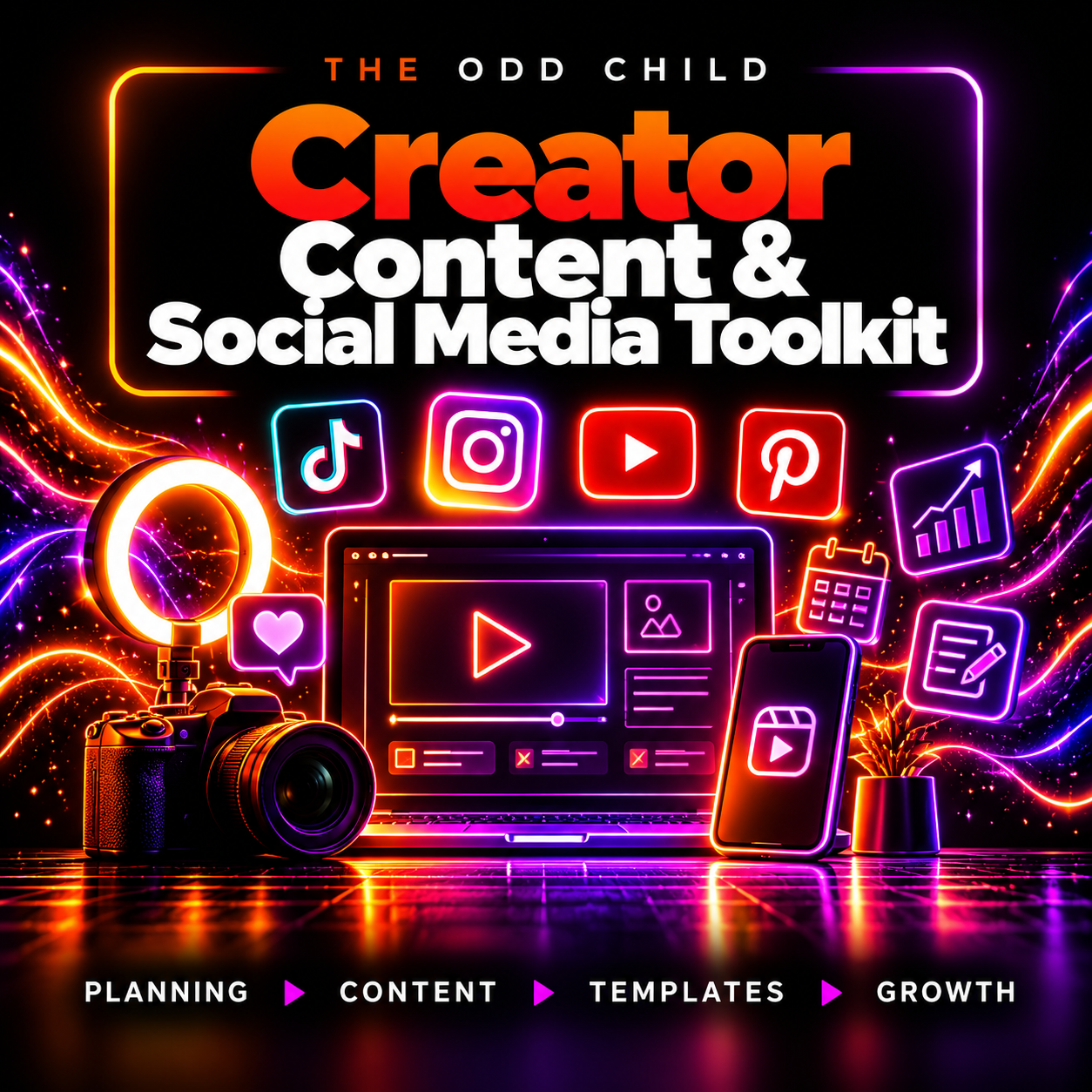
Creator Content & Social Media Toolkit
Explore the resources and practical uses below, then choose the tools that fit your needs.
Creator Content Toolkit with AI Prompts & Templates
Turn Ideas Into Organized, Reusable Content
The Creator Content Toolkit gives creators and businesses a structured system for planning, drafting, reviewing, and repurposing content without starting from scratch every time.
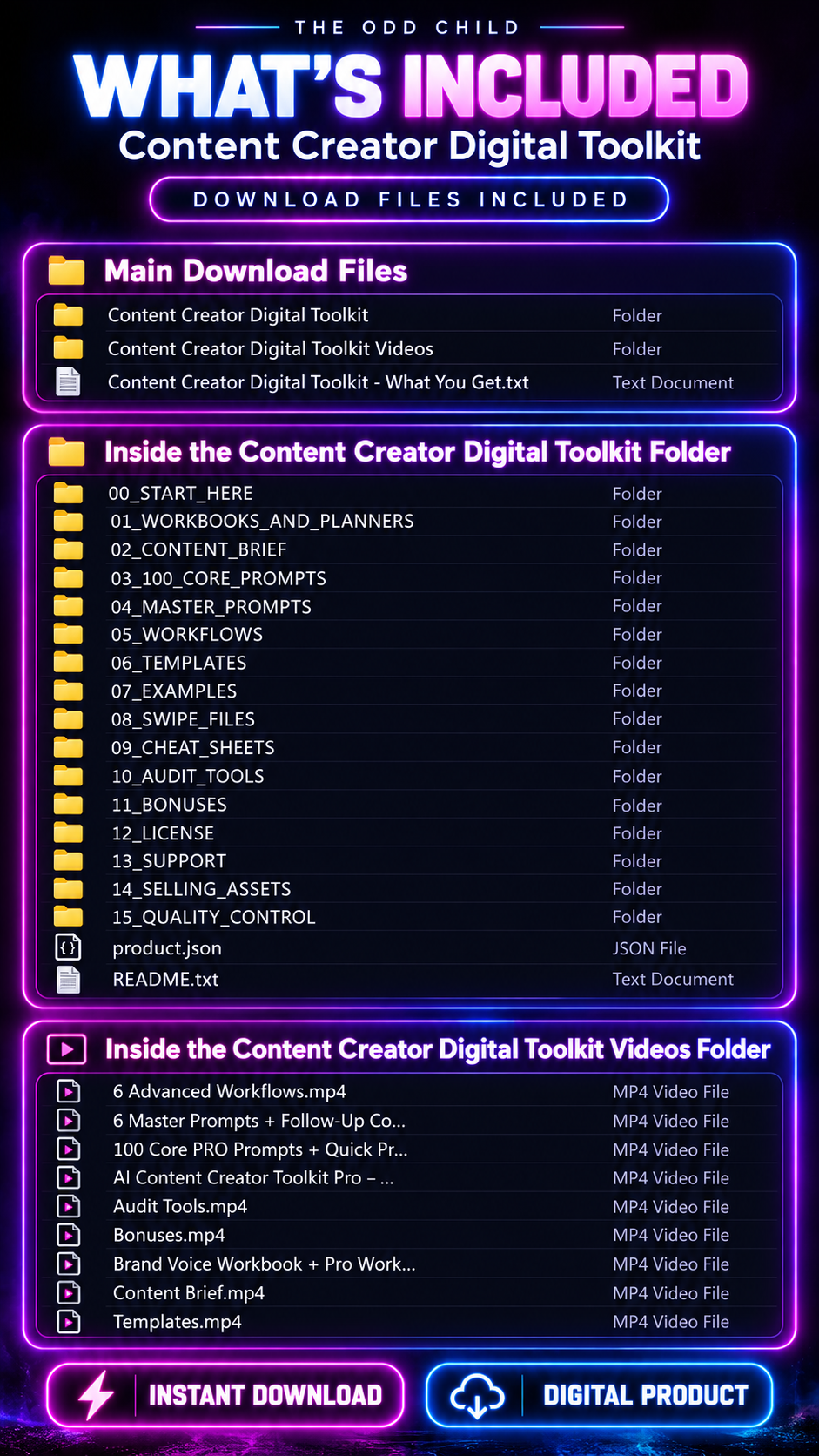
Get 200+ AI prompts, planning workbooks, reusable templates, checklists, content-planning resources, and 9 video walkthroughs designed to help you build a more organized content workflow.
Use the Creator Content Toolkit to develop ideas, define your brand voice, create content for multiple formats, and turn strong ideas into reusable content across your marketing channels.
200+ AI Prompts · Templates · Workbooks · Checklists · 9 Video Walkthroughs
How to Use Your Creator Content Toolkit
1. Define Your Project
Start with one clear audience, topic, and goal.
Use the project-planning resources to define what you’re creating, who it’s for, and the voice you want your content to use.
2. Plan Your Content
Organize your ideas with the included workbooks and 30-Day Content Action Plan.
Choose topics and content formats that fit your message, audience, and publishing channels.
3. Draft and Refine
Select a relevant AI prompt and template, provide specific context, and create your first draft.
Use the included follow-up commands to improve clarity, adjust the tone, change the format, or develop additional variations.
4. Review and Repurpose
Check important facts, remove repetition, and edit everything to match your brand voice before publishing.
Use the included checklists and Repurposing Matrix to turn strong ideas into additional content.
Turn One Idea Into Multiple Content Formats
Start with a useful customer question about your product or service.
Develop a clear answer based on your actual product knowledge, then use the Creator Content Toolkit to adapt that idea into:
- Social media posts
- Carousel content
- Short-form video scripts
- Newsletter sections
- Promotional content
- Educational posts
- Calls to action
Use the hook formulas to experiment with different openings and the CTA examples to create relevant next steps.
The toolkit provides the prompts, templates, planning resources, and workflow. You provide the original knowledge, examples, visuals, brand direction, and final approval.
Build a Repeatable Creator Content Toolkit Workflow
The goal isn’t simply to generate more AI content. It’s to create a workflow you can reuse:
Plan → Create → Review → Repurpose → Publish
Instead of rebuilding your process for every post or campaign, return to the included resources whenever you start a new project.
The Creator Content Toolkit can support recurring social content, product marketing, educational content, newsletters, campaigns, and client projects.
Flexible Files & AI Tools
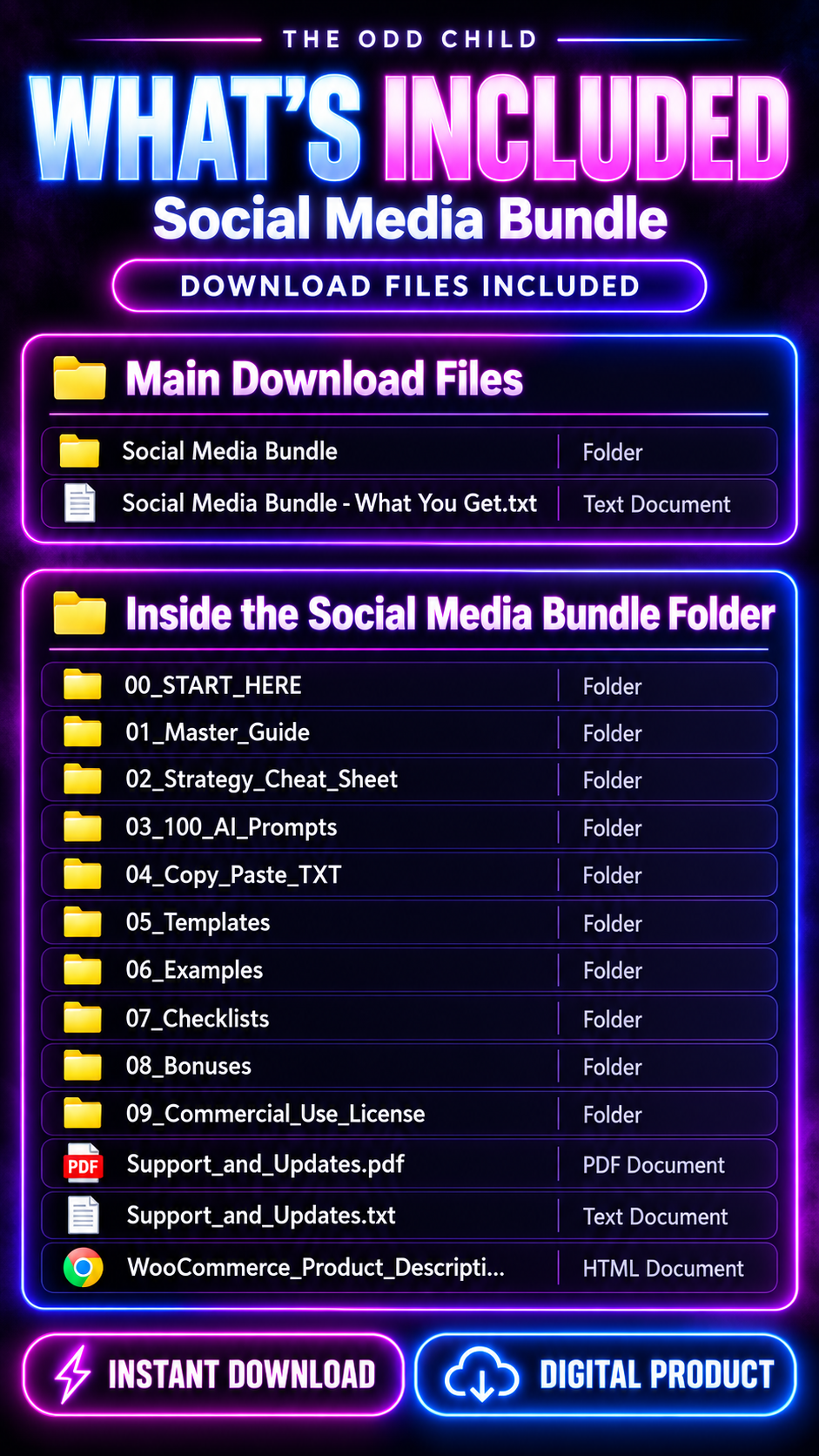
The toolkit includes resources in PDF, TXT, CSV, XLSX, DOCX, and video formats. Use compatible software to open, customize, and manage the included files.
The text-based prompts can be adapted for ChatGPT, Claude, Gemini, Grok, and other compatible AI assistants. Features and output quality vary between platforms.
For additional information about building effective prompts, see OpenAI’s prompt engineering guide.
Creator Content Toolkit for Creators & Small Businesses
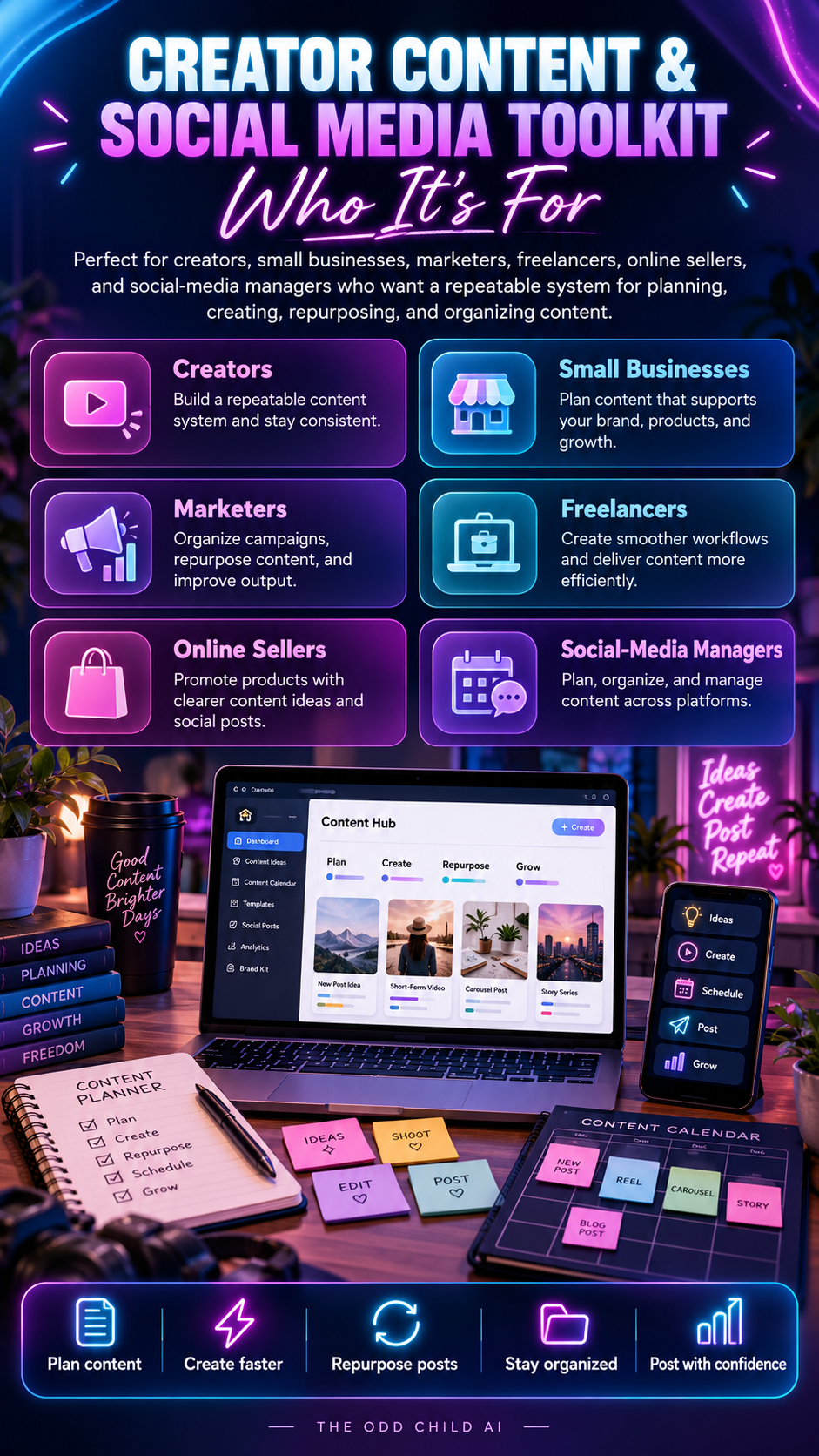
The Creator Content Toolkit is designed for content creators, small-business owners, freelancers, marketers, social media managers, online sellers, consultants, agencies, and entrepreneurs who want a more organized approach to content creation.
Use it for your own brand, business, qualifying client projects, or recurring content workflow according to the included licence.
Delivery & Licence
Digital Download · No Physical Product · Commercial-Use Licence Included
Read the supplied licence for complete permissions and restrictions.
AI-generated content should always be reviewed for accuracy, relevance, claims, originality, and brand voice before publishing.
The toolkit does not automatically publish content, operate social media accounts, or guarantee traffic, engagement, followers, leads, or sales.
Plan. Create. Repurpose.
Turn ideas into organized content with 200+ AI prompts, reusable templates, planning tools, checklists, and 9 video walkthroughs.
Build a content system you can return to for your next post, campaign, product, or client project.


Great toolkit for creating social media content! Easy-to-use AI prompts that save time, spark ideas, and simplify content planning.
A useful toolkit packed with creative ideas and practical prompts. Makes content planning faster and easier!